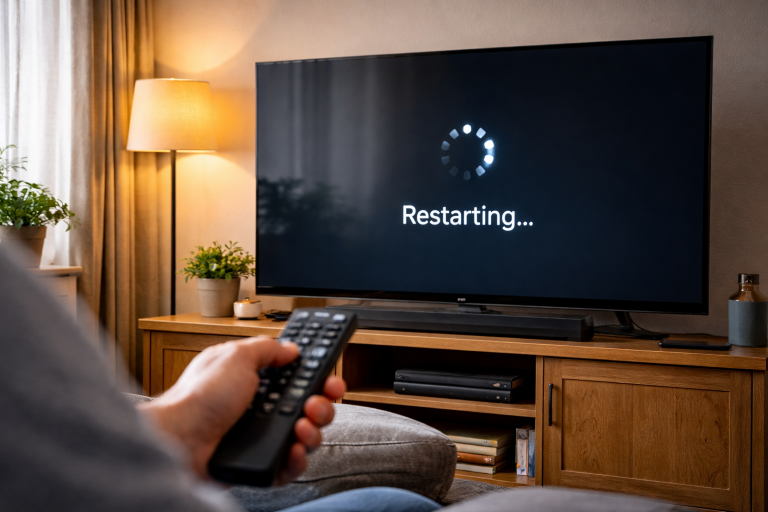
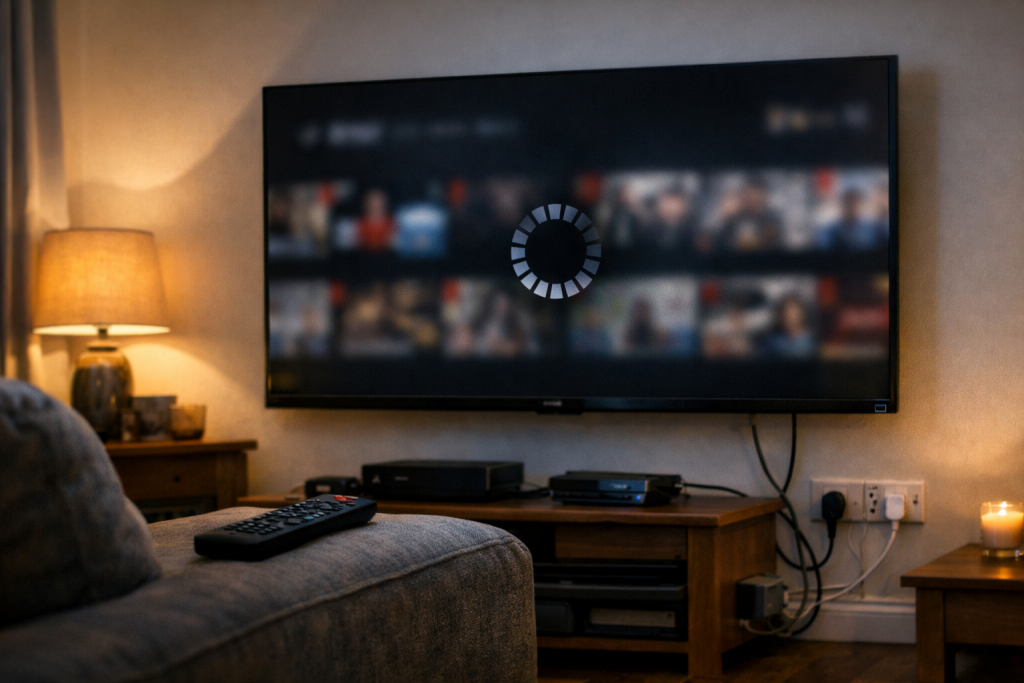
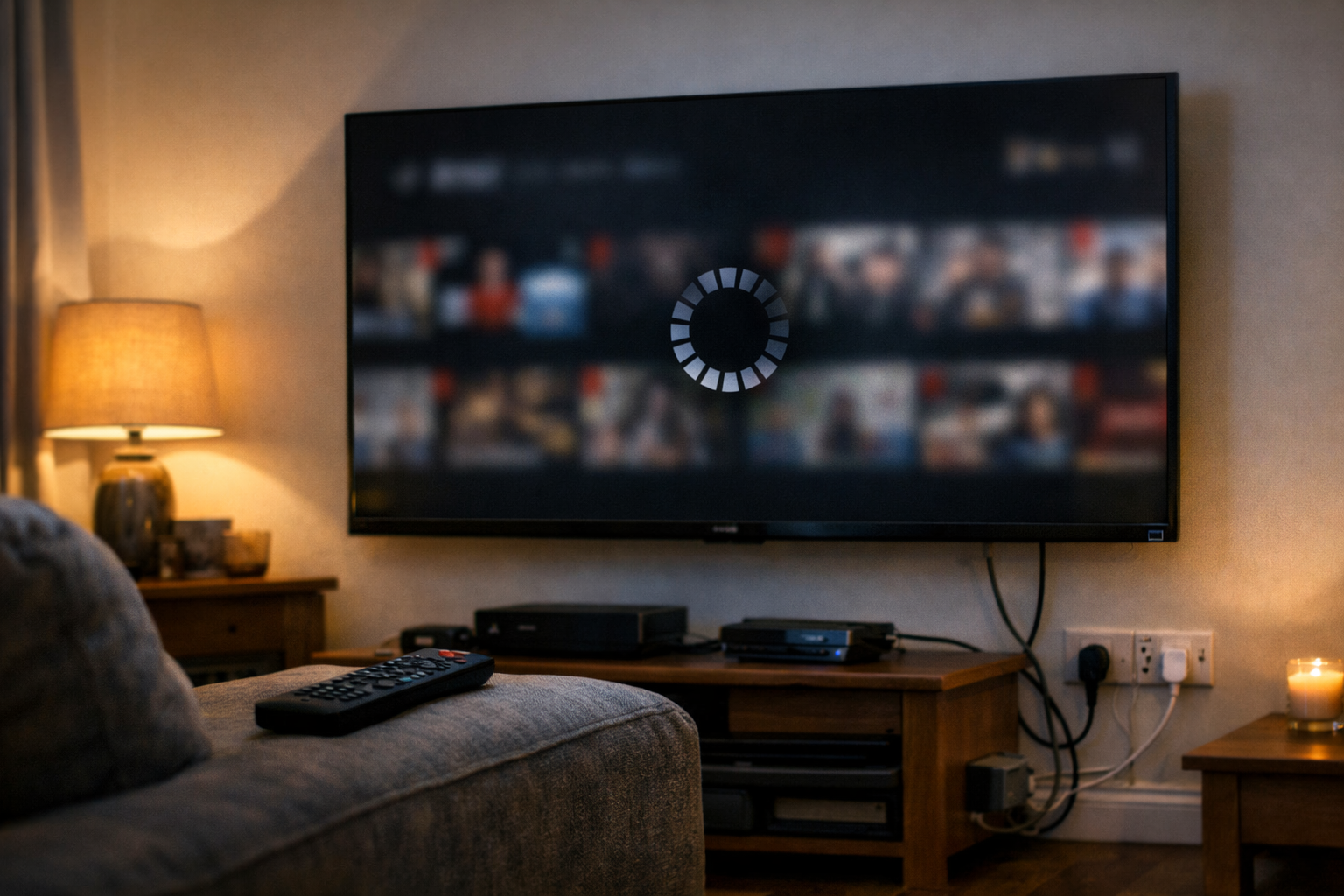
Netflix freezing on a Smart TV rarely looks dramatic. The picture pauses, audio keeps going for a second, the spinning circle appears, then the app ignores the remote. Sometimes it dumps you back to the TV home screen; other times it just sits there until you pull the plug.
On UK sets, I see the same pattern: it behaves for a few days, then starts freezing at the profile screen or during the first ad-like trailer. People blame the broadband, but the real cause is often a tired TV OS, low storage, or a network path that’s “good enough” for browsing yet unstable for streaming.
The goal is to work out whether the freeze is inside the Netflix app, inside the TV’s operating system, or caused by the network dropping packets long enough for the app to stall. You can fix most cases without factory-resetting the TV, but you do need to be methodical.
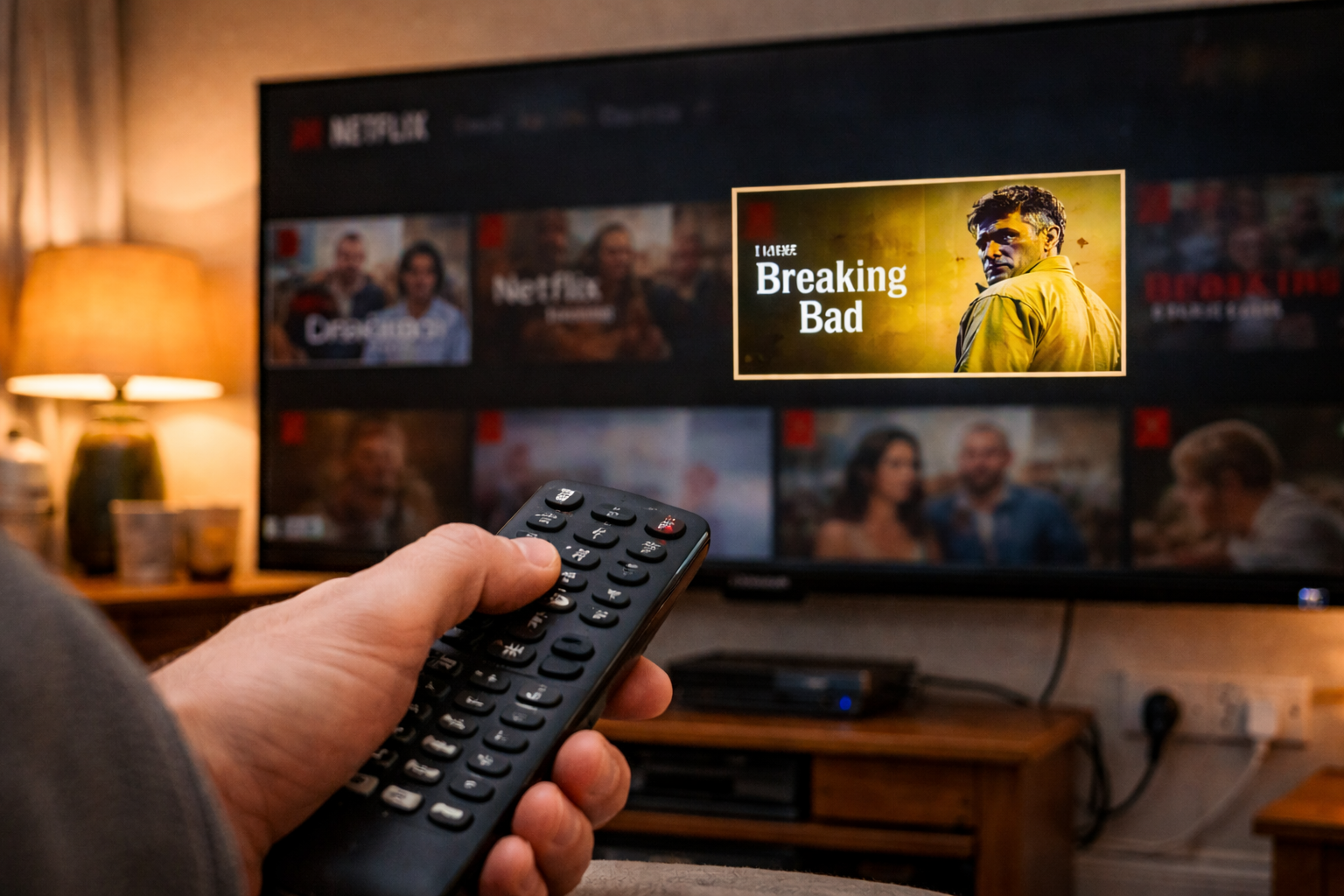
What’s actually happening when Netflix freezes on a TV
A freeze is usually one of three failures:
- App-level deadlock: Netflix is running, but a background task (DRM handshake, ad/trailer preload, subtitle track fetch) stalls and the UI thread stops responding. You’ll notice the remote still changes TV volume, but Netflix won’t move.
- OS resource starvation: The TV is low on free storage or RAM, so the app can’t allocate space for cache, video buffers, or decompression. This is the most common issue I see on UK devices sold before 2024, especially after a couple of years of app installs.
- Network instability: Not slow broadband—unstable Wi‑Fi, DNS timeouts, or brief router hiccups. Netflix is sensitive to short drops; a 2–3 second wobble can be enough to wedge playback while other apps recover.
There’s also a fourth, less obvious one: HDMI/CEC interactions. If you’re using an external streamer (Sky Stream, Fire TV, Apple TV, Chromecast) and the TV is switching inputs or renegotiating HDMI, Netflix can appear to “freeze” when the display chain is actually resetting. If your TV changes inputs unexpectedly, the behaviour overlaps with TV switching inputs by itself.
One quick diagnostic: if the TV’s home menu is also sluggish when Netflix freezes, you’re dealing with OS resources or firmware. If the TV menus are snappy but Netflix is stuck, it’s more likely app cache, account/session issues, or network.
A fault-first checklist that fixes most freezes
Start with the steps that remove the most common failure states without wiping everything. Don’t skip ahead to factory reset unless you’ve confirmed the basics.
1) Do a proper power cycle (not standby)
Standby doesn’t clear the same state as a cold boot. Many TVs keep the network stack and parts of memory alive for “fast start”. That’s great until an app gets wedged.
- Exit Netflix to the TV home screen.
- Turn the TV off.
- Unplug the TV from the mains for 60 seconds.
- If you have a separate streaming box, unplug that too.
- Plug the TV back in, wait for it to fully boot, then open Netflix.
In practice, this step fixes the problem in about half of cases when the freeze started “out of nowhere” after weeks of normal use.
2) Force-close Netflix and clear its cache/data (where available)
Different platforms expose different controls:
- Android TV / Google TV: Settings > Apps > Netflix > Force stop. Then Storage > Clear cache. If freezes persist, Clear data (you’ll sign in again).
- Samsung Tizen: You can’t always clear cache per app. The closest equivalent is reinstalling Netflix (see next step) and doing a cold power cycle.
- LG webOS: Often behaves best after reinstalling the app and turning off “Quick Start+” temporarily.
- Sony (Android/Google TV): Same as Android TV; also check for system storage warnings.
If Netflix freezes at the profile selection screen, clearing data is disproportionately effective because it resets corrupted local session tokens and UI caches.
3) Update Netflix, then update the TV firmware (in that order)
People do this backwards and end up chasing ghosts. Netflix updates can include compatibility fixes for a specific TV firmware branch.
- Open the TV’s app store and update Netflix.
- Reboot the TV (cold power cycle if possible).
- Check for a TV software/firmware update and install it.
On Samsung and LG sets, I’ve seen Netflix freezing disappear after a firmware update that quietly replaced the DRM component. It looks like “Netflix fixed itself”, but it’s the platform libraries underneath.
Manufacturer update pages can help you confirm the right model and update method: Samsung TV software updates and LG TV software updates.
4) Check storage pressure and remove the junk you forgot you installed
Smart TVs don’t have much usable storage. When it gets tight, apps fail in messy ways: freezes, black screens, endless loading, or crashing back to the launcher.
- Uninstall apps you don’t use (especially games and “free TV” bundles).
- Delete downloaded content inside apps that support offline storage (some do, depending on platform).
- Restart the TV after freeing space.
On Android/Google TV, aim for at least 1GB free if you can. Below that, Netflix can struggle to maintain cache and buffer space during bitrate changes.
5) Disable fast-start / quick-start features for testing
Fast boot modes keep parts of the OS in a semi-awake state. When Netflix freezes repeatedly, you want clean boots while you troubleshoot.
- Samsung: Settings often include “Instant On” or similar power options.
- LG: “Quick Start+” is a frequent culprit when apps behave oddly after weeks of uptime.
- Sony/Android TV: Look for “Quick start” or power saving modes that affect background processes.
Leave it off for a day. If the freezing stops, you’ve found a stability problem rather than a Netflix-specific bug.
6) Fix the network path Netflix actually uses
“My Wi‑Fi is fine” usually means a phone can load Instagram in the same room. Netflix needs sustained throughput and low packet loss. The TV’s Wi‑Fi radio is often worse than your phone’s, especially on older sets.
- Switch bands: Try 5GHz if the TV is close to the router; try 2.4GHz if it’s far away or behind thick walls.
- Forget and re-add Wi‑Fi: Remove the network on the TV, reboot, then reconnect. This clears stale DHCP/DNS details.
- Restart the router properly: Power off for 30 seconds, then back on. If you’re on fibre with an ONT, restart the router first, then the TV.
- Try Ethernet: Even a basic wired connection often stops freezes caused by Wi‑Fi micro-drops.
One thing I’ve seen repeatedly in UK flats: the TV connects to a mesh node with a weak backhaul, so Netflix freezes even though the signal bars look full. If you have mesh Wi‑Fi, test by temporarily connecting the TV to the main router node.
7) Reinstall Netflix (and sign in fresh)
If cache clearing isn’t available, reinstalling is the blunt instrument that achieves the same result.
- Uninstall Netflix.
- Reboot the TV.
- Install Netflix again.
- Sign in and test playback on a simple title (no Dolby Vision/Atmos at first).
If you use a PIN or have kids’ profiles, keep your account email handy. Reinstalling can also reset playback settings and subtitle defaults.
8) Reduce playback complexity to isolate the trigger
Some freezes only happen when Netflix switches into a high-end format (4K, HDR, Dolby Vision, Atmos). That points to decoding, HDMI chain, or firmware issues rather than “Netflix is broken”.
- Test a 1080p title first.
- Turn off HDR on the TV temporarily (if the TV allows it).
- If you’re using a soundbar, temporarily set audio output to TV speakers.
If the freezing stops when you disable HDR or change audio output, you’re dealing with a format negotiation problem. For Dolby Vision-specific issues on Netflix, the symptoms can overlap with Dolby Vision not working on Netflix.
Real-world failure patterns I see on UK living-room setups
Freeze at 24% or 25% loading: Often DRM handshake or DNS trouble. The app is waiting for a response it never likes. Re-adding Wi‑Fi and rebooting the router tends to help more than reinstalling.
Freezes only in the evening: That’s usually Wi‑Fi congestion rather than ISP throttling. Neighbours’ routers crowd the same channels, and the TV’s Wi‑Fi chipset loses the fight. Switching to 5GHz or Ethernet is the clean fix.
Freezes after pausing for a while: The TV enters a low-power state, the network lease changes, or the app fails to resume its stream session. Disabling quick-start and doing a firmware update usually stabilises it.
Freezes when a soundbar is connected: Not because the soundbar “breaks Netflix”, but because HDMI-CEC/eARC renegotiation can stall the playback pipeline. If you also get audio dropouts, it’s worth checking soundbar no audio via HDMI eARC.
Freezes only on one profile: Corrupted local profile data or a stuck “continue watching” state. Clearing Netflix data or reinstalling is faster than trying to nurse it back.
Common self-inflicted problems that keep the freeze coming back
- Using the TV’s “restart” option but never removing power: Some sets don’t fully reset the network stack unless you unplug them.
- Leaving the TV running for weeks: Smart TV OSes leak resources. It’s not your fault; it’s just how they behave. A weekly cold reboot prevents a lot of weirdness.
- Assuming “Wi‑Fi connected” means “Wi‑Fi stable”: A TV can stay connected while dropping packets. Netflix is less forgiving than YouTube on some platforms.
- Overloading the TV with apps: TVs aren’t phones. When storage is tight, the first symptom is often Netflix misbehaving because it’s heavy on caching and DRM.
- CEC chaos: Multiple HDMI devices all trying to control power and input switching can create apparent app freezes. If the screen blanks briefly, suspect HDMI/CEC rather than Netflix.
I’ve also seen people “fix” freezing by lowering Netflix streaming quality, then wonder why 4K never comes back. That’s a workaround, not a diagnosis.
Platform quirks: Samsung, LG, Sony, and external streamers
Samsung (Tizen): When Netflix freezes but other apps are fine, reinstalling Netflix plus a cold power cycle is the quickest route. If the TV is set to aggressive energy saving, background services can be suspended at awkward times.
LG (webOS): Quick Start+ can keep a bad state alive for days. Turning it off for testing is worth the small inconvenience. If the TV is older, the internal app can also struggle with newer Netflix UI builds.
Sony (Android/Google TV): Storage pressure is the silent killer. Clearing cache across several apps can make Netflix stable again without touching the router. If the TV has developer options enabled (some people turn them on for sideloading), background process limits can cause strange app behaviour.
External streaming devices: If Netflix freezes on the TV’s built-in app, an external streamer is a valid long-term fix, not a defeat. The TV’s SoC and memory are fixed; a £40–£150 box can outperform it. If Netflix freezes on the external device too, focus on network and HDMI chain.
One practical test: run Netflix on your phone on the same Wi‑Fi while the TV freezes. If the phone plays fine and the TV doesn’t, the network isn’t absolved, but it shifts suspicion toward the TV’s Wi‑Fi radio, OS, or app state.
Conclusion
Netflix freezing on a Smart TV is usually a stability problem, not a single “broken app”. Clear the state first (cold power cycle, force stop, cache/data reset), then remove pressure (free storage, disable quick-start), then stabilise the network path (band choice, mesh node, Ethernet). Only after that does reinstalling or factory reset make sense.
If you’ve done the above and it still freezes, the most time-efficient next step is often to move Netflix to a dedicated streaming device. It sidesteps underpowered TV hardware and gives you faster app updates, while the TV just acts as a display.
FAQ
Why does Netflix freeze on my Samsung Smart TV after a software update but YouTube still works?
Netflix relies heavily on DRM and device certification components that can change with firmware updates. YouTube is more tolerant of brief network drops and doesn’t stress the same protected playback path. Update the Netflix app first, then cold power cycle the TV, and reinstall Netflix if the platform doesn’t offer cache clearing.
Why does Netflix only freeze on my LG webOS TV when I pause for 10 minutes and then press play?
That pattern usually points to quick-start/standby behaviour and a failed session resume. Turn off Quick Start+ for a day, reboot the TV from mains power, and re-add your Wi‑Fi network so the TV gets a clean DHCP/DNS lease.
Netflix keeps freezing at the profile screen on my Sony Google TV, especially after I’ve installed a few apps
On Google TV, low internal storage and bloated app caches can stall heavy apps at UI load. Free up space by uninstalling unused apps, clear cache for large streamers, then Force stop Netflix and Clear data. A reboot after freeing storage matters more than people expect.
Why does Netflix work on my phone on the same Wi‑Fi but freeze on my Smart TV in the next room?
TV Wi‑Fi radios are often weaker than phones, and they can cling to a marginal connection that looks “connected” but drops packets. Try switching the TV between 2.4GHz and 5GHz, move it to the main mesh node (if you have one), or test with Ethernet to confirm it’s a stability issue rather than broadband speed.
Does Netflix still work properly if HDMI-CEC and eARC are enabled, or can that cause freezing?
It can contribute. If the TV and soundbar keep renegotiating audio over eARC, or CEC triggers input switching, Netflix can appear to freeze while the HDMI chain resets. For testing, disable CEC temporarily and switch audio output to TV speakers; if the freezing stops, focus on HDMI/eARC settings and firmware updates.
Recommended gear on Amazon UK
- A flaky HDMI link can trigger repeated handshakes (especially with HDR/eARC), which looks like Netflix freezing when the display chain is actually resetting. Relevant examples
- If Wi‑Fi micro-drops are stalling Netflix, a wired connection removes the most common cause of intermittent freezes on Smart TVs with weak radios. Comparable items
- When Netflix freezes mainly in the evening, improving signal quality and backhaul stability reduces packet loss that streaming apps struggle to recover from. Relevant examples
- If the TV’s processor or storage is the limiting factor, an external streamer bypasses the sluggish built-in OS that often causes Netflix UI hangs. Comparable items