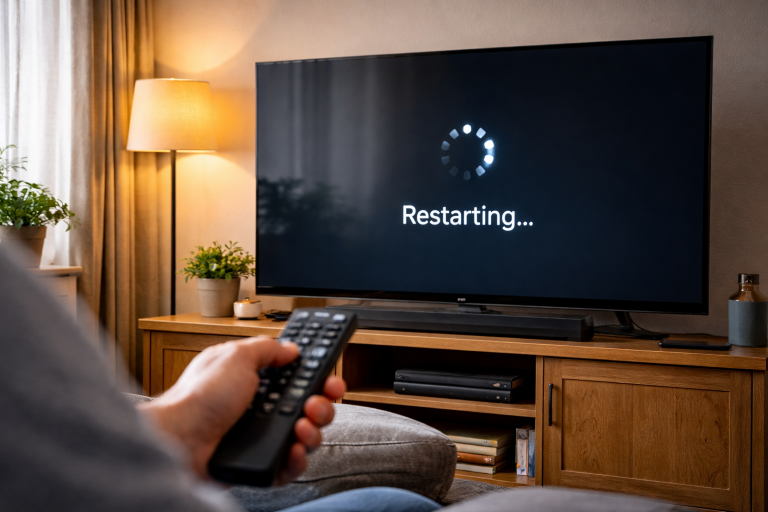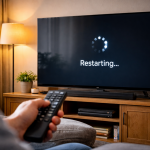
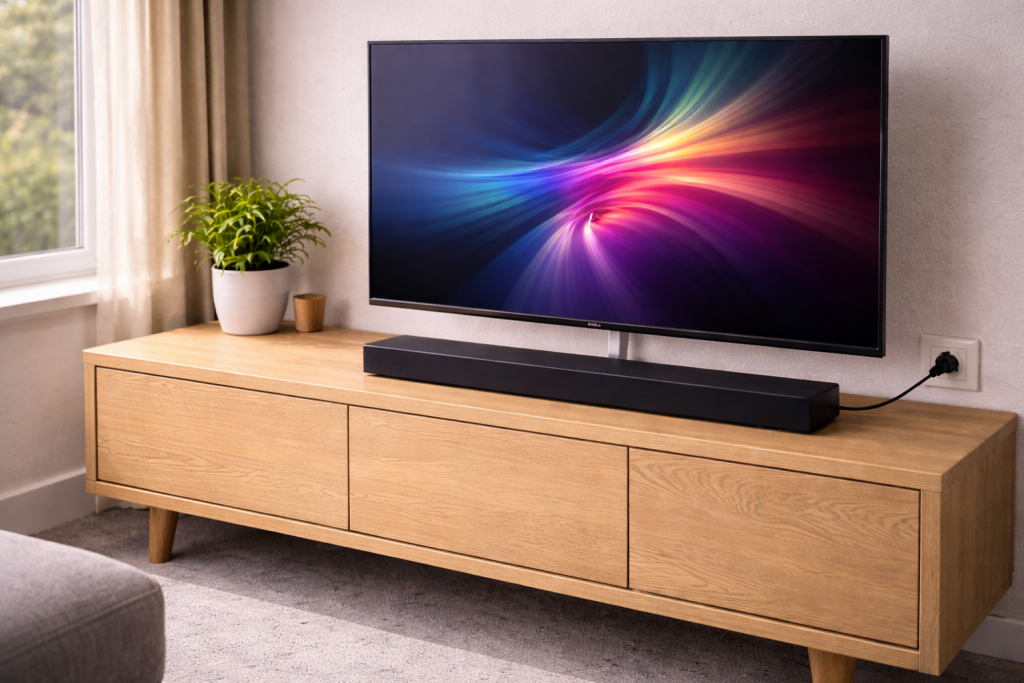
You press the TV remote, the screen wakes up, and the soundbar sits there dead. No front display, no status LED, no relay click. Then you grab the soundbar remote and it powers on instantly, which makes it feel like the TV is ignoring it on purpose.
Most of the time the soundbar isn’t “broken” at all. The TV and soundbar are failing to complete the power handshake over HDMI-CEC (often branded as Anynet+, Simplink, Bravia Sync, VIERA Link). In UK living rooms I see this most after a TV firmware update, a new streaming box, or a cable swap that silently removed CEC support.
The tricky part is that power-on is not one setting. It’s a chain: the TV must send a CEC wake command, the soundbar must be on the right input and allowed to wake, and the HDMI port must be the correct one (ARC/eARC). Break any link and you get the classic “TV on, soundbar asleep” routine.
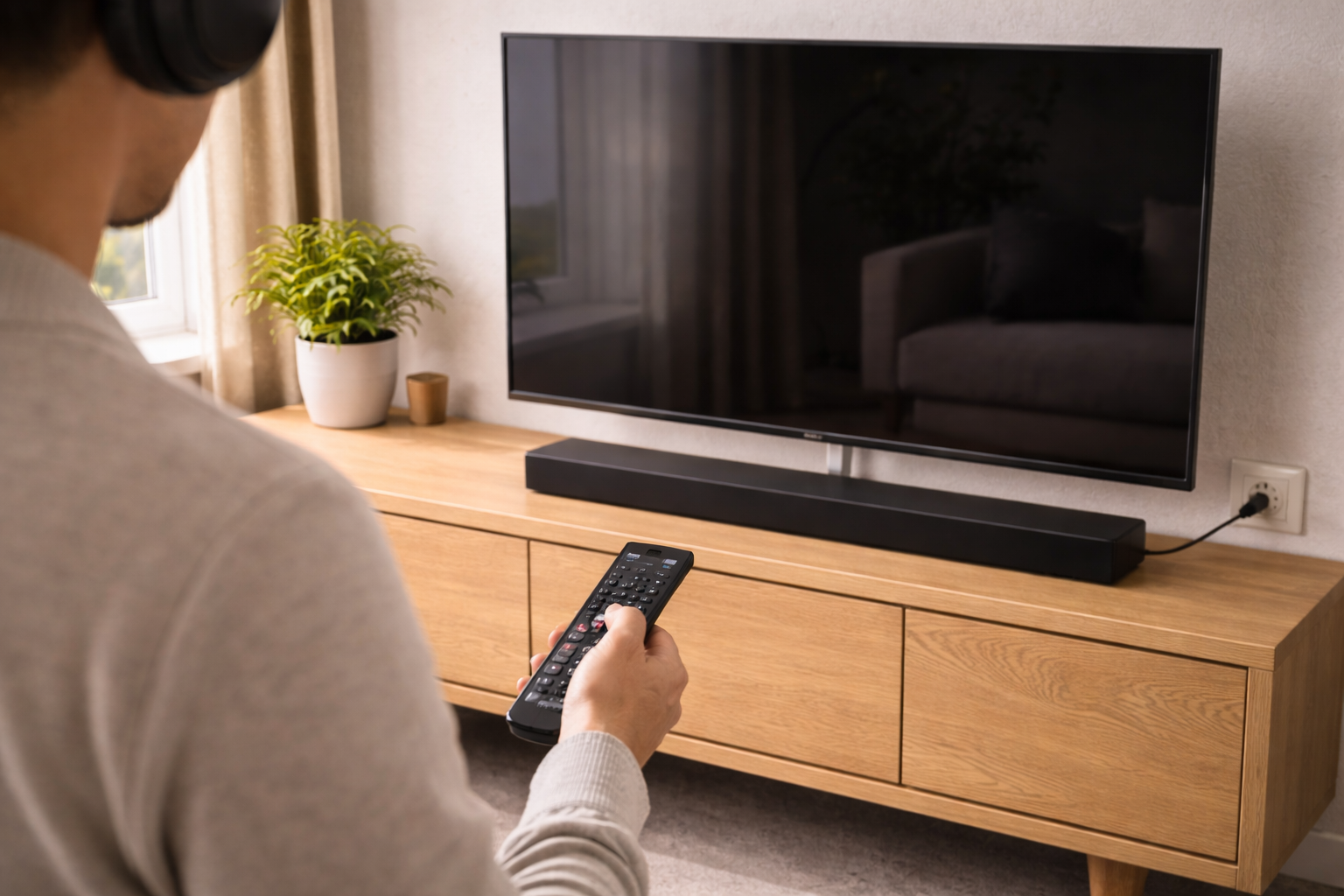
What’s actually happening when the soundbar should wake
When a soundbar powers on with a TV, it’s usually driven by HDMI-CEC. CEC is a low-speed control channel carried inside the HDMI cable. The TV sends commands like “power on”, “switch to audio system”, and “set system audio mode”. ARC/eARC is separate: that’s the audio return path. You can have ARC working for sound but still have CEC failing for power, and vice versa.
Typical failure modes I see on the bench:
- CEC disabled on the TV (often after a reset or update).
- Soundbar set to Eco/Auto Standby that blocks HDMI wake.
- Wrong HDMI port (soundbar plugged into a non-ARC port, or into a switch).
- CEC bus conflict caused by another HDMI device (Sky Q, Virgin 360, Apple TV, PS5) spamming commands.
- Bad HDMI cable that passes video but not reliable CEC signalling.
- eARC handshake loop where the TV negotiates eARC, fails, and never completes the CEC power sequence.
One detail people miss: some soundbars only wake via CEC if they were last used on the TV/ARC input. If you last listened to Bluetooth, the bar may stay asleep until you switch it back.
Power-on troubleshooting that doesn’t waste time
Start by proving whether you have a power problem or a control problem. If the soundbar powers on reliably with its own button/remote, treat it as a CEC/ARC control issue. If it won’t power on at all, skip ahead to the hardware section.
Step-by-step checks (in the order that catches the most faults)
- Confirm the soundbar is on mains power and not in deep sleep.Unplug the soundbar from the wall for 30 seconds, then plug it back in. Watch for any LED blink or display flash. Some models enter a deep standby after a power cut and won’t accept CEC wake until they’ve booted once.
- Use the correct HDMI sockets: TV ARC/eARC to soundbar ARC/eARC.On the TV, use the HDMI port labelled ARC or eARC. On the soundbar, use the port labelled HDMI OUT (TV-ARC/eARC). If you route through an HDMI switch, extractor, or AV accessory, CEC wake is often the first thing to break.
- Enable CEC on the TV (and don’t assume it stayed enabled).Look for the manufacturer name rather than “CEC”. Examples: Anynet+ (Samsung), Simplink (LG), Bravia Sync (Sony). Turn it on, then power-cycle the TV. I’ve seen TVs show the toggle as “On” but still not send commands until after a reboot.
- Enable ARC/eARC and set audio output to the external system.Set TV audio output to HDMI ARC/eARC (or “Receiver/Audio System”). If the TV is set to “TV Speakers”, some sets stop sending system-audio CEC commands, which includes wake.
- Turn off “Auto Standby”, “Eco”, or “Energy Saving” on the soundbar.This is the most common issue I see on UK soundbars sold before 2024: the bar goes into a standby mode that ignores HDMI wake unless audio is already present. Disable Auto Standby/Eco temporarily to test. If it fixes it, re-enable later and adjust the timer.
- Do a clean HDMI handshake reset (properly).
- Turn off TV and soundbar.
- Unplug both from mains.
- Disconnect the HDMI cable between them.
- Wait 60 seconds (CEC devices hold state longer than you’d expect).
- Reconnect HDMI, then power the TV first, then the soundbar.
In practice, this step fixes the problem in about half of cases where the setup used to work and suddenly stopped.
- Swap the HDMI cable for a known-good one.CEC is low bandwidth, but it’s sensitive to marginal cabling and poor shielding. If you’re using a very thin “freebie” HDMI lead, replace it. For eARC setups, use an Ultra High Speed HDMI cable to reduce handshake weirdness even if the run is short.
- Check the soundbar input and last-used mode.Manually set the soundbar to TV/ARC input. If it was last on Bluetooth, some models won’t auto-switch on TV power. I’ve watched this happen repeatedly on bars that otherwise behave perfectly.
- Disable eARC temporarily to isolate the fault.On the TV, switch eARC from Auto/On to Off (fall back to ARC). If power-on suddenly starts working, you’re dealing with an eARC negotiation issue rather than basic CEC. You can often re-enable eARC after firmware updates on both devices.
- Remove other HDMI devices and test TV + soundbar only.Unplug Sky/Virgin boxes, consoles, and streaming sticks from the TV. Then test power-on. CEC is a shared bus; one misbehaving device can block or override commands. Sky Q boxes are frequent culprits when “HDMI control” is enabled on the box.
- Update firmware on both TV and soundbar (then reboot again).Firmware updates can change CEC timing. Update the TV first, then the soundbar. After updating, do a full power cut (mains unplug) rather than a standby restart. Manufacturer steps vary, but the official TV-side menus are documented on Samsung TV Anynet+ (HDMI-CEC) help and Sony Bravia Sync (CEC) troubleshooting.
- Factory reset only the device that’s misbehaving.If the soundbar wakes fine with its own remote but never with the TV, reset the TV’s HDMI/CEC settings first (some TVs have a “reset external devices” option). If the soundbar is inconsistent even with its own remote, reset the soundbar.
Scenarios I see in real homes (and what usually fixes them)
Scenario: “It worked for months, then after a TV update the soundbar stopped waking.” The TV update often resets CEC device tables. The fix is usually a full handshake reset (unplug both, disconnect HDMI, wait, reconnect) plus toggling CEC off/on. I’ve had LG sets that only re-detected the soundbar after I disabled Simplink, rebooted, then re-enabled it.
Scenario: “Soundbar wakes when I use the soundbar remote, but not with the TV remote.” That points to CEC not sending power commands, or the TV remote not controlling CEC devices. Check the TV’s “universal remote” or “device control” setup. Some TVs require you to add the soundbar as an HDMI device before they’ll send system-audio commands.
Scenario: “It only fails when the console is plugged in.” CEC conflicts. Consoles can wake the TV, switch inputs, or claim audio control. Disable HDMI-CEC on the console as a test. If the soundbar starts waking again, re-enable CEC selectively and keep the console from controlling power/input.
Scenario: “It wakes, but then turns itself off after a minute.” Auto standby is triggering because the TV isn’t outputting audio quickly enough, or the TV is set to TV speakers so the bar sees silence. Set TV audio output to ARC/eARC and increase the soundbar standby timer. If you’re also fighting lip-sync, see fix audio delay between TV and soundbar.
Scenario: “Optical works, HDMI doesn’t wake the bar.” Optical (TOSLINK) carries audio only, no CEC control. If you’re using optical, the soundbar cannot wake from TV power unless the manufacturer implemented a separate auto-on-by-audio feature. HDMI ARC/eARC is the route for power control.
Common mistakes that keep the problem alive
- Plugging into HDMI 1 because it’s convenient. ARC/eARC is usually only on one port. If you miss it, you can still get picture from other devices, which hides the mistake.
- Assuming “eARC Auto” is always better. On some combinations, eARC introduces handshake delays that break wake timing. ARC can be more stable if you don’t need lossless formats.
- Using an HDMI cable that’s fine for video but flaky for control. I’ve had cables pass 4K HDR yet drop CEC commands intermittently. CEC failures look random because they are.
- Leaving multiple devices with CEC power control enabled. If the TV, soundbar, Sky box and console all think they’re in charge, you get power loops and missed wake commands.
- Testing by switching inputs rapidly. CEC needs a few seconds to settle. Rapid input switching can leave the soundbar in the wrong mode and make it look like it won’t wake.
Device-specific quirks worth checking
Samsung TVs + Samsung soundbars: Anynet+ can appear enabled but the device list is stale. Delete the soundbar from the device list (if available), power-cycle, then let it re-detect. Also check that the TV is set to “Receiver (HDMI)” for sound output.
LG TVs: Simplink plus eARC can be temperamental if “Quick Start+” is enabled. Quick Start keeps parts of the TV awake; sometimes it preserves a broken CEC state. Try disabling it during testing, then re-enable if you want faster boot.
Sony TVs: Bravia Sync device list matters. If the soundbar isn’t listed, the TV may not send system-audio wake commands. Force a device scan, then reboot. I’ve also seen Sony sets behave better with eARC set to Auto but “Digital audio out” set to Pass Through rather than Auto.
Soundbars with HDMI passthrough: If you plug a streaming stick into the soundbar’s HDMI IN, the stick can inject CEC commands into the chain. If wake breaks, test with the stick moved directly to the TV.
Bluetooth-first usage: If you regularly use the soundbar for phone audio, it may prioritise Bluetooth and ignore TV wake. Some models have a “TV Auto Switch” toggle buried in settings.
When it’s not CEC: power, standby, and hardware faults
If the soundbar doesn’t power on reliably even from its own button, stop chasing HDMI settings. Check the basics that actually fail:
- Mains socket and extension leads: I’ve seen surge-protected strips trip partially so low-power standby works but full power-up fails. Try a different wall socket.
- External power brick: If your soundbar uses a power adapter, feel it after a few minutes. A failing adapter often runs unusually warm and the bar may reboot or refuse to wake.
- Front panel buttons: Sticky power buttons can keep the unit in a confused state. If the bar turns on and off by itself, that’s a clue.
- Firmware boot loops: After a failed update, some bars boot to standby only. A factory reset may recover it; if not, it’s service time.
Also watch for a misleading symptom: some soundbars “turn on” but show no display because the front LED strip has failed. You can usually confirm by checking if the TV reports an audio system connected, or by listening for the relay click and trying volume control via CEC.
Conclusion
A soundbar that won’t turn on with the TV is usually a control-path failure, not a dead soundbar. Treat it like a handshake problem: correct ARC/eARC ports, CEC enabled, soundbar allowed to wake, and no other HDMI device hijacking the bus. If you isolate the setup to TV + soundbar and it still won’t wake, then it’s time to look at firmware stability and power hardware rather than menu settings.
FAQ
Why does my soundbar turn on with the TV sometimes but not after I’ve used Bluetooth the night before?
Many soundbars only accept HDMI-CEC wake when the last-used input was TV/ARC. If it went to sleep on Bluetooth, it may stay parked there and ignore the TV’s wake command. Set the soundbar back to TV/ARC before turning everything off, and check for a “TV Auto Switch” or “Auto Input” option in the soundbar settings.
My TV turns on but the soundbar stays in standby when eARC is enabled — why does it work again if I switch to ARC?
That points to an eARC negotiation issue. Some TV/soundbar combinations fail the eARC handshake quickly enough that the CEC wake sequence never completes. Keep eARC off as a test, update firmware on both devices, then try eARC again. If you don’t need lossless audio formats, ARC is often the more stable choice.
Why did my soundbar stop turning on with my TV after I plugged in a PS5 or Sky Q box?
Another HDMI device can take over CEC control, switch inputs, or spam power commands that collide with the TV-to-soundbar wake message. Disable HDMI-CEC on the new device first to confirm. If that fixes it, re-enable CEC but turn off power/input control features on the console/box so the TV and soundbar remain the only devices managing audio power.
Does a soundbar still power on with the TV if I’m using an optical cable instead of HDMI ARC?
Optical doesn’t carry CEC, so the TV cannot send a power-on command over that connection. Some soundbars have an “auto-on when audio is detected” feature that can mimic it, but it’s not the same and it can be unreliable with quiet content. For consistent power syncing, use HDMI ARC/eARC.
Why does my soundbar wake up but then turns itself off a minute later when I turn the TV on in the morning?
This is usually Auto Standby combined with the TV outputting silence or using TV speakers briefly during boot. Set the TV audio output to ARC/eARC (external audio system), increase or disable the soundbar’s standby timer, and avoid “mute on start-up” behaviours if your TV has them.
Recommended gear on Amazon UK
- A proper Ultra High Speed cable reduces flaky CEC signalling and eARC handshake failures that stop the soundbar waking with the TV. Relevant examples
- Being able to fully power-cycle the TV and soundbar at the socket makes CEC/ARC handshake resets reliable when standby restarts don’t clear the fault. See suitable options
- If a console or set-top box is hijacking CEC, a CEC blocker lets you keep the device connected while preventing it from interfering with TV-to-soundbar power control. See suitable options
- Optical won’t fix power syncing, but it’s a quick way to confirm the soundbar’s audio stage works while you troubleshoot HDMI-CEC and ARC/eARC behaviour. Comparable items