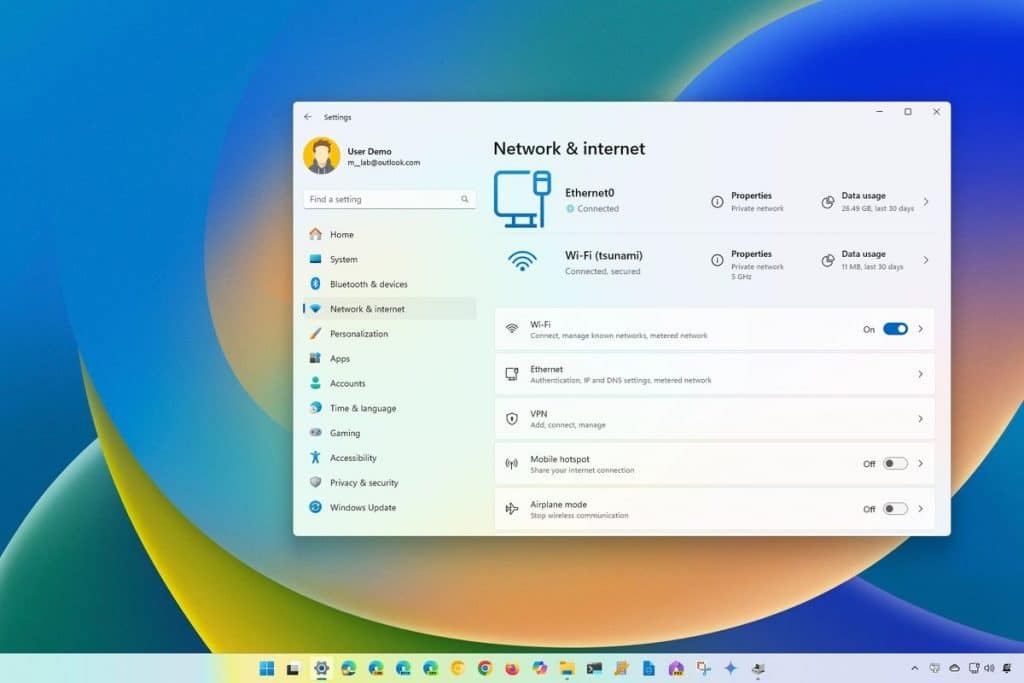
A new Windows 11 November update is causing serious Wi-Fi connectivity issues for many laptop users. Reports indicate that Intel-based machines suddenly lose access to wireless networks, often requiring a full restart to get back online. The problem appears shortly after installing the latest cumulative patch.
What exactly is happening?
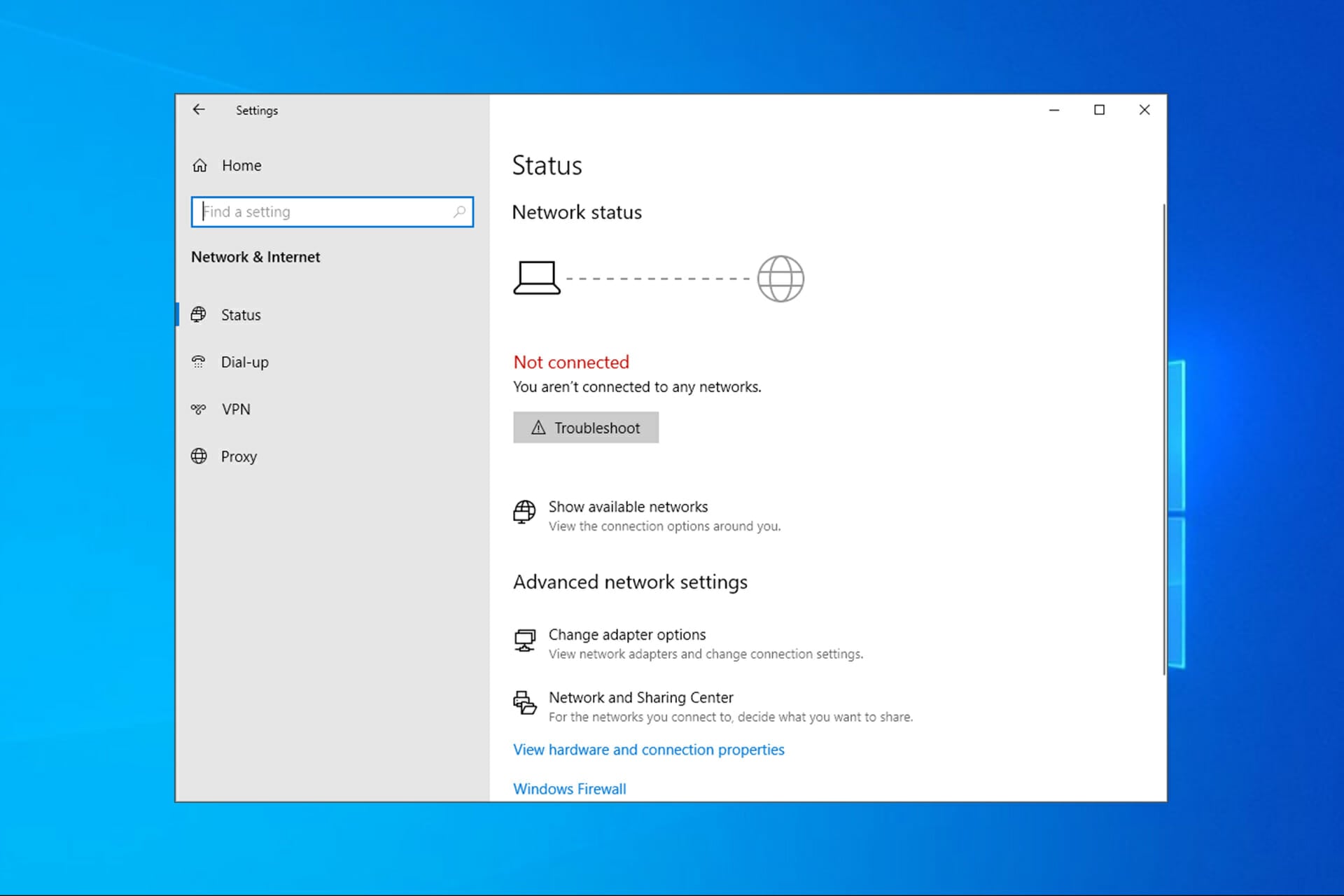
After applying the November update for Windows 11, affected laptops randomly drop their Wi-Fi connection. In some cases, the device disconnects immediately after boot; in others, the issue appears after waking from sleep or hibernation.
Once the drop occurs, the Wi-Fi icon may show limited connectivity or no networks at all. Trying to reconnect usually fails until the user restarts the system. For some, the problem repeats multiple times per day, effectively making reliable wireless work impossible.
Who is affected?
- Laptops with Intel wireless network adapters (various generations)
- Devices running the latest Windows 11 November cumulative update
- Users across multiple regions, with many reports from Europe and North America
Is there an official response?
So far, there is no formal public statement from Microsoft acknowledging the issue. Reports are mostly coming from user forums, social media posts and community support threads where affected users compare symptoms and temporary workarounds.
What should users do right now?
- Roll back the update or Wi-Fi driver via Device Manager.
- Use wired Ethernet until a fixed update is released.
- Pause Windows Updates to avoid reinstalling the same problematic patch.
- Monitor official Microsoft update notes for a hotfix.
Related fix guide
If your Wi-Fi remains unstable even after rolling back the update, follow this full setup guide to eliminate interference and signal instability:
https://fixgeartech.com/wi-fi-setup-zero-interference-2026/