
When your TV keeps changing inputs: what’s actually happening
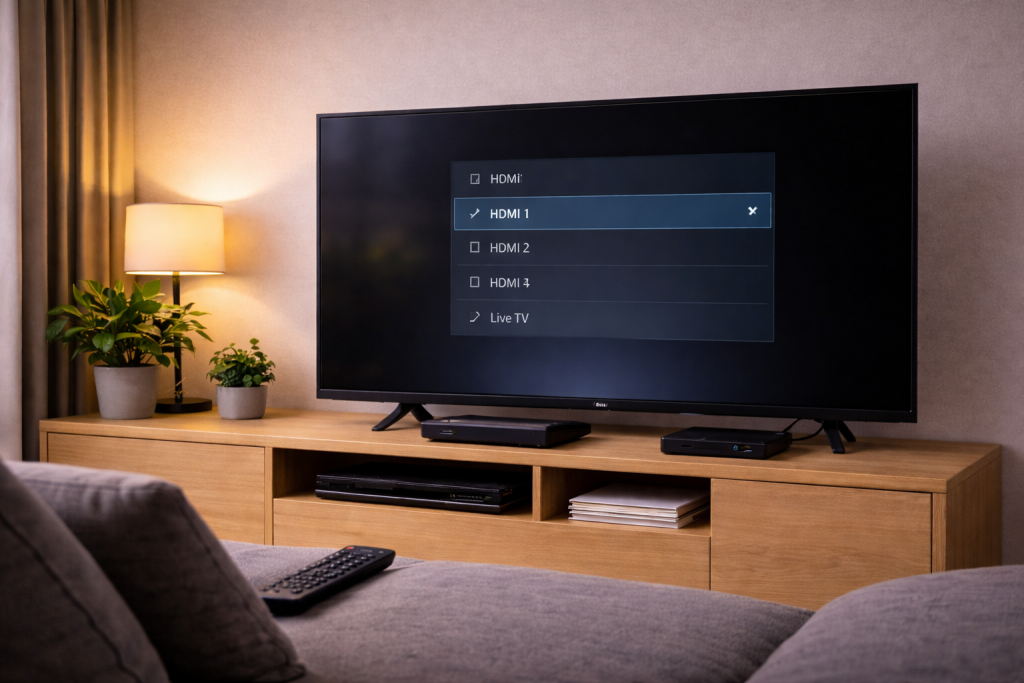
If your TV randomly jumps from HDMI 1 to HDMI 2, flips to a console mid-film, or keeps returning to a “No signal” screen, you’re usually dealing with control signals rather than a “faulty panel”. Modern TVs constantly listen for device wake events, HDMI-CEC commands, and eARC handshakes, and any of those can trigger an input change.
In UK living rooms, I see this most often when a soundbar, Sky box, Apple TV, or games console is connected through eARC/ARC and HDMI-CEC is enabled on everything. One device wakes, the TV thinks it should follow, and the input changes even though you didn’t press anything.
The good news: you can fix this without factory resets or replacing the TV. The trick is to identify which signal is causing the switch and then disable or stabilise that specific path.
The technical causes behind “input switching by itself”
HDMI-CEC: the #1 reason inputs change without you
HDMI-CEC (Consumer Electronics Control) lets devices control each other: a streaming box can power on the TV, a console can switch the TV to its HDMI port, and a soundbar can change volume. Each brand names it differently (Anynet+, Simplink, Bravia Sync, VIERA Link), but it’s the same idea.
When CEC is enabled across multiple devices, you can get “CEC fights”: two devices both claim to be the active source, or one device periodically re-announces itself after sleep. In practice, this step fixes the problem in about half of cases: turning off CEC on the one device that keeps waking.
eARC/ARC handshakes can look like a new source
ARC/eARC uses the HDMI connection to send audio back to a soundbar/AVR. When the TV and sound system renegotiate audio formats (PCM vs Dolby Digital vs Dolby Atmos), some TVs briefly reinitialise the HDMI port. That can trigger a source re-detect and an input jump.
This is especially common when you mix a TV’s internal apps (Netflix, iPlayer) with external HDMI sources and a soundbar on eARC. I’ve seen it repeatedly on setups where the soundbar is slow to wake, so the TV “hunts” for the correct audio device and changes state.
Hot-plug detect and flaky HDMI cables
HDMI has a “hot-plug detect” behaviour: when a device connects/disconnects (or looks like it did), the TV re-reads the EDID (capabilities) and may switch inputs if it thinks a new device appeared. A marginal cable, loose connector, or an adapter can cause brief disconnects that look like a new plug-in event.
This is the most common issue I see on devices sold in the UK before 2024 when people reuse older “High Speed” HDMI leads for 4K HDR and eARC. The cable works “most of the time”, but the control channel is unstable and the TV reacts by switching.
Auto input sensing and “last input” logic
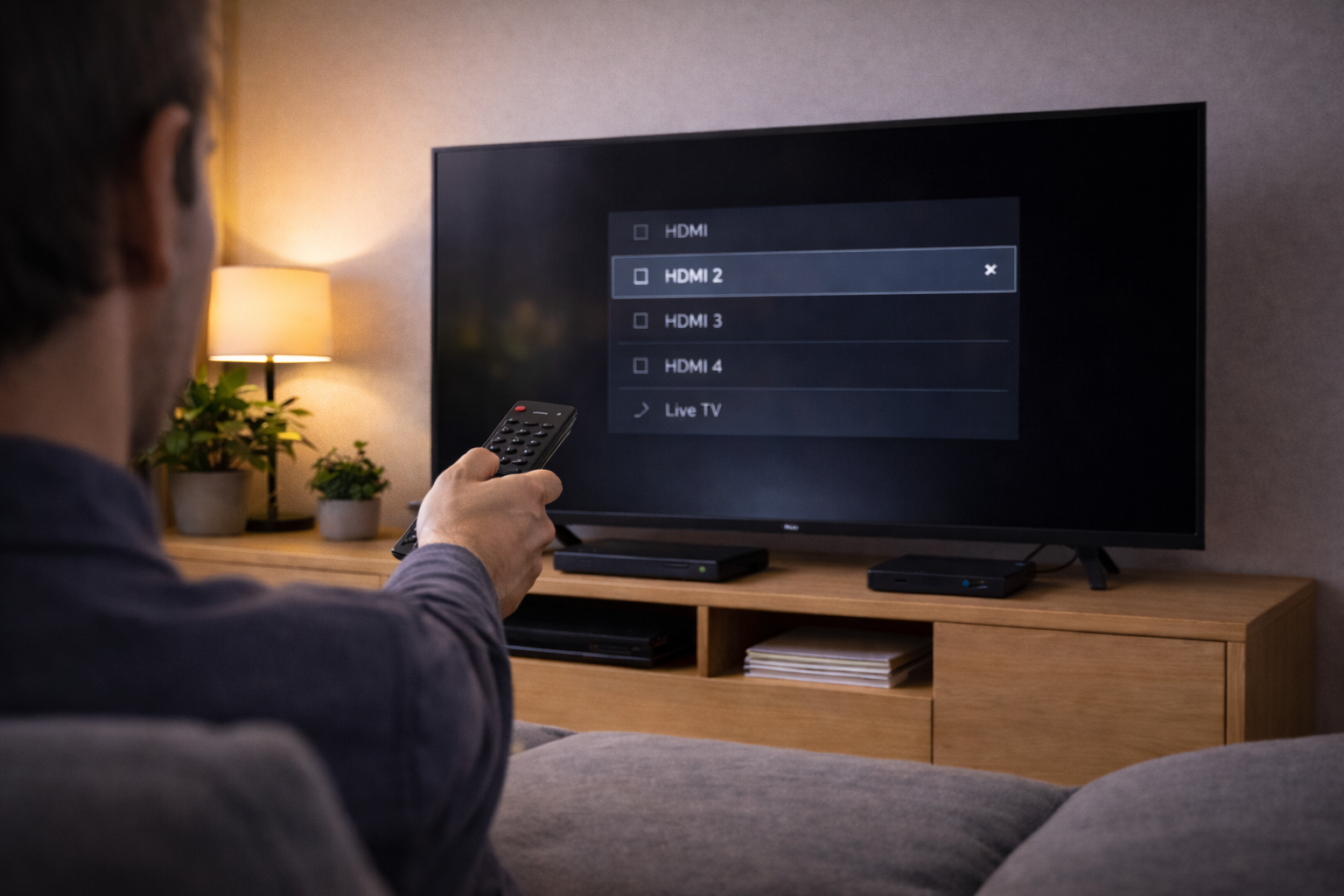
Many TVs have an auto input selection feature: if a device becomes active, the TV switches to it. Some also have a “power on to last input” option that can behave oddly if the last input was briefly detected during standby.
When a console updates overnight or a set-top box wakes for recordings, the TV may interpret that as “user activity” and switch inputs. This is common with Sky Q / Sky Stream boxes and some Android TV streamers that wake to refresh apps.
Remote control interference (IR) and stuck buttons
It’s less common, but I’ve fixed plenty of “haunted TV” cases caused by a stuck remote button, a remote wedged in a sofa, or another IR remote sending similar codes. Some soundbar remotes and cheap universal remotes can trigger input cycling.
If your TV changes inputs at the exact same interval, or only when lights are on / sunlight hits the TV, IR interference is worth checking.
A diagnostic flow that isolates the culprit quickly
Step 1: Confirm it’s an input switch, not a signal drop
- If the TV shows a different HDMI label (e.g., “HDMI 3”), it’s switching inputs.
- If it stays on the same HDMI but shows “No signal”, you likely have a handshake/cable/power issue. See Fix No Signal on HDMI After TV Power On.
This distinction matters because CEC usually causes real input changes, while cable/handshake issues often look like dropouts on the same input.
Step 2: Turn off HDMI-CEC on the TV (temporary test)
Don’t start by changing ten settings permanently. Do a clean test: disable HDMI-CEC on the TV, then use the system for a day.
- LG: Settings → General → Devices → HDMI Settings → SIMPLINK (HDMI-CEC) Off
- Samsung: Settings → General & Privacy → External Device Manager → Anynet+ (HDMI-CEC) Off
- Sony: Settings → Watching TV → External Inputs → BRAVIA Sync settings → BRAVIA Sync control Off
- Panasonic: Settings → Setup → HDMI Control Off
If the random switching stops, you’ve proven it’s CEC-related. I rarely see this test fail when the symptom is “it jumps to my console when I’m watching TV”.
Step 3: Re-enable CEC only where you actually need it
Most people don’t need full CEC everywhere. Decide what you want:
- Want one remote for volume via soundbar? Keep CEC on for TV + soundbar, but disable it on consoles/streamers.
- Want the Apple TV/Fire TV to power on the TV? Keep CEC on for that device, but disable “auto switch” features elsewhere.
- Want nothing to auto-switch? Leave CEC off and use manual input selection.
On streaming boxes and consoles, look for settings like “Control TVs and Receivers”, “One-touch play”, “Device auto power”, or “Switch TV input”. Turn off the switching behaviour first, not necessarily all CEC functions.
Step 4: Stabilise eARC/ARC if a soundbar is involved
If the switching happens when audio devices wake, focus on the ARC/eARC chain:
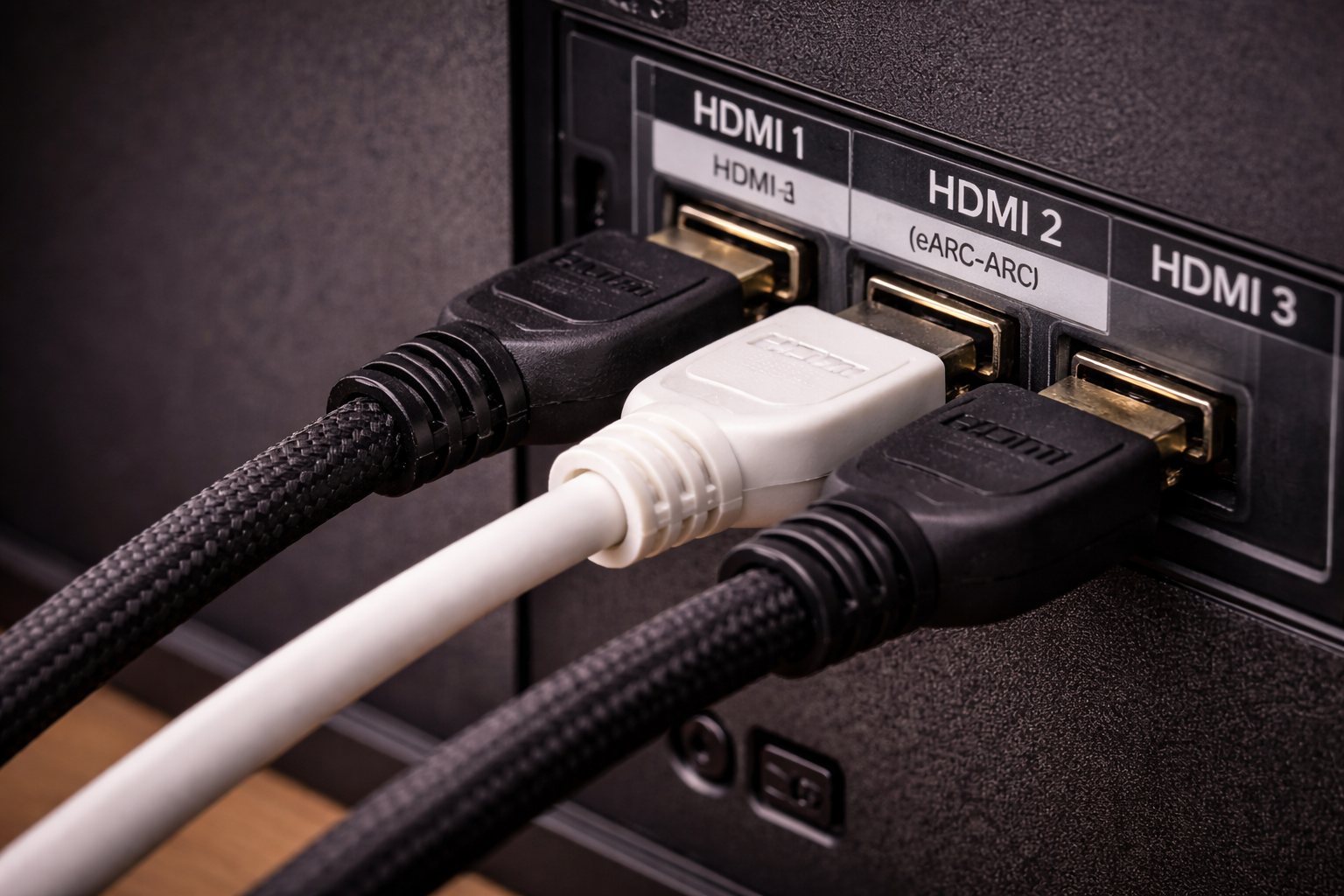
- Connect the soundbar/AVR to the TV’s ARC/eARC HDMI port only (often HDMI 2 on many models).
- On the TV, set Digital audio out to a stable mode (start with PCM for testing, then move to Auto/Pass-through).
- Disable eARC temporarily (use ARC) to see if the renegotiation is the trigger.
- Power-cycle in order: unplug TV + soundbar for 60 seconds, then power soundbar first, TV second.
In real homes, not lab setups, eARC is where I see the most “random behaviour” when you mix older soundbars with new TVs. If you’re also chasing audio format issues, How to Fix Dolby Atmos Not Working on Apple TV or Netflix pairs well with this troubleshooting.
Step 5: Remove HDMI variables (cables, adapters, and pass-through)
Do one controlled simplification:
- Remove HDMI splitters, capture devices, and cheap switchers.
- Avoid USB-powered HDMI adapters that can brown-out.
- Reseat both ends of each HDMI cable; ensure the connector isn’t under sideways tension.
- Swap the cable on the device that the TV keeps switching to (that device is often the one “flapping”).
If you need a known-stable replacement for 4K HDR + eARC, a certified Ultra High Speed HDMI 2.1 cable is the quickest way to eliminate cable instability from the equation.
Step 6: Turn off auto input switching / device detection features
Even with CEC off, some TVs still do “auto source” behaviour. Look for:
- Auto Input Switching / Auto Source
- Device Connection Manager prompts
- Instant On / Quick Start modes that keep HDMI partially awake
Quick Start can be convenient, but I’ve seen it keep HDMI ports in a half-awake state where they mis-detect devices and jump inputs. If your TV only switches when coming out of standby, disable Quick Start for a week and see if it settles.
Step 7: Update firmware (TV + connected devices)
HDMI control bugs get patched quietly. Update:
- TV firmware (Settings → Support / About → Software update)
- Soundbar firmware (often via app)
- Apple TV / Fire TV / Chromecast firmware
- Console system software
If you want vendor-specific steps, use LG TV software update instructions or Sony BRAVIA TV software update guide and follow the model-specific path. I’ve fixed repeat switching on Sony sets where a firmware update changed BRAVIA Sync behaviour immediately.
Step 8: Check for remote and IR interference
Do a simple isolation test:
- Remove batteries from all remotes in the room (TV, soundbar, Sky, universal).
- If you use a phone with an IR blaster, disable any remote apps.
- Cover the TV’s IR receiver area briefly (not the whole screen) and see if the switching stops.
If the issue disappears with batteries removed, you’ve found it. In practice, the “stuck input button” remote is more common than people expect.
Real setups where this problem shows up (and what fixed it)
Case 1: TV jumps to PS5 whenever the console charges
I’ve seen this when the console wakes briefly to update or to manage USB power, then sends a CEC “active source” message. The TV obediently switches to that HDMI input.
- Fix: On the console, disable HDMI device link / one-touch play (leave power settings alone initially).
- Optional: Disable “power on TV” but keep “power off TV” if you like one-button shutdown.
Once the console stops announcing itself as active, the TV stays put.
Case 2: Switching happens only when using internal Netflix + soundbar
This pattern points to eARC renegotiation. The TV app changes audio format between trailers, ads, and the main feature, and the soundbar re-handshakes. Some TVs interpret that as a device change and briefly reinitialise HDMI.
- Fix: Set TV audio output to PCM for a test night; if stable, move to Auto/Pass-through and disable eARC if needed.
- Fix: Replace the HDMI cable between TV and soundbar with a certified cable and avoid right-angle adapters.
This is the most common issue I see with older soundbars connected to newer 2023–2026 TVs.
Case 3: Sky box wakes at night and the TV changes input
Set-top boxes often wake for updates or recordings. With CEC enabled, they can trigger “active source” even if the TV is off or in standby, and the TV may wake or change its “last input” state.
- Fix: Disable CEC on the Sky box (or disable “auto switch to this device”).
- Fix: On the TV, disable auto input switching and Quick Start.
After that, the Sky box can do its own thing without dragging the TV along.
Case 4: Random switches only on one HDMI port
If it’s always the same port, suspect a physical layer issue: cable, connector, or that device’s HDMI output. I’ve had cases where a streaming stick powered from the TV’s USB port browned out when the TV dimmed the USB power in standby.
- Fix: Power the stick from a wall adapter instead of the TV USB port.
- Fix: Swap HDMI ports and see if the problem follows the device or stays with the port.
If the problem stays with the port after swapping devices, you may be looking at a TV HDMI board fault, but that’s not the first place I’d go.
Things that make the problem worse (common pitfalls)
- Turning CEC off on the TV but leaving it on everywhere else: some devices still spam the bus, and behaviour can remain odd until you disable it at the source device too.
- Mixing ARC/eARC with HDMI splitters: many splitters don’t correctly pass CEC/eARC and cause repeated renegotiation.
- Using older HDMI cables for eARC: video may look fine, but the control channel is unstable and triggers hot-plug events.
- Assuming “No signal” equals input switching: they’re different failure modes and need different fixes.
- Factory resetting immediately: it wipes your settings but doesn’t change the underlying CEC/eARC/cable behaviour.
I rarely recommend a factory reset until you’ve done the CEC isolation test and a cable swap on the “problem” device.
Hardware and settings choices that keep HDMI stable
Use one “control master” device
If you like CEC convenience, pick one device to control power/input (often a streaming box) and disable “active source” behaviour on everything else. This avoids the common situation where a console, soundbar, and set-top box all compete for control.
Prefer direct connections over daisy chains
When possible, connect sources directly to the TV and use eARC to the soundbar. If you must route through an AVR, keep firmware updated and avoid mixing old HDMI 2.0 receivers with 4K120 consoles unless you know the receiver supports it properly.
Choose stable audio settings first, then chase formats
When diagnosing, start with PCM to prove stability, then move to Auto/Bitstream/Pass-through. If you jump straight to Atmos + eARC + multiple sources, you can end up debugging three issues at once.
This is also where people confuse input switching with picture mode changes during HDR/Dolby Vision transitions. If your screen flickers or blanks during HDR rather than switching inputs, that’s a different path: Fix OLED Flickering When HDR Is Enabled.
Wrap-up: the fastest path to stop random input changes
When a TV switches inputs by itself, HDMI-CEC is the first suspect, followed by eARC handshake instability and then cable/physical connection issues. The quickest win is to disable CEC on the TV for a day to confirm the cause, then re-enable only the parts you actually use.
After that, stabilise the ARC/eARC link (especially with soundbars), remove adapters/switchers, and swap the HDMI cable on the device the TV keeps jumping to. In most homes, that combination stops the behaviour without replacing any major hardware.
FAQ: edge cases people hit in UK setups
Why does my LG TV switch to HDMI 2 when my soundbar turns on?
That’s usually SIMPLINK (CEC) plus ARC/eARC behaviour: the soundbar announces itself and the TV treats it like the active device. Disable auto input switching or turn off CEC on the soundbar first, then test. In practice, LG sets are sensitive to eARC renegotiation when the soundbar wakes slowly.
My Samsung TV keeps switching to my PS5 even when I’m watching Sky — what setting stops it?
Disable HDMI device link / one-touch play on the PS5 so it stops sending “active source” messages. If you still want volume control via a soundbar, keep Anynet+ enabled for the soundbar but not for the console. This is the most common issue I see with consoles that wake for updates in standby.
Why does it only happen after a power cut or when I turn the plug off at the wall?
After a full power loss, devices boot in different orders and CEC can pick the “wrong” active source during startup. Quick Start modes can also confuse the TV about what was last active. In real homes, changing the power-on order (soundbar first, TV second) and disabling auto source usually stabilises it.
My TV switches inputs when I connect Bluetooth headphones — is that related?
Sometimes. On a few platforms, changing audio output triggers a system-level reconfiguration that can briefly reinitialise HDMI audio and cause a source re-detect. I don’t see it often on newer platforms, but it can happen on older Android TV builds with soundbars on ARC.
Why does my TV switch inputs only when using a Fire TV Stick powered from the TV USB port?
The TV’s USB power can dip or turn off in standby, and the stick reboots and re-announces itself as an active HDMI source. Power the stick from a wall adapter and the random switching usually stops. This often fails on budget streaming sticks that are sensitive to voltage drops.
Do I need an HDMI 2.1 cable to stop input switching if I only watch 4K Netflix?
Not strictly for bandwidth, but certified cables tend to be more stable for the control channel and eARC, which is what matters here. If the switching is caused by hot-plug flapping, a better cable can fix it even at 4K60. I’ve had plenty of cases where video looked fine but CEC/eARC stability improved immediately after a cable swap.
Recommended gear on Amazon UK
- A certified Ultra High Speed HDMI cable helps when random input switching is caused by hot-plug or eARC/CEC instability from older or marginal HDMI leads. View Certified Ultra High Speed HDMI cable on Amazon UK
- An HDMI-CEC blocker adapter is useful when you need stable video from a device but must stop it sending CEC active-source commands that keep stealing the TV input. View HDMI-CEC blocker adapter on Amazon UK
- A surge-protected extension lead helps in setups where brief power dips or power cuts cause devices to reboot out of order and trigger unwanted HDMI input switching. View Surge-protected extension lead on Amazon UK
- A simple wall USB power adapter helps when a streaming stick reboots from unstable TV USB power and then repeatedly forces the TV to switch to its HDMI port. View Wall USB power adapter for streaming sticks on Amazon UK
1 thought on “Fix TV Switching Inputs by Itself”