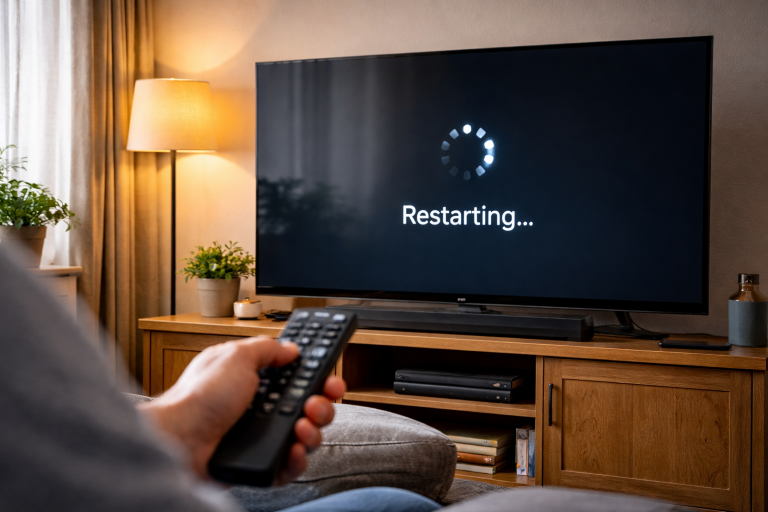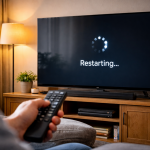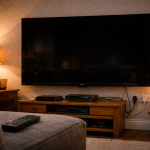
You’re watching something and the picture drops to black for a second or two, then comes back as if nothing happened. Audio might continue, or it might cut too. Sometimes you’ll see a tiny “HDR” or “Dolby Vision” badge flash up when the image returns. Other times it’s just a clean blackout, like the TV blinked.
This fault is rarely “the panel is dying”. Most of the time it’s a signal renegotiation: the TV and a source device briefly lose agreement on resolution, refresh rate, HDR format, or HDCP copy protection. OLEDs can add their own quirks (ABL, near-black handling, logo dimming), and streaming boxes love to switch modes mid-playback.
The trick is to work out what is forcing the renegotiation: HDMI cable integrity, port settings, eARC/ARC behaviour, VRR, frame-rate matching, or a buggy app. Once you isolate the trigger, the fix is usually boring—and stable.
What’s actually happening when the screen goes black
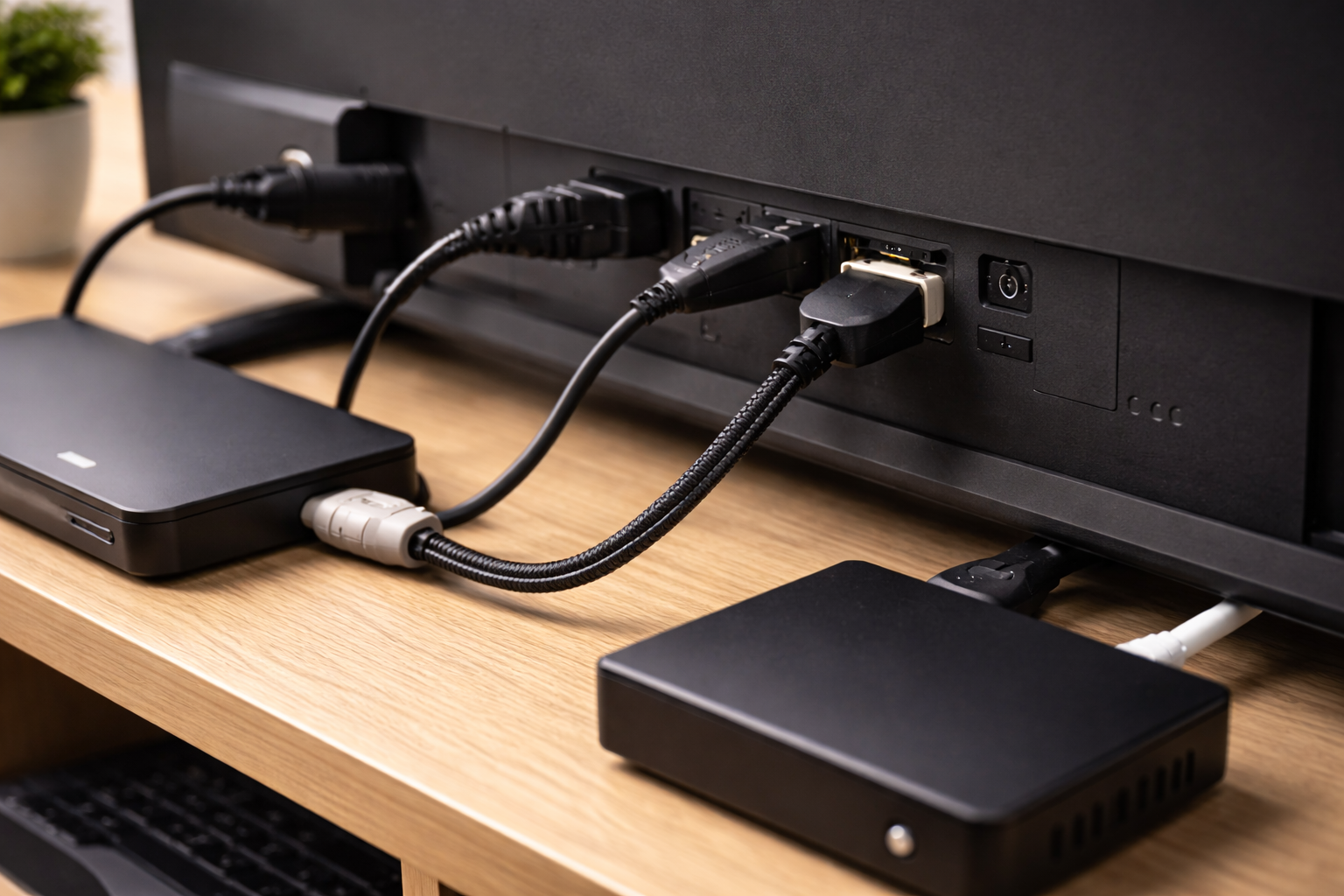
A brief blackout is typically the TV muting video while it re-locks to a new HDMI signal. HDMI isn’t just “pixels down a wire”; it’s a negotiated link with several moving parts. When any of these change, many TVs blank the screen rather than show corrupted frames.
- HDMI handshake reset: The source and TV re-negotiate capabilities (EDID). This can happen if the cable drops a lane momentarily, a device wakes from standby, or a receiver/soundbar in the middle reinitialises.
- HDCP re-authentication: Copy protection can re-check itself. If it fails briefly, some devices output black until it passes again. I see this most often with older streaming sticks plugged into HDMI extenders or long cables.
- Refresh-rate or resolution switching: 50Hz/60Hz/24p changes, or 1080p to 4K changes, often cause a 1–3 second blackout. Frame-rate matching on Apple TV, Fire TV and some Android TV boxes is a classic trigger.
- HDR format switching: SDR to HDR10 to Dolby Vision can force a mode change. Some TVs show a pop-up badge when it happens, which is a useful clue.
- VRR/ALLM behaviour: Consoles and PCs can toggle low-latency mode or VRR ranges. A flaky VRR implementation can look like random black flashes.
- OLED-specific dimming: Not a full “signal lost” blackout, but it can be mistaken for one in dark scenes. If menus and overlays remain visible while the scene dims, it’s not HDMI.
Before you change anything, note one detail: does the TV’s on-screen volume bar or menu still appear during the blackout? If it does, the TV hasn’t lost power or crashed; it’s either the input signal or picture processing.
A fault-finding order that doesn’t waste your evening
The fastest route is to isolate: is it one input, one device, one app, or everything? Don’t start by factory resetting the TV. That’s what people do after they’ve already lost the thread.
Step-by-step: pin down the trigger and stabilise the signal
1) Confirm whether it’s the TV or the source
- Switch to a different input (e.g. from HDMI 1 to the built-in Freeview/terrestrial tuner, or a different HDMI device).
- If the blackout happens on built-in TV apps (Netflix, iPlayer, YouTube) as well as HDMI devices, suspect firmware, power, or panel processing.
- If it only happens on one HDMI device, focus on that device, its cable, and the HDMI port settings.
In practice, this split answers half the problem in five minutes. People often assume “the TV is broken” when it’s a single streaming box doing frame-rate switching.
2) Remove the middleman (soundbar/AVR/switch) temporarily
- If your source goes through a soundbar/AV receiver/HDMI switch, connect the source directly to the TV with a known-good cable.
- Disable eARC/ARC temporarily in the TV’s sound settings.
- Test for 10–15 minutes with the same content that triggers the blackout.
HDMI chains fail in boring ways: a soundbar that reboots its HDMI board, a switch that can’t hold 18Gbps cleanly, or an AVR that renegotiates when audio format changes. If direct-to-TV fixes it, you’ve already narrowed the fix to one box.
If you’ve had a recent power cut and ARC/eARC started behaving oddly, the symptoms can overlap with brief blackouts. The reset steps in Fix HDMI ARC not detected after a power cut are worth borrowing even if ARC still “works”.
3) Replace the HDMI cable with the right type (and keep it short)
- Use a certified Ultra High Speed HDMI cable for 4K 120Hz, VRR, or eARC-heavy setups.
- For 4K 60Hz HDR, a good High Speed cable can work, but marginal cables cause intermittent blackouts first.
- Keep the run under 2m while testing. Long cables hide faults until HDR or 10-bit colour kicks in.
This is the most common issue I see on UK living-room setups where a “free” HDMI cable has been reused across three TV upgrades. It’ll pass 1080p all day, then fall over the moment Dolby Vision starts.
4) Lock down video modes on streaming boxes (stop auto-switching)
If the blackout happens at the start of a programme, after adverts, or when you pause/resume, you’re likely seeing mode switching.
- Apple TV: Set a fixed output (e.g. 4K SDR 50Hz for UK broadcast habits) and enable matching options carefully. If you use Match Dynamic Range and Match Frame Rate, expect blackouts during switches; if you hate the blackouts, disable one or both. Apple’s own guidance on video settings is at Apple TV video and display settings.
- Fire TV / Android TV boxes: Look for “Match original frame rate”, “Auto resolution”, or “Dynamic range” toggles. Try fixed 2160p 50Hz (UK) or 60Hz (if your content is mostly US apps), and set HDR to “Adaptive” only if it’s stable.
- Built-in TV apps: Some TVs have an “Auto HDR” or “Dynamic tone mapping” behaviour that can still trigger brief blanking when the app switches streams. Firmware updates often change this.
There’s no universal “best” setting. The stable setting is the one that stops the TV from reconfiguring itself mid-session.
5) Check the TV’s HDMI port mode (Enhanced/Deep Colour/4K)
Most modern TVs have per-port settings that control bandwidth and chroma. If the port is set wrong, you get dropouts that look random.
- Find the HDMI signal format setting (names vary: HDMI Enhanced, Input Signal Plus, Deep Colour, 4K Mode).
- For a 4K HDR source, enable the enhanced/high bandwidth mode on that HDMI port.
- If enabling it makes the blackouts worse, your cable or intermediate device can’t handle the bandwidth reliably—go back to cable/device isolation.
On some sets, one HDMI port is “best” (full bandwidth) and another is limited. If you’ve plugged a PS5 into the wrong port, you can chase ghosts for hours.
6) Disable VRR and ALLM as a test (especially on consoles and PCs)
- On PS5/Xbox/PC, turn off VRR temporarily.
- Turn off ALLM (Auto Low Latency Mode) if the TV exposes it.
- Test a game that previously caused black flashes (menus are a good trigger because frame rate swings wildly).
VRR blackouts tend to show up as brief flashes during scene changes or when a game drops frames. If disabling VRR stops it, you can often re-enable it later after a firmware update, or by reducing the output to 4K 60Hz instead of 120Hz.
7) Deal with HDCP weirdness (the “everything is fine until it isn’t” problem)
HDCP failures are infuriating because they can be content-specific. One app plays fine; another triggers blackouts.
- Power-cycle the TV and source: unplug both for 60 seconds (not standby), then reconnect.
- Remove HDMI splitters/capture devices/extenders while testing.
- Try a different HDMI port on the TV.
- If you use a PC, avoid “duplicate display” with a second monitor while troubleshooting; mixed HDCP capability can cause renegotiations.
If you suspect the TV is dropping the signal on wake, the behaviour overlaps with the “no signal after power on” family of faults. The sequencing tips in Fix no signal on HDMI after TV power on can stabilise handshakes on picky combinations.
8) If it’s only streaming: test network and app behaviour without guessing
A network stall usually causes buffering, not a clean blackout. But some TV apps respond to a stream error by reinitialising the player, which can blank the screen briefly.
- Switch from Wi‑Fi to Ethernet (even temporarily with a long cable across the room).
- Disable any VPN or “DNS” apps on streaming boxes.
- Clear cache for the app (Android/Google TV) or reinstall the app (most platforms).
- Try the same title on a different device (phone casting, another streamer) to see if it’s app-specific.
For Chromecast/Google TV devices, Google’s official troubleshooting entry points are at Google TV and Chromecast help.
9) OLED-specific checks: rule out dimming that looks like a blackout
If the “blackout” happens mostly in dark scenes and the TV menus still show, you might be seeing aggressive dimming rather than signal loss.
- Disable energy saving / eco brightness features.
- Check logo luminance reduction and static content dimming settings (names vary by brand).
- If you’re using filmmaker/cinema modes, test a standard mode briefly to see if the behaviour changes.
I’ve had OLED owners swear the HDMI is dropping, then you bring up the settings menu during the “blackout” and it’s clearly still rendering—just dimmed hard because the scene is near-static.
Situations where the blackout pattern gives the game away
Black screen right as a programme starts, then fine afterwards usually points to SDR-to-HDR switching. Netflix is a repeat offender because trailers, menus and the actual stream can be different formats.
Black screen every time adverts end is often frame-rate matching. UK apps can bounce between 50Hz content and 60Hz ad segments depending on how the app is built.
Black flashes during gaming menus often implicate VRR. Menus can run at unlocked frame rates, and some TVs don’t like the rapid swings at the bottom of the VRR range.
Blackout when someone turns on another HDMI device suggests HDMI-CEC chaos or an AVR/soundbar re-handshaking. I’ve seen Sky boxes wake a soundbar, which then renegotiates eARC, which briefly interrupts video from a different HDMI input.
Only one specific HDMI port does it can be a port hardware issue, but it’s more commonly a port setting mismatch (enhanced mode on/off) or a slightly loose connector. If wiggling the plug changes the behaviour, don’t overthink it.
Common mistakes that keep the fault alive
- Changing five settings at once. You lose the causal link. Make one change, test, then move on.
- Assuming “8K HDMI cable” means quality. Marketing labels don’t equal certification. A certified Ultra High Speed cable is the safe baseline for 4K 120Hz/VRR.
- Leaving CEC enabled while troubleshooting. HDMI-CEC can switch inputs, wake devices, and trigger renegotiations. Disable it temporarily to reduce variables.
- Using the TV’s “Game” mode for everything. Some sets apply different processing paths per mode. If the blackout only happens in one picture mode, that’s a clue, not a coincidence.
- Blaming the internet for a clean HDMI blackout. If the TV shows “No signal” or the screen goes fully black with an HDR badge reappearing, that’s not Wi‑Fi congestion.
One I keep seeing: people swap three streaming apps and two HDMI ports, but never swap the cable. The cable is the cheapest variable and the easiest to prove.
Device and firmware angles worth taking seriously
TV firmware can introduce handshake regressions. If the issue started after an update, check for a newer update (yes, really), and power-cycle the TV fully after updating. Some sets don’t properly reload HDMI stacks until a cold boot.
Streaming box firmware matters just as much. Apple TV, Fire TV and Google TV devices update silently. If your blackouts started “randomly” last week, it may not be random at all.
HDMI 2.1 features are fragile on mixed setups. 4K 120Hz, VRR, eARC and Dolby Vision together push bandwidth and compatibility. If you’re running a console through a soundbar that only supports 4K 60Hz pass-through, you can get intermittent renegotiations rather than a clean “unsupported” message.
Power stability is underrated. A soundbar that’s on a crowded extension lead can brown-out briefly when a kettle clicks on. I’ve watched an eARC link reset exactly when a fridge compressor started; the homeowner thought the TV was haunted.
PC GPUs can trigger blackouts when Windows changes HDR state or when an app takes exclusive fullscreen. If it’s PC-only, test borderless windowed mode, lock refresh rate, and avoid “dynamic HDR” toggles until stable.
Conclusion
A TV picture that goes black for a few seconds is usually a negotiation problem, not a dying panel. Treat it like a signal chain: isolate the device, remove intermediate boxes, swap the cable, then clamp down on auto-switching features (frame rate, dynamic range, VRR). Once the link stops renegotiating, the blackouts stop.
If you can make it happen on demand—start a specific Netflix title, exit a game to the console dashboard, or wake a soundbar—you’ve got a reproducible trigger. That’s the point where fixes become straightforward rather than superstitious.
FAQ
Why does my TV go black for 2 seconds when Netflix starts playing Dolby Vision, but the audio keeps going?
That pattern fits HDR format switching. The TV blanks video while it changes picture pipeline from SDR to Dolby Vision (or HDR10). If you want to minimise it, set your streaming box to a fixed output (often 4K SDR) and only enable dynamic range matching if you can tolerate the switch delay.
Why does my OLED screen briefly go black when I pause and resume on Apple TV, especially late at night?
Pause/resume can trigger frame-rate or dynamic-range re-detection, particularly if Match Frame Rate is enabled and the app swaps streams. Late-night viewing isn’t the cause; it’s just when you notice it. Try disabling Match Frame Rate first, then test. If the blackout disappears, you’ve confirmed mode switching rather than a hardware fault.
Why does my PS5 or Xbox make the TV flicker black in game menus when VRR is enabled, but gameplay looks fine?
Menus can swing frame rate rapidly and hit the bottom end of the VRR range, which is where some TV/console combinations misbehave. Disable VRR to confirm. If that fixes it, try 4K 60Hz output, update TV firmware, or keep VRR off for that title.
Why does the picture cut to black for a second when my soundbar is connected via eARC, but it stops if I plug the streamer straight into the TV?
Your soundbar is likely forcing a re-handshake (HDMI or eARC) when audio formats change, or it can’t pass the full video mode cleanly. Direct-to-TV removes it from the chain, which is why it stabilises. Use the TV’s eARC port correctly, try a certified cable, and consider disabling eARC (fall back to ARC) if you don’t need lossless audio.
Why does my TV screen go black for a few seconds only on one HDMI port after I enabled “Enhanced HDMI” or “Input Signal Plus”?
Enhanced mode increases bandwidth requirements. If the cable, connector fit, or intermediate device is marginal, you’ll see intermittent dropouts instead of a permanent failure. Swap to a certified Ultra High Speed HDMI cable, test a shorter run, and try another port to rule out a port-specific issue.
Recommended gear on Amazon UK
- A properly certified cable is the quickest way to eliminate bandwidth-related dropouts that show up as brief black screens during HDR, 4K 60 or 4K 120 playback. Comparable items
- If you’re currently using an older HDMI switch, a full-bandwidth model prevents renegotiations when devices change refresh rate or HDR mode. Comparable items
- Brief power dips to a soundbar, AVR or streaming box can reset HDMI/eARC handshakes, and a decent surge-protected lead helps stabilise the chain. Comparable items
- When a streaming app reinitialises due to network instability, wired Ethernet removes Wi‑Fi variability and helps confirm whether the blackout is signal-handshake or stream-related. Comparable items