
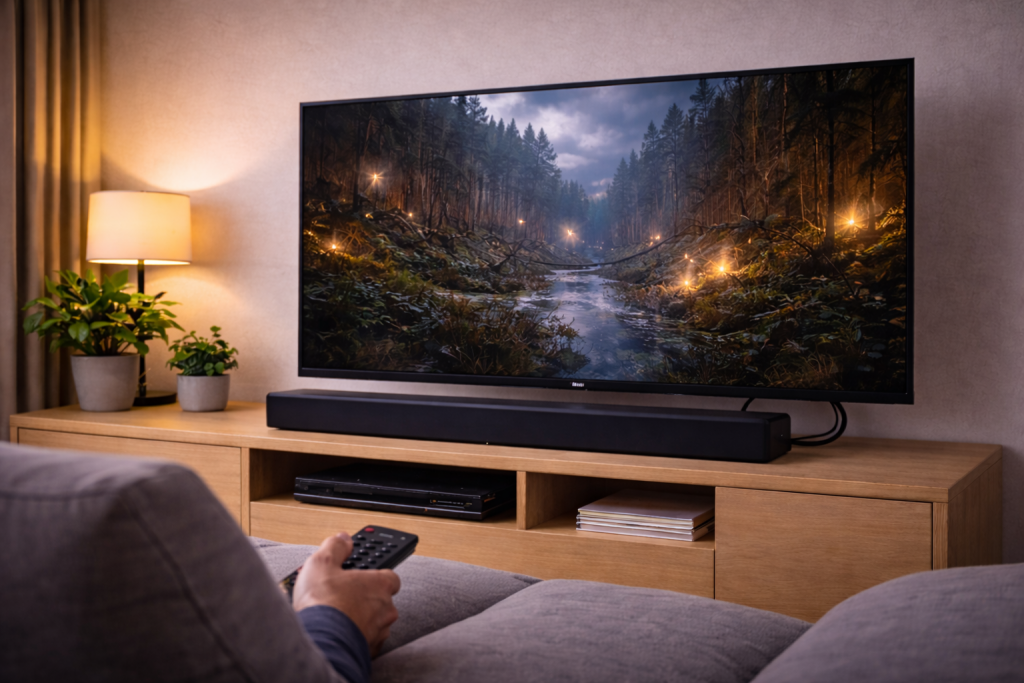
HDMI eARC is supposed to be the simple setup: one HDMI cable from TV to soundbar, full-quality audio back from every TV app and HDMI device. In real homes, it’s also the most common “everything looks connected but there’s no sound” fault I get asked to fix.
The tricky part is that eARC isn’t one feature. It’s a chain: the right HDMI port, the right cable, the TV’s audio output mode, the soundbar’s input mode, and a stable handshake at power-on. If any link in that chain is slightly wrong, you can end up with silence, stereo-only, or audio that drops out after a few minutes.
This article walks through a diagnostic path that works across Samsung, LG, Sony, Philips, Hisense and TCL TVs commonly sold in the UK, plus soundbars from Sonos, Bose, Samsung, Sony, LG and Yamaha.
What eARC is actually doing (and why it fails)
ARC (Audio Return Channel) sends audio from the TV back to a soundbar/AVR over the same HDMI cable used for video. eARC (enhanced ARC) is the newer version that supports higher bandwidth audio formats and more reliable device discovery.
When eARC is working properly, the TV becomes the “audio hub”. TV apps (Netflix, iPlayer, Disney+), Freeview, and any HDMI sources connected to the TV can all output audio to the soundbar through the TV’s eARC port.
When it fails, it’s usually one of these failure states:
- Wrong port: the cable is in a normal HDMI input, not the TV’s HDMI (eARC/ARC) port.
- Handshake/CEC failure: the TV doesn’t switch audio output to HDMI eARC, or the soundbar doesn’t wake to the right input.
- Format mismatch: the TV outputs a codec the soundbar can’t decode (or the TV is set to PCM when you need bitstream, or vice versa).
- Pass-through limitations: the TV can’t pass certain formats from external devices even though eARC is enabled.
- Cable/connector issues: intermittent eARC is often a cable that “works for video” but fails for stable return audio.
This is the most common issue I see on devices sold in the UK before 2024: eARC is enabled, but CEC is off (or partially broken), so the TV never properly negotiates audio return after standby.
Before you change settings: confirm the physical path
Start with the boring checks. They save time because eARC problems often look like software issues when they’re actually cabling or port selection.
1) Confirm you’re using the TV’s eARC/ARC-labelled HDMI port
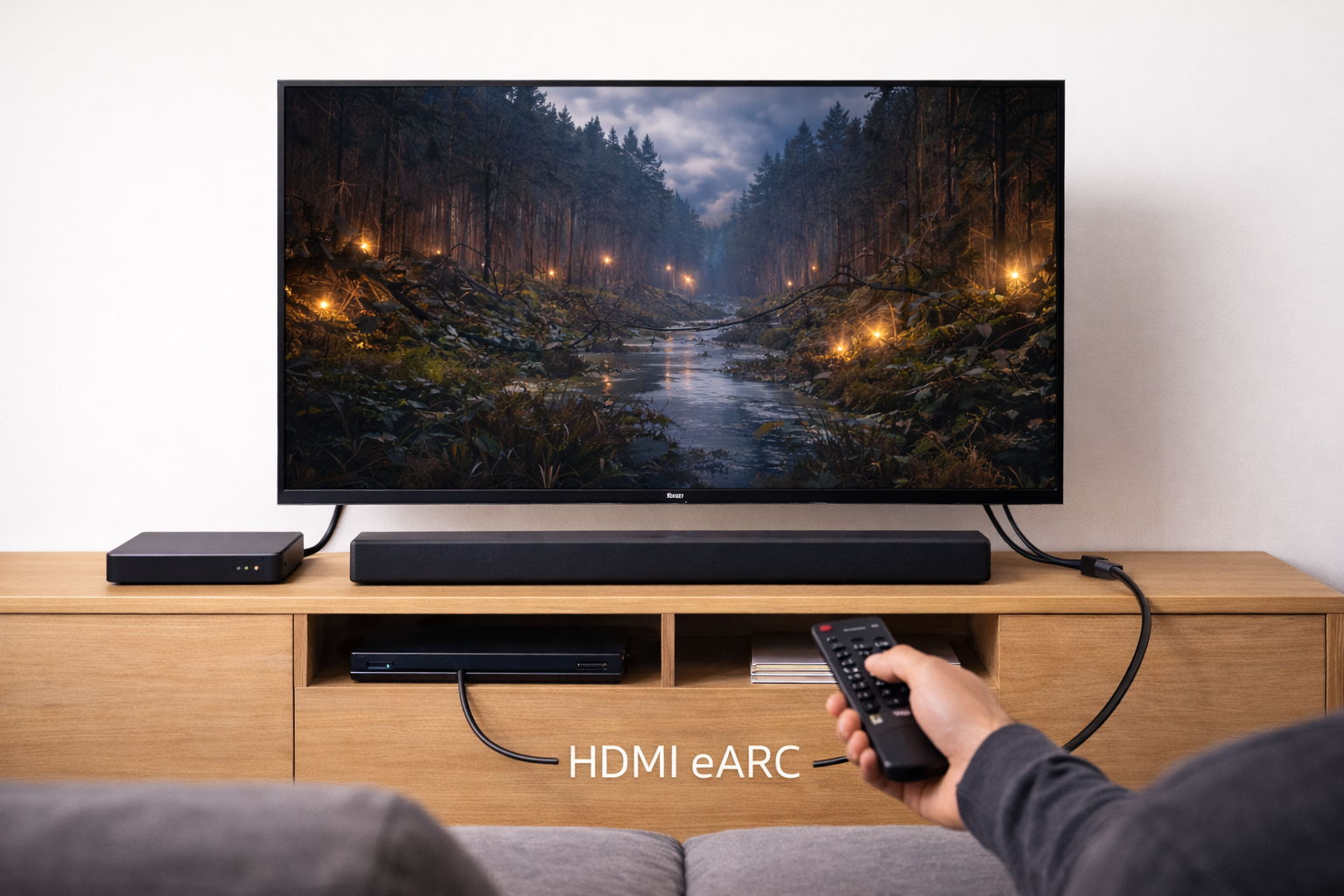
On most TVs, only one HDMI port supports ARC/eARC. It’s usually labelled ARC or eARC on the back panel and in the TV’s input list.
- TV end: HDMI port labelled ARC/eARC
- Soundbar end: HDMI port labelled HDMI OUT (TV-ARC) or eARC/ARC
If the soundbar has multiple HDMI ports, don’t use an HDMI IN by mistake. I see that exact wiring error surprisingly often after people rearrange a cabinet.
2) Use a known-good HDMI cable (and keep it short)
For eARC, you want a cable that behaves well electrically, not just one that “supports 4K”. In practice, issues like this often come down to the cable itself rather than the device.
- Try a different cable you trust.
- Avoid ultra-thin, very long, or no-name cables.
- If you’re running through wall plates or couplers, bypass them for testing.
If you need a replacement, a certified Ultra High Speed HDMI cable is the simplest way to remove cable uncertainty from the diagnosis.
3) Check the soundbar is on the correct input mode
Many soundbars have an “TV ARC/eARC” input mode that must be selected manually at least once. If it’s stuck on Bluetooth, Optical, or HDMI 1, you’ll get silence even though the cable is correct.
- Use the soundbar remote to cycle inputs until you see TV, ARC, or eARC.
- If the soundbar has an on-screen display/app, confirm the active input.
Settings that control eARC on the TV (the ones that actually matter)
TV menus vary, but the same three controls exist on almost every brand: eARC mode, digital audio output format, and HDMI-CEC control.
Enable HDMI-CEC (even if you don’t care about remote control)
CEC is the control layer that helps devices discover each other and switch audio routes. Some TVs will pass audio without CEC, but many won’t reliably initialise eARC after standby unless CEC is enabled.
- Samsung: Anynet+ (HDMI-CEC)
- LG: SIMPLINK (HDMI-CEC)
- Sony: BRAVIA Sync
- Panasonic: VIERA Link
If your TV keeps jumping inputs when CEC is on, fix that separately rather than disabling CEC entirely; see Fix TV switching inputs by itself.
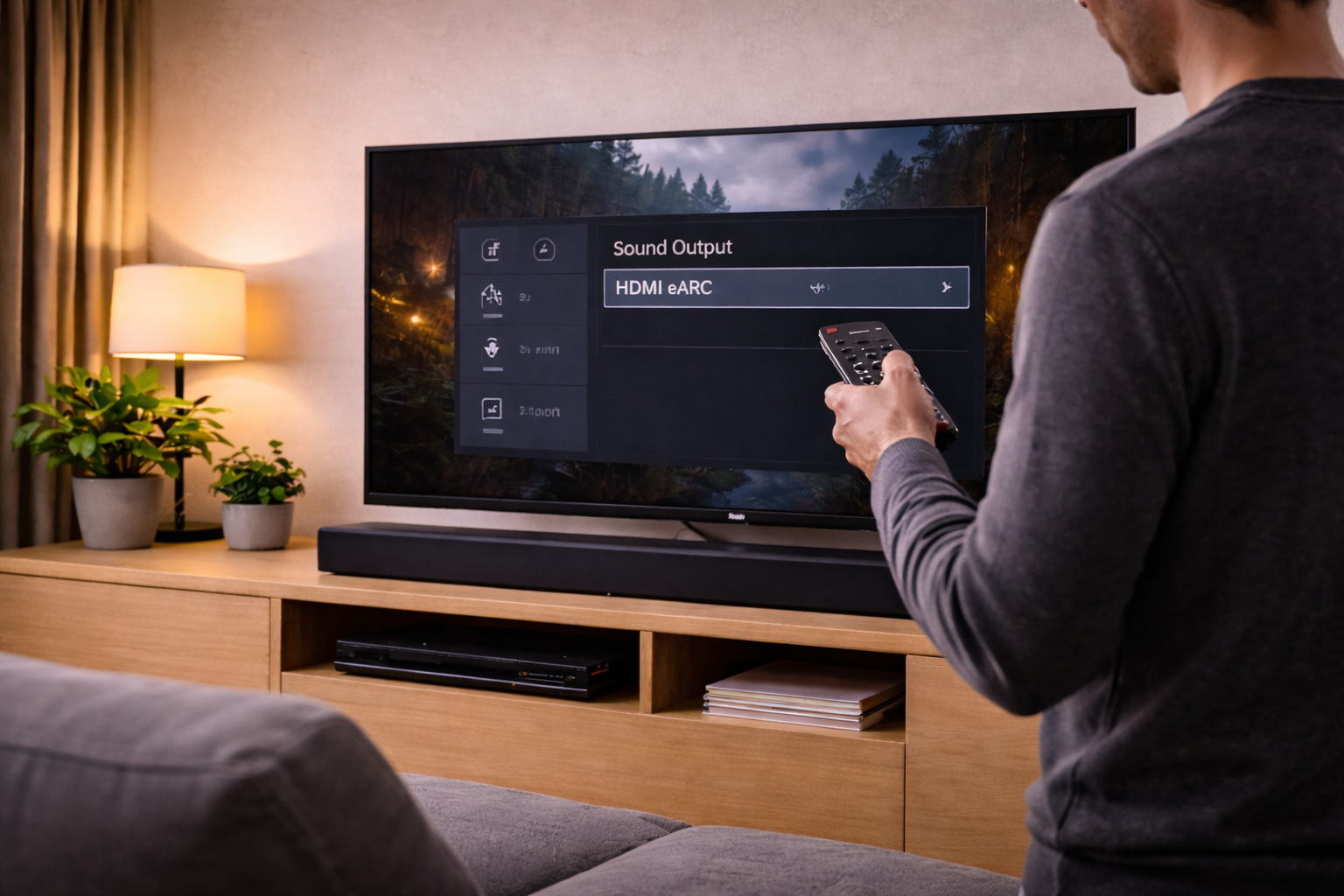
Turn eARC mode ON (or AUTO) and set the correct output device
On the TV, set the audio output to HDMI ARC/eARC (sometimes called “Receiver”, “Audio System”, or the soundbar’s name). Then enable eARC.
- Audio Output: HDMI (ARC/eARC) / Audio System
- eARC: Auto / On
- TV Speakers: Off (or “Audio System” selected)
On LG and Sony sets, I often see eARC enabled but the output device still set to “TV Speaker”, which results in the soundbar being detected but never used.
Set Digital Audio Output to “Pass Through” or “Auto” first
This setting decides whether the TV decodes audio into PCM or passes the bitstream through to the soundbar.
- Try first: Pass Through (or Auto)
- If you get silence: switch to PCM temporarily to confirm basic audio works
PCM is a useful diagnostic tool: if PCM works but Pass Through doesn’t, you’re dealing with a codec/handshake limitation rather than a dead connection.
For background on Atmos-specific failures, Dolby’s guide to Dolby Atmos on home theatre and soundbars is a good reference for what formats your devices are expected to support.
A step-by-step fix path that isolates the fault
Use this order. It’s designed to separate “no audio at all” from “format-specific” and “handshake-only” issues.
Step 1: Do a full power reset (not just standby)
- Turn off TV and soundbar.
- Unplug both from mains power.
- Disconnect the HDMI cable at both ends.
- Wait 60 seconds.
- Reconnect HDMI (TV eARC port to soundbar HDMI OUT/ARC).
- Plug in soundbar first, then TV.
- Power on TV, then soundbar.
In practice, this step fixes the problem in about half of cases where the setup worked previously and then stopped after a firmware update or a power cut.
Step 2: Force the TV to re-select the audio system
- Open TV Settings → Sound.
- Switch output to TV speakers.
- Wait 5 seconds.
- Switch output back to HDMI ARC/eARC (Audio System).
This forces a renegotiation. On Samsung and LG sets, it’s common for the TV to “remember” the soundbar name but not actually route audio until you toggle the output.
Step 3: Prove the soundbar can play any audio over eARC
Use a simple source first: Freeview, YouTube, or the TV’s menu sounds. Avoid Atmos test clips at this stage.
- If you get sound on PCM only: move to Step 5 (format mismatch).
- If you get no sound even on PCM: move to Step 4 (handshake/CEC/cable).
Step 4: Stabilise the HDMI handshake
If PCM also fails, treat it as a link problem.
- Try a different HDMI cable.
- Disable and re-enable CEC on both devices (toggle off, reboot, toggle on).
- On the TV, disable eARC (use ARC), reboot, then re-enable eARC.
- Disconnect other HDMI devices temporarily (consoles, set-top boxes) to remove CEC conflicts.
I see HDMI-CEC conflicts most often when a Sky Q box, PS5, and soundbar are all trying to be the “active” device at power-on.
Step 5: Fix codec and passthrough mismatches (the silent killer)
Once you have PCM working, you can tune for surround formats.
- TV Digital Audio Output: try Pass Through, then Auto, then Bitstream (wording varies).
- Soundbar audio mode:
set to Auto/Direct rather than “Night” or “Voice” modes while testing. - Disable secondary audio mixing on consoles/players (it can force stereo PCM).
Common real-world pattern: the TV is set to “Pass Through”, but the soundbar only supports Dolby Digital (not Dolby Digital Plus), so some streaming apps go silent. Switching the TV to “Auto” or “Dolby Digital” output often restores audio, at the cost of losing Atmos.
Step 6: Check per-input audio settings (TVs often store them separately)
Many TVs store audio settings per HDMI input and separately for internal apps. That means Netflix might work, but HDMI 1 (your console) is silent.
- Open the HDMI input that’s failing.
- Re-check Digital Audio Output and eARC settings.
- Look for an “HDMI Input Audio Format” option (set to Bitstream/Auto).
If your issue is “no sound only when I turn the TV on”, it can overlap with HDMI handshake timing; Fix No Signal on HDMI after TV power on covers the same class of power-on negotiation problems.
Step 7: Update firmware (TV and soundbar) and then re-run Step 1
Firmware updates can fix eARC, but they can also reset settings or change default audio behaviour. Do updates only after you’ve confirmed the wiring and basic PCM audio path.
- Update the TV firmware via Settings → Support → Software Update.
- Update the soundbar via its app (Sonos/Bose) or USB/network method (varies by brand).
- After updating, do the full power reset again.
I rarely see this issue on newer platforms where both TV and soundbar have had at least one post-launch eARC stability update, but older firmware combinations can be genuinely flaky.
Real-world fault patterns I see in UK living rooms
Scenario A: “It works on Netflix but not on my PS5 / Xbox”
This is usually a pass-through or console output setting mismatch. Consoles can output PCM 5.1/7.1, Dolby Digital, or Dolby Atmos (MAT). Some TVs can’t pass certain modes cleanly, even with eARC enabled.
- Set console audio to Bitstream (Dolby) as a test.
- If that works, your TV likely struggles with multichannel PCM pass-through.
- For Xbox/PS5, disable “audio enhancements” or “secondary audio”.
In practice, switching a console from multichannel PCM to Dolby bitstream is the fastest way to stop random silence on mid-range TVs.
Scenario B: “Sound works, but only in stereo”
Stereo-only over eARC is almost always one of these:
- TV Digital Audio Output forced to PCM
- Source device set to stereo output
- Streaming app playing a stereo track (common on older content)
- Soundbar set to a mode that downmixes
Fix: set TV output to Auto/Pass Through, then confirm the source device is set to bitstream/surround. If you’re chasing Atmos specifically, confirm the content actually has an Atmos track and your app tier supports it.
Scenario C: “No audio after standby, but it comes back if I change volume or inputs”
This is classic CEC wake timing. The TV wakes, decides there’s no audio system, routes audio to internal speakers (or nowhere), then never re-checks.
- Enable CEC on both devices.
- Disable “Quick Start+” / “Fast Start” on the TV as a test (it can skip full HDMI initialisation).
- Set the soundbar to always wake on TV input if the brand supports it.
Seen most often on setups where the soundbar is on a smart plug or power strip that turns off overnight, so it isn’t ready when the TV boots.
Scenario D: “It worked yesterday, then a power cut happened”
Power cuts and brownouts leave HDMI devices in a confused state. The full unplug reset (Step 1) is the fix. If it keeps recurring, the long-term fix is usually a better HDMI cable and disabling fast-start modes that reduce handshake reliability.
Mistakes that keep eARC broken
- Using Optical as a fallback and forgetting: Optical can mask the issue but it also caps formats and can introduce lip-sync quirks when you switch back.
- Assuming “eARC On” means “everything supports Atmos”: your TV, app, and soundbar all need compatible formats.
- Leaving multiple CEC devices fighting: set-top boxes and consoles can steal active status and break audio routing.
- Testing with the wrong content: a stereo YouTube clip won’t prove surround is working.
- Routing through HDMI splitters/switches: many cheap switches don’t handle eARC/CEC cleanly.
This often fails on budget HDMI switches and older AV accessories that were designed for ARC-era behaviour, even if they claim “4K” support.
When hardware is the limiting factor (and what to change)
Replace the cable before replacing devices
If audio drops out, cuts when you change inputs, or only works after replugging HDMI, treat the cable as suspect. A stable eARC link is less forgiving than basic video.
Consider bypassing the TV for external sources
If your TV struggles with pass-through from consoles/streamers, a practical workaround is to connect the source to the soundbar’s HDMI IN (if it has one), then pass video to the TV. This avoids the TV’s audio limitations entirely.
If you’re unsure what the “right” wiring is for your mix of TV apps, consoles and set-top boxes, How to connect your TV, soundbar and console the right way lays out the cleanest layouts.
Use manufacturer docs when menu wording doesn’t match
TV brands rename the same settings every year. When you can’t find the exact toggle, it’s faster to use the vendor’s current terminology.
- For LG TVs, LG support: using HDMI ARC/eARC and sound output settings helps map menu names to functions.
Wrap-up: the fastest route to “sound back now”
If you want the shortest path: confirm the correct ports, swap the HDMI cable, enable CEC, set TV output to Audio System, set eARC to Auto/On, then do a full unplug reset. After you get PCM audio, tune Pass Through/Auto for surround formats.
Most eARC “no audio” faults aren’t a dead soundbar. They’re a handshake or format mismatch that only shows up after standby, after a firmware update, or when you add one more HDMI device to the
FAQ: eARC no-audio edge cases people actually hit
Why does eARC work on my TV apps but not from HDMI devices (Sky Q / PS5 / Xbox)?
That usually means the TV can output its own app audio fine, but it can’t pass the external device’s chosen format. Set the console/box to Dolby bitstream as a test, and set the TV Digital Audio Output to Auto rather than strict Pass Through. In real homes, this is most often a multichannel PCM pass-through limitation, not a broken soundbar.
Why do I get sound only after I toggle TV speakers on/off?
That’s a handshake timing issue where the TV boots faster than the soundbar and never re-checks the audio route. Enabling CEC and disabling fast-start/quick-start modes usually helps. I see this a lot when the soundbar is powered from a switched extension lead and isn’t fully awake when the TV starts.
My LG/Samsung shows the soundbar name, but there’s still no audio—what does that mean?
It means CEC discovery happened, but the audio stream negotiation didn’t. Swap the HDMI cable, then force a full power reset with both devices unplugged and HDMI disconnected. This is the most common issue I see on UK setups after a firmware update resets audio output to TV speakers or changes the digital output mode.
Why does Dolby Atmos work on Netflix but not on Disney+ (or vice versa) over eARC?
Apps don’t always output the same format, even when both say “Atmos”. One might use Dolby Digital Plus Atmos, another might behave differently depending on device model and account tier. Set the TV to Auto/Pass Through and confirm the soundbar supports DD+ Atmos; if not, you’ll often get silence or fallback stereo.
Can a long HDMI run in a UK living room cause eARC dropouts even if 4K video looks fine?
Yes. eARC stability can fail while video still appears normal, especially through wall plates, couplers, or older long cables. If audio drops when you change inputs or after standby, test with a short known-good cable directly between TV and soundbar. In practice, that quick test tells you whether you’re chasing settings or chasing signal integrity.
Recommended gear on Amazon UK
- In practice, persistent eARC no-audio and dropouts are often fixed by swapping to a certified Ultra High Speed HDMI cable when older or long cables negotiate video but fail on return audio. View Certified Ultra High Speed HDMI cable on Amazon UK
- This helps when you need to bypass a flaky wall plate or damaged connector during testing while keeping the eARC link as electrically clean as possible. View HDMI 2.1 coupler (female-to-female) on Amazon UK
- When a Sky box or console keeps hijacking HDMI-CEC and breaking audio routing, a CEC-blocking adapter on the problem device can stabilise eARC without disabling CEC for the soundbar. View CEC-less HDMI adapter on Amazon UK
- If your TV struggles to pass certain audio formats from external sources, an eARC-capable HDMI switch can simplify the chain and reduce handshake failures caused by multiple devices competing at power-on. View HDMI 2.1 switch with eARC support on Amazon UK
5 thoughts on “Fix Soundbar No Audio via HDMI eARC”