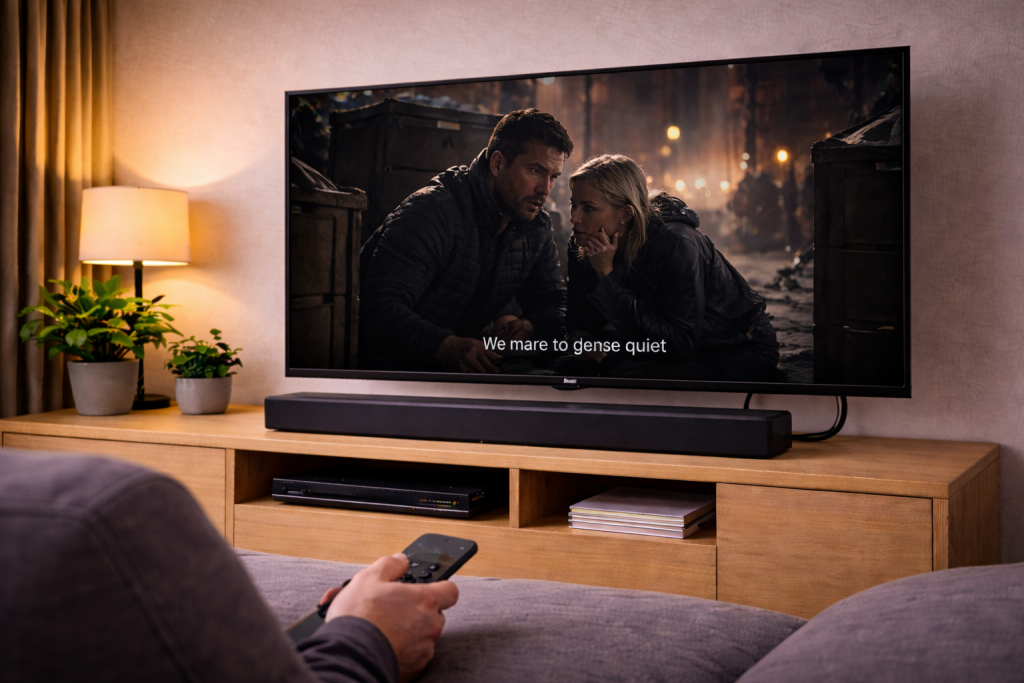
When voices vanish but explosions are loud
If your soundbar makes music and effects sound huge but dialogue is too quiet, you’re usually dealing with a format or processing mismatch rather than a “weak” soundbar. Modern TV audio is often delivered as 5.1/7.1 or Dolby Atmos, and if the centre channel (where speech normally lives) isn’t being handled correctly, voices get buried.
The fixes are mostly about forcing a clean audio path (TV → soundbar), choosing the right output format, and disabling the processing that smears speech. I’ve seen this exact complaint most often on UK living-room setups where the TV is doing extra “AI sound” processing while the soundbar is also trying to enhance voices.
What’s actually happening: centre channel, downmixing and dynamic range
Dialogue is usually a centre-channel problem
In a proper 5.1 mix, dialogue is primarily in the centre channel. A soundbar without discrete speakers still has to extract that centre information and reproduce it clearly. If the TV outputs a format the soundbar doesn’t decode cleanly (or the TV downmixes badly), the centre content can end up too low compared to left/right effects.
Dynamic range makes quiet speech feel “broken”
Streaming apps and Blu-rays often preserve cinema-style dynamics: whispers are quiet, action is loud. If your soundbar is set to a “Movie” or “Surround” mode with wide dynamics, you’ll keep reaching for the volume during dialogue and then getting blasted during action scenes.
In practice, enabling a night mode / dynamic range compression setting fixes the problem in about half of cases, especially for Netflix and Disney+ content.
Why it changes between apps and inputs
Different sources output different formats. Your Sky Q box might send Dolby Digital, your PS5 might output PCM, and your TV’s built-in apps might output Dolby Digital Plus. If one of those paths forces a downmix or applies loudness normalisation differently, dialogue balance changes even when the volume number stays the same.
Fast diagnosis: identify where the audio is being decoded
Before changing lots of settings, work out which device is doing the decoding and mixing.
- TV apps (Netflix, iPlayer, Prime Video): audio originates in the TV, then goes out via HDMI eARC/ARC or optical.
- External streamer (Apple TV, Fire TV, Chromecast): audio originates in the streamer, then passes through the TV to the soundbar (unless the soundbar has HDMI inputs).
- Sky/Virgin/console: audio originates in the box/console.
A reliable test: play the same scene from two sources (e.g. TV Netflix app vs Apple TV Netflix). If dialogue is only quiet on one source, the issue is format/output settings on that source, not the soundbar hardware.
Step-by-step fixes that actually move the needle
1) Put the soundbar in a dialogue-first mode (temporarily)
Start by forcing the soundbar into its most speech-forward profile so you can hear whether the centre information is present at all.
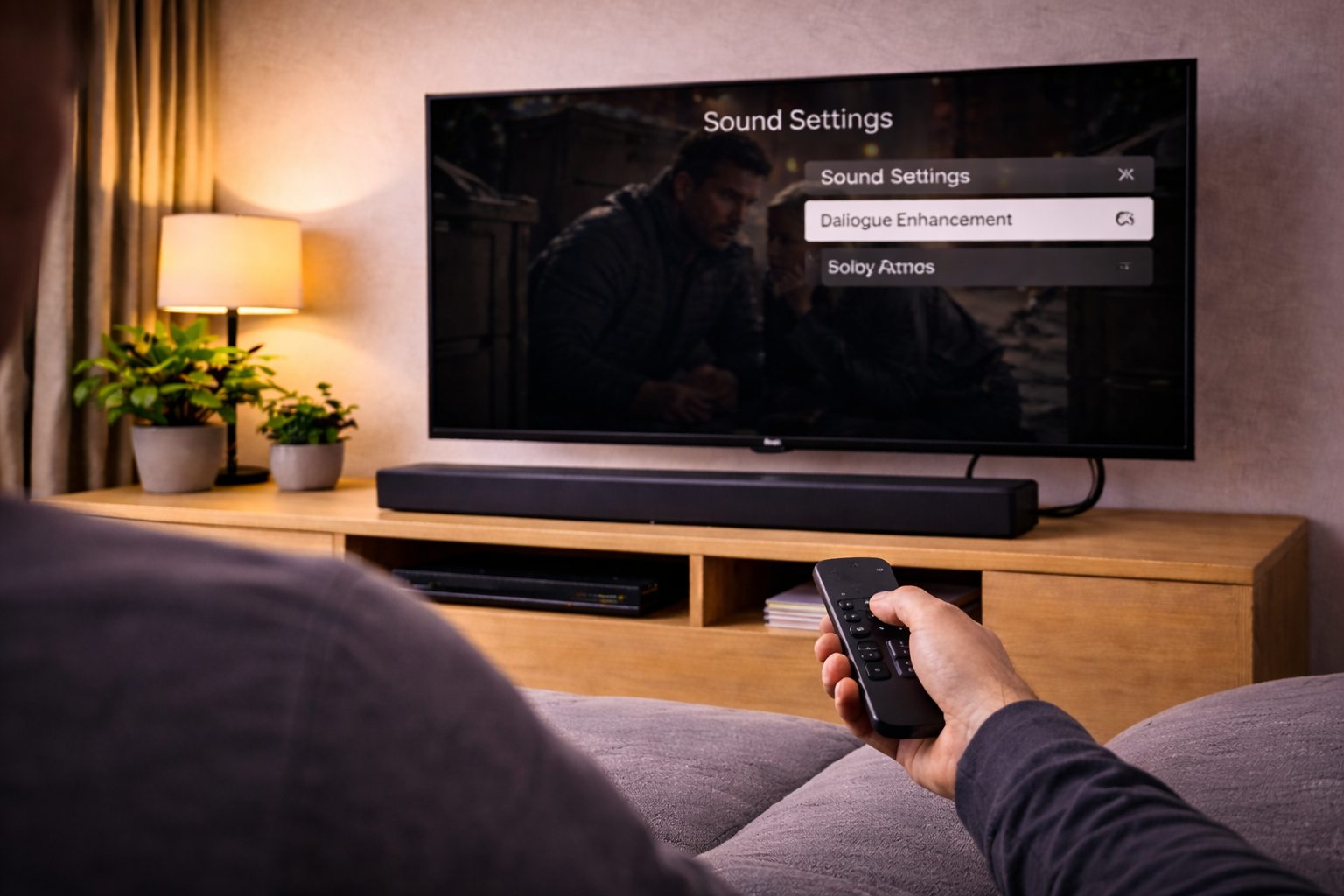
- Enable Voice/Dialogue Enhancement (names vary: Voice, Clear Voice, Speech, Dialogue).
- Enable Night Mode or Dynamic Range Compression if available.
- Turn off Virtual Surround / 3D modes for testing.
- If the soundbar has an EQ, reduce bass slightly and add a small lift to midrange (roughly where speech sits).
This is the most common “instant improvement” I see on compact soundbars with a wireless sub in small UK lounges, where the sub is simply set too hot for the room.
2) Disable TV audio processing that fights the soundbar
Many TVs ship with processing enabled by default (AI Sound, Auto Volume, Surround, Clear Voice). When you add a soundbar that also processes audio, you can end up with phasey mids and recessed dialogue.
- On the TV, set sound mode to Standard (not Cinema, Sports, AI, Adaptive).
- Turn off Surround, Virtualisation, Auto Volume, Volume Levelling, Clear Voice (yes, even “clear voice” can conflict).
- If there’s a setting for Pass Through audio, enable it (details below).
I rarely see TV-side “AI sound” help once a soundbar is connected; it tends to make dialogue less stable as scenes get busier.
3) Set the TV’s digital audio output to the right format
This is where most quiet-dialogue issues are actually fixed. You want the TV to output a format your soundbar decodes cleanly, without a bad downmix.
- Preferred: Bitstream output with Pass Through enabled (TV sends the original stream to the soundbar).
- If Pass Through causes issues: set output to PCM (TV decodes and sends stereo/PCM). This can improve dialogue on some budget bars, but you may lose surround/Atmos.
- Avoid when possible: forcing odd conversions like “Dolby Digital” from a source that’s already Dolby Digital Plus, unless your soundbar can’t handle DD+.
On many LG/Samsung/Sony models, the key toggle is Digital Sound Output: Pass Through vs Auto. “Auto” often chooses a compromise format that looks compatible but downmixes centre content poorly.
4) Confirm HDMI eARC/ARC is configured correctly
If eARC is misconfigured, the TV may fall back to ARC limitations or change formats mid-stream, which can alter dialogue balance.
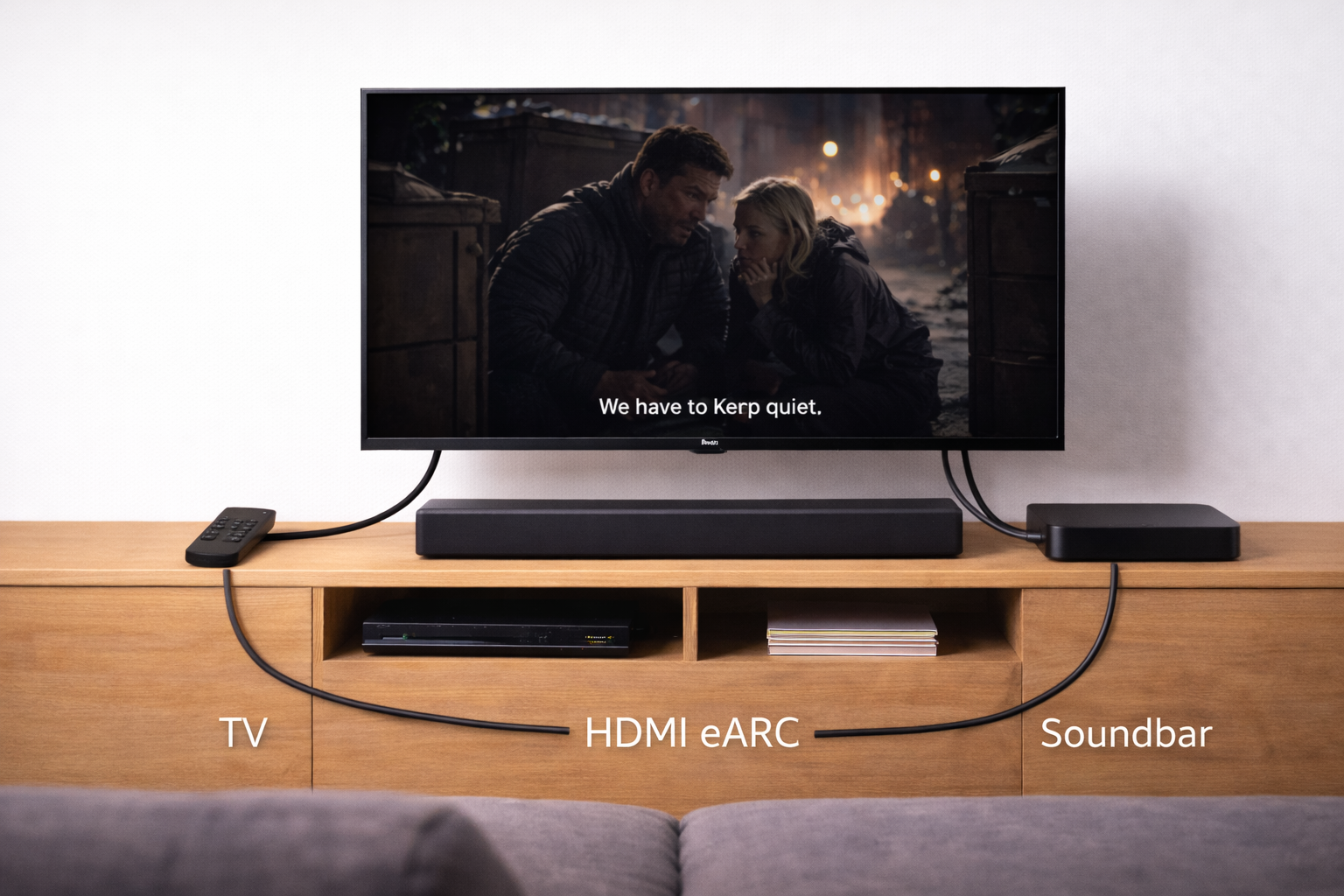
- Connect the soundbar to the TV’s HDMI (eARC/ARC) port (not a regular HDMI port).
- Use a known-good HDMI cable (see recommendations below).
- Enable eARC in TV settings (if both devices support it).
- Enable CEC (often required for ARC/eARC handshakes).
- Power-cycle both devices: unplug TV and soundbar for 60 seconds, then reconnect.
If you’re also seeing dropouts or total silence at times, fix that first because it’s the same handshake layer: Fix soundbar no audio via HDMI eARC.
5) Fix the source device output (Sky, Apple TV, consoles)
If the problem only happens on one HDMI input, set that device to a sensible output and stop it from doing unnecessary conversions.
- Sky Q / Sky Stream: try Dolby Digital on/off and compare the same programme. Some channels have inconsistent mixes; don’t judge using adverts.
- Apple TV 4K: keep Change Format off unless you’re troubleshooting, and ensure Atmos is only enabled if your soundbar supports it. If Atmos is flaky, use Apple TV audio format and Dolby Atmos settings.
- PS5 / Xbox: test Linear PCM vs Bitstream Dolby. If PCM improves dialogue, your TV’s bitstream pass-through may be the weak link.
This is the most common issue I see on devices sold in the UK before 2024: the TV reports “Atmos capable” but the chain can’t actually pass the format reliably, so you get odd balance shifts instead of clean centre dialogue.
6) Check the streaming app’s own audio track
Some titles default to a 5.1/Atmos track with wide dynamics, while the stereo track is more “TV friendly”. If your soundbar struggles with the surround mix, switching tracks can be a practical fix.
- In Netflix/Disney+/Prime Video, open Audio and try English (Original) [Stereo] vs 5.1 vs Atmos
- If stereo makes dialogue clearer, your downmix/centre extraction is the problem, not your hearing or the volume level.
7) Rebalance the subwoofer and placement (it matters more than people think)
Too much low-end masks speech. This is especially obvious in UK terraces and flats where the sub ends up tucked into an alcove or corner.
- Turn the sub down by 2–4 steps and re-test dialogue.
- Move the sub 20–30cm away from a corner if it’s boomy.
- Ensure the soundbar isn’t inside a cabinet; reflections kill mid clarity.
- If your bar has up-firing drivers, make sure it’s not blocked by a shelf lip.
I’ve lost count of the times a “dialogue problem” was solved by simply reducing sub level and moving it out of a corner by a hand’s width.
8) Use the TV’s audio delay/lip-sync settings carefully
Some TVs apply processing that adds delay, and users compensate with lip-sync settings. Overdoing this can create a subtle echo/comb filtering effect that makes speech harder to understand.
- Set soundbar audio delay to 0 for testing.
- Use the TV’s AV Sync only if you see lip-sync issues.
- If your TV has Bypass for audio processing, enable it.
Real setups where dialogue goes quiet (and what fixed it)
Scenario A: LG OLED + soundbar via eARC, Netflix dialogue low
Common pattern: TV set to “AI Sound Pro”, soundbar set to “Cinema”, and Digital Sound Output on “Auto”. The fix is usually: TV sound mode to Standard, Digital Sound Output to Pass Through, and soundbar to Voice mode with a mild bass reduction. After that, Atmos can be re-enabled if it stays stable.
Scenario B: Samsung TV + Sky Q, voices dip when action starts
This often ends up being dynamic range plus a hot subwoofer. Enabling Night Mode on the soundbar and turning the sub down a few notches makes dialogue consistent. If it still dips, forcing Sky to output Dolby Digital (not “Normal”) can stabilise the centre mix.
Scenario C: Sony TV + PS5, PCM sounds clearer than bitstream
If PCM is clearer, the TV is likely mishandling bitstream pass-through or applying processing on “Auto”. Switching the TV to Pass Through and disabling TV audio effects usually allows bitstream to sound correct again. If not, leaving the console on PCM is a valid compromise for dialogue-first viewing.
Pitfalls that keep dialogue quiet even after “trying everything”
- Using optical when you expect eARC behaviour: optical can’t carry the same formats and often changes how mixes are handled.
- CEC/eARC handshake half-working: it may pass audio but not the format you think, leading to odd balance. A full power-cycle fixes this more often than people expect.
- Double processing: TV “clear voice” plus soundbar “voice enhancement” can make speech thin and inconsistent.
- Judging using one bad mix: some streams are genuinely poorly mixed; test with at least two different titles and one live broadcast.
- Soundbar physically blocked: a bar behind the TV feet or inside a cabinet will always sound muffled, no matter the settings.
In real homes, not lab setups, the physical placement mistake is the one that keeps coming back—especially with wide TVs on narrow stands.
Practical upgrades that solve recurring dialogue issues
Use a known-good HDMI cable for eARC stability
If your eARC link is unstable, the TV may renegotiate formats mid-playback, and dialogue balance can change with it. A certified Ultra High Speed HDMI cable removes a lot of variables. This is usually where unstable behaviour stops when cheaper alternatives fail.
For troubleshooting, I keep a short Ultra High Speed HDMI cable on hand so I can rule out the cable quickly.
Add rear speakers if your soundbar supports them
Some soundbars do a better job of centre extraction when they aren’t also trying to fake surround width from the front. If your model supports optional rears, adding them can reduce the “hollow” midrange effect that makes dialogue feel distant.
Consider a soundbar with a dedicated centre channel
If you consistently struggle with dialogue across sources, a bar with a real centre driver (or a strong dialogue enhancement implementation) is the cleanest fix. I see this most often in open-plan rooms where reflections and distance make speech clarity harder than raw volume.
If you’re unsure what to look for, How to choose the right soundbar for your OLED TV explains which designs tend to keep dialogue forward.
Wrap-up: the shortest path to clearer speech
Fixing quiet dialogue is mostly about getting the centre information to the soundbar intact and stopping competing processing. Start by disabling TV sound enhancements, set Digital Sound Output to Pass Through (or PCM if needed), and use the soundbar’s voice and night modes to tame dynamics. Then rebalance the sub and check placement.
If the issue only happens on one input, fix the source device output rather than chasing settings on every device. Once you’ve got stable eARC and a clean format path, dialogue should stop “disappearing” when scenes get loud.
FAQ: awkward dialogue problems people hit in UK setups
Why is dialogue quiet on Netflix (TV app) but fine on Sky Q?
That usually means the TV app is outputting Dolby Digital Plus/Atmos and the TV is set to “Auto” instead of Pass Through, so the centre channel gets downmixed oddly. Set Digital Sound Output to Pass Through and disable TV sound processing. If it still sounds wrong, try the stereo track in Netflix to confirm it’s a surround decoding issue.
Why does PCM make voices clearer but I lose surround sound?
PCM can sound clearer because it avoids a broken bitstream pass-through path and forces a simpler mix. I see this when the TV’s eARC/CEC handshake is flaky or the TV is converting formats on “Auto”. Try enabling eARC and Pass Through first; if it doesn’t stabilise, PCM is a reasonable trade-off for dialogue-first viewing.
My soundbar has “Voice” mode but speech still gets buried when the sub kicks in—what else can I do?
Turn the subwoofer level down and re-test before changing anything else. In small UK rooms, corner-loaded bass masks the midrange more than people expect. If your soundbar has a crossover or bass extension setting, reduce it slightly; this often fixes the “voices vanish during action” effect without making the system sound thin.
Why is dialogue worse through HDMI eARC than optical on my older soundbar?
Optical forces simpler formats, which can accidentally hide a decoding mismatch. Over eARC/ARC, the TV may send a format the older bar handles poorly, or the TV may be converting it. Set the TV to output Dolby Digital (not DD+) or switch to PCM for testing; if the bar is ARC-only and temperamental, optical can be the more consistent option.
Do I need to change anything on Android TV / Google TV audio settings for clearer dialogue?
Yes—set the TV audio output to Pass Through if available, and turn off surround virtualisation in the TV sound menu. Also check the per-app audio track selection; some apps default to 5.1 even when the stereo track is easier to understand. If you’re digging through system menus, Google TV and Android TV audio output settings help is the quickest reference.
Why do voices sound “echoey” after I adjusted lip-sync?
An aggressive audio delay can create a subtle doubling effect when combined with TV processing, which makes speech harder to parse. Reset audio delay to 0 on the soundbar, then use only one device (TV or soundbar) to apply lip-sync correction. This is one of those issues that feels like “bad dialogue mixing” but is actually timing and processing fighting each other.
Recommended gear on Amazon UK
- A certified Ultra High Speed HDMI cable helps when eARC handshakes or audio formats keep renegotiating, which can cause dialogue level shifts and inconsistent sound modes. View Ultra High Speed HDMI cable (2m) on Amazon UK
- A simple sound level meter helps you compare dialogue loudness between PCM and bitstream outputs without guessing, which is useful when only one input or app sounds wrong. View Digital sound level meter on Amazon UK
- Isolation pads help when a soundbar sits on a resonant TV unit that boosts bass and muddies mids, making speech harder to understand even with voice enhancement enabled. View Soundbar isolation pads on Amazon UK
- An optical cable is a practical fallback for older soundbars that behave poorly over ARC/eARC, forcing simpler audio formats that can make dialogue more consistent. View Optical (TOSLINK) audio cable on Amazon UK