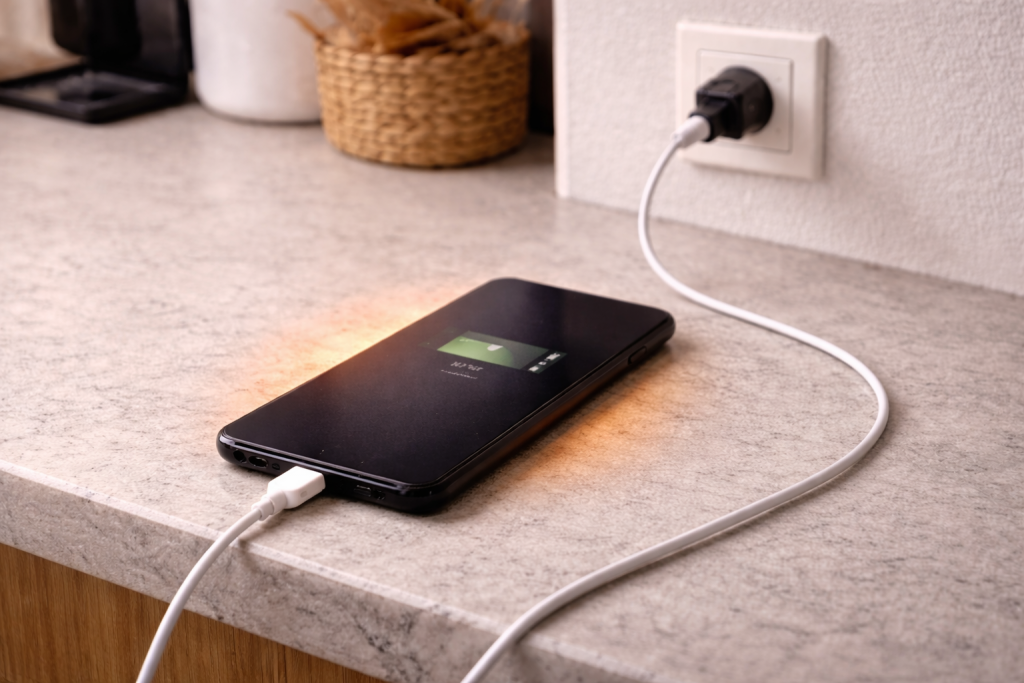
A phone that gets warm while charging isn’t automatically “faulty”. Some heat is normal: you’re pushing energy into a battery and running the power-management circuitry at the same time. The problem is when it gets hot enough to feel uncomfortable, triggers a temperature warning, slows charging to a crawl, or starts doing it every time regardless of charger.
I usually see this complaint after someone changes something without realising it: a new fast charger, a cheap cable, a thicker case, a MagSafe-style puck, or a habit change like charging under a pillow. The phone still charges, but it comes off the lead feeling like it’s been on a radiator.
Heat during charging is also one of the few symptoms where the safest move can be to stop and reassess. If the handset smells odd, the screen lifts, the back bulges, or it’s too hot to hold, unplug it and don’t “test it a bit more”. That’s not troubleshooting; that’s gambling with a lithium battery.
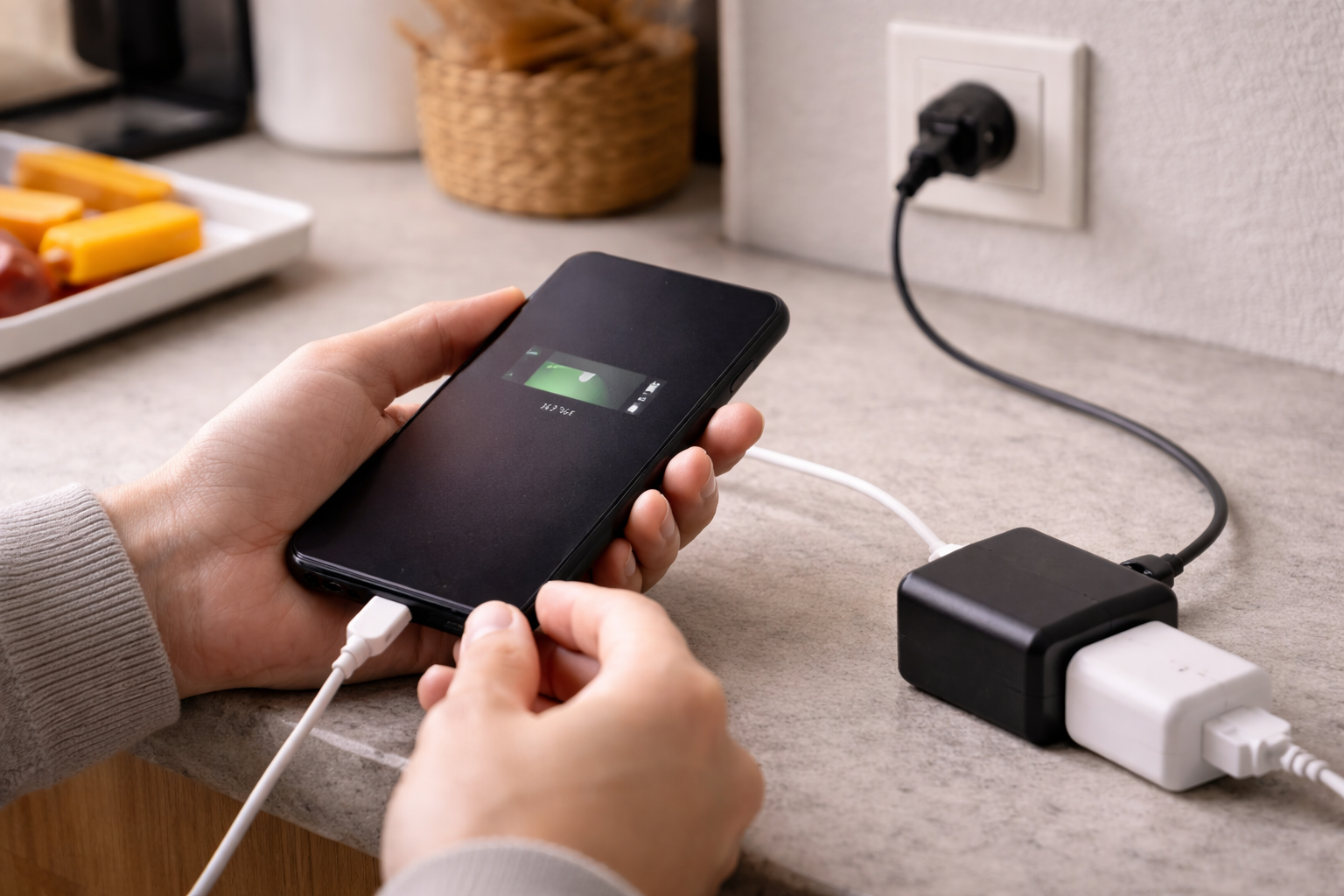
What actually creates heat during charging
Charging heat comes from three places: the battery chemistry, the charging electronics, and wasted power in the cable/connector. Which one dominates depends on how you charge and what the phone is doing.
Fast charging is the obvious culprit. When a phone negotiates higher wattage (USB Power Delivery, PPS, proprietary fast charge), it increases current and/or voltage. More power means more heat somewhere. Modern phones try to keep the battery in a safe temperature window by throttling charge speed, but that throttling itself can look like “it’s hot and charging slowly”.
Wireless charging runs hotter by design. Inductive charging wastes energy as heat in the coil and surrounding materials. Add a misaligned coil, a thick case, a metal ring, or a cheap pad with poor thermal design and you get a warm puck and a warmer phone. In practice, the worst offenders are magnetic wireless chargers used while streaming video with the screen on.
High resistance makes heat in the wrong place. A worn USB-C port, lint-packed Lightning port, a frayed cable, or a loose connector increases resistance. Resistance turns power into heat at the connector and cable end. If the hottest point is the plug area rather than the middle of the phone, suspect this first.
Background load matters more than people expect. If the phone is indexing photos, restoring a backup, updating apps, syncing cloud libraries, or running navigation, it’s drawing power while trying to charge. The charger supplies both the phone’s live load and the battery charge current. That extra load becomes extra heat.
Battery age changes the thermal behaviour. As batteries age, internal resistance rises. Higher internal resistance means more heat for the same charging current. This is the most common pattern I see on UK devices sold before 2024: “It never used to do this, now it’s hot on any charger.”
Heat-first checks that prevent damage
Before you start swapping settings, work out whether you’re dealing with normal warmth or a genuine fault. These checks take minutes and stop you chasing the wrong thing.
- Find the hottest spot. Back centre (battery area) points to battery/charging load. Bottom edge near the port points to connector/cable resistance. Around the camera bump can point to CPU load on some models.
- Note when it happens. First 10–20 minutes of fast charging is often warmest. If it ramps up later, something is running in the background.
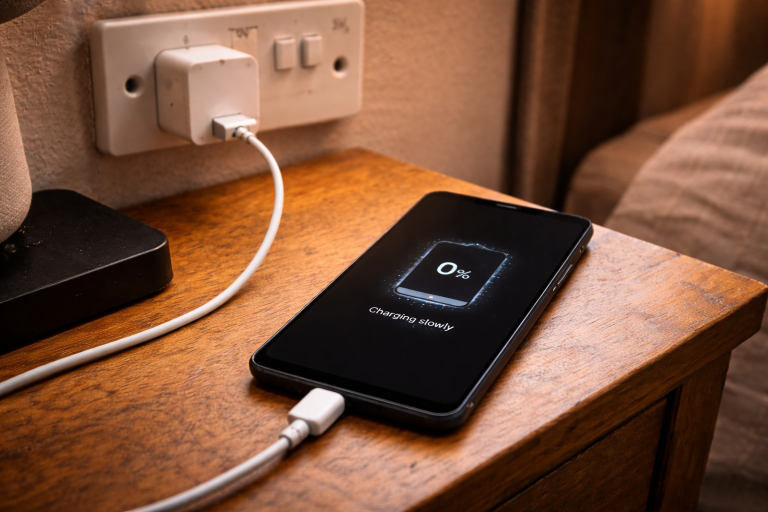
- Watch charge rate. If it’s hot and the percentage barely moves, the phone is likely thermal-throttling or the charger/cable is negotiating poorly.
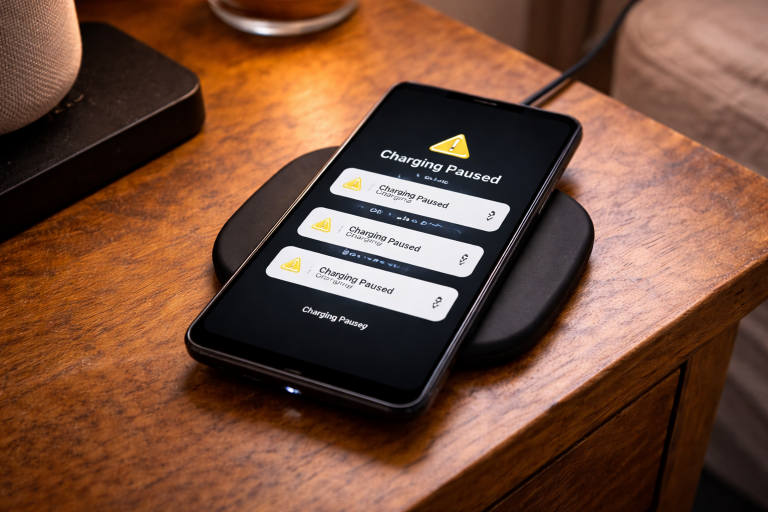
- Check for warnings. iPhone and many Android phones will show a temperature alert and pause charging. If you see that, treat it as a hard signal, not a suggestion.
If the phone is hot enough to be painful, or you see swelling, stop here. A swollen battery can rupture. Don’t keep it on charge “to see if it settles”.
A troubleshooting sequence that isolates the cause
The aim is to separate “too much power”, “too much insulation”, “too much background load”, and “too much resistance”. Don’t change five things at once or you’ll never know what fixed it.
1) Remove the easy heat traps
- Take the case off for one full charge cycle.
- Move the phone onto a hard surface (desk, shelf), not a bed or sofa.
- Keep it out of direct sun and away from radiators.
- Stop using it while it charges for 20 minutes (no games, no video calls).
I’ve watched a phone drop from “uncomfortable to touch” to merely warm just by taking it out of a thick silicone case and off a duvet. It’s boring, but it’s real.
2) Switch to a known-good wired setup
Wireless charging is convenient but it muddies diagnosis. For testing, use a wired charger with a reputable cable.
- Use the manufacturer charger if you still have it, or a quality USB-PD charger.
- Use a short, undamaged cable (USB-C to USB-C for most Android; USB-C to Lightning for older iPhones; USB-C to USB-C for iPhone 15 and newer).
- Plug directly into a wall socket, not a multi-port hub or laptop.
If the phone runs cool on wired but hot on wireless, you’ve already narrowed it down to coil alignment, case thickness, charger quality, or the phone’s wireless charging hardware.
3) Check the port and cable for resistance problems
This is where a lot of “mystery heat” lives. The phone is trying to pull power, the connection is poor, and the connector becomes a tiny heater.
- Inspect the cable ends for discoloration, melting, or looseness.
- Wiggle the plug gently while charging. If charging cuts in/out, stop using that cable.
- Look into the port with a torch. Lint compacts into a felt-like plug.
- If you’re confident, remove lint carefully with a wooden toothpick. Don’t use metal tools.
When the hottest point is the plug itself, I treat the cable as guilty until proven otherwise. It’s the fastest win and the cheapest failure point.
4) Reduce charging power to test thermal headroom
Fast charging is safe when everything is within spec, but it’s also the quickest way to expose a marginal cable, a tired battery, or poor ventilation.
- Try a lower-wattage charger for one session (for example, 5W–12W rather than 25W–65W).
- On Android, enable any “Protect battery” or “Battery protection” options that limit charge to 80–85% if available.
- On iPhone, keep Optimised Battery Charging enabled; it won’t always reduce heat, but it can reduce time spent at high charge levels.
If a slower charger makes the phone dramatically cooler, the device is probably fine, but your usual charging setup is pushing it too hard for the environment (case, bedding, warm room) or the battery’s current condition.
5) Identify background load that turns charging into a stress test
- Check battery usage for apps with unusually high activity.
- Pause large downloads, cloud photo sync, and OS updates while charging.
- Turn off hotspot and 5G temporarily if you’re in a weak-signal area (poor signal increases radio power draw).
- Try Airplane mode for 10 minutes while charging as a quick isolation test.
One pattern I see a lot: the phone is in a back bedroom with weak signal, it’s charging, and it’s also trying to upload photos. The radios heat the device, then the charger adds more heat, and the whole thing tips over into throttling.
6) Update firmware, but don’t assume it’s the fix
Power management bugs exist, and updates can change charging curves. They can also introduce new background tasks (re-indexing, app updates) that temporarily increase heat.
- Install pending OS updates.
- Update key apps that run in the background (messaging, cloud storage, navigation).
- After a major update, give it a day. Indexing can run hot for a while, then settle.
For platform-specific charging and temperature guidance, the official pages are worth checking: Apple iPhone temperature and charging guidance and Google Pixel battery and overheating help.
7) If it still overheats, test with a controlled “known good” setup
This is the closest you can get to a bench test at home.
- Let the phone cool to room temperature.
- Close all apps and reboot.
- Charge from 20% to 60% on a wired, reputable charger, case off, screen off, on a hard surface.
- Check whether it becomes hot or stays merely warm.
If it still gets hot in this controlled setup, you’re likely dealing with battery health, internal charging circuitry, or a damaged port.
Situations that change the diagnosis
“Hot while charging” isn’t one problem. The context matters, and the fix changes with it.
It only happens in the car
Car charging combines heat sources: a warm cabin, sunlight through glass, and often a cheap USB adapter. Add wireless CarPlay/Android Auto and the phone is working hard while charging.
- Prefer a quality USB-PD car charger rather than a no-name adapter.
- Mount the phone in airflow, not in a closed cubby.
- If you use wireless charging in the car, test wired instead; many in-car pads run hot.
I’ve had phones come in “overheating” that behaved perfectly on a desk charger. The car mount was positioned in direct sun, and the wireless pad was misaligned by a few millimetres.
It only happens on a wireless charger at night
Night charging should be the easiest case, yet it’s a common complaint. The usual causes are coil misalignment, a thick case, or the phone doing overnight backups and photo sync while sitting on a warm pad.
- Reposition the phone so the coils align; if it’s a stand, ensure it sits flat.
- Remove magnetic rings, metal plates, and thick cases for a test night.
- Try a slower wired charger overnight; it’s often cooler and kinder to the battery.
It started after switching to a higher-watt charger
Many phones will only draw what they can handle, but “handle” assumes decent cooling and a healthy battery. A 45W or 65W charger can push the phone into its hottest charging mode more often.
- Use a charger that supports the phone’s preferred standard (USB-PD PPS for many Android models).
- If the phone supports a fast-charge toggle, disable it for a week and compare behaviour.
It’s hot and the battery percentage barely moves
This is usually thermal throttling or a negotiation problem. The phone is limiting charge current to protect itself, or it’s repeatedly renegotiating due to a poor cable/charger.
- Swap cable first, then charger.
- Clean the port.
- Charge with the screen off and radios reduced (Airplane mode test).
If you also see the percentage jump or drop unexpectedly, that can point to a tired battery or a calibration issue. Related symptoms are covered in Phone charging but percentage not increasing: causes and fixes.
Errors that make overheating worse
- Charging under a pillow or duvet. You’re insulating the hottest part of the system. It’s the quickest way to trigger temperature warnings.
- Using the phone hard while fast charging. Gaming, video calls, and navigation stack heat on heat. The charger isn’t the only source.
- Assuming any USB-C cable is fine. Some cables are charge-only, some are poorly made, some have high resistance. Heat at the connector is a tell.
- Mixing wireless charging with magnetic accessories. Misalignment increases losses. Losses become heat.
- Continuing to use a charger that makes the plug end hot. That’s how ports get damaged. Once a port is heat-stressed, it often becomes a repeat offender.
I’ve seen USB-C ports with visibly browned plastic inside from repeated hot-connector charging. At that point, even good cables feel loose and the phone heats up more easily.
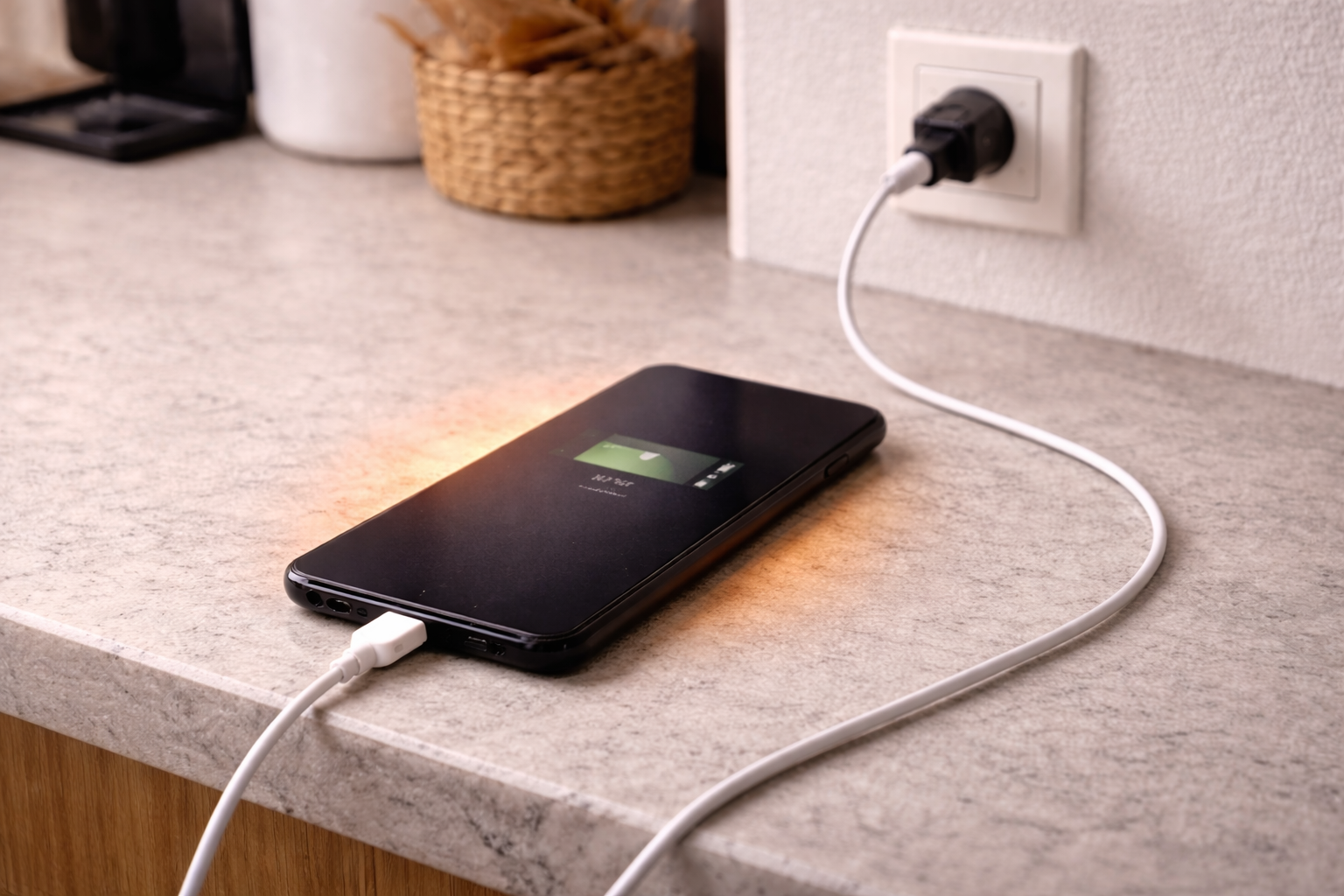
Battery health, charging standards, and when to stop troubleshooting
Some heat problems are configuration. Others are hardware ageing. Knowing which saves time.
Battery health and internal resistance: As a battery wears, it heats more during charge and discharge. If the phone is two to four years old and has had heavy fast charging, heat complaints become more common. On iPhone, check Battery Health. On Android, you may have a battery diagnostics screen depending on brand.
USB-PD, PPS, and proprietary fast charge: A charger can be “powerful” but still a poor match. Phones that rely on PPS for efficient fast charging may run hotter on a basic USB-PD profile because the voltage/current steps aren’t as optimal. The phone will still charge, just less efficiently.
Wireless charging efficiency: Even good wireless chargers waste more energy than wired. If your priority is cooler charging, wired wins. If your priority is convenience, accept some warmth but control the environment (case off, good alignment, ventilated surface).
Software runaway: If heat appears alongside battery drain and the phone feels hot even when not charging, you may have an app or system process stuck. A reboot helps more often than people expect. If it recurs, look for a specific app in battery usage.
When it’s time for service: Stop home troubleshooting and get it checked if any of the following are true.
- The phone shows a temperature warning repeatedly on multiple chargers.
- It gets hot even in the controlled test (case off, screen off, wired, reputable charger).
- The battery is swelling, the screen is lifting, or the back is separating.
- The port is loose, discoloured, or charging cuts in/out with a known-good cable.
- There’s a burning smell or visible melting on the cable/connector.
If you’re also dealing with slow charging after an update, there’s overlap with heat issues because throttling and renegotiation often go together. See iPhone charging slowly after iOS update: what actually fixes it.
Conclusion
A warm phone while charging is normal; a hot phone is a symptom. The fastest way to separate normal behaviour from a fault is to remove insulation, switch to a known-good wired charger and cable, and reduce background load. If the hottest point is the connector, treat it as a resistance problem and stop using that cable or charger.
When the device still overheats in a controlled setup, the battery or charging hardware is usually the limiting factor. At that stage, pushing harder with a bigger charger doesn’t help; it just makes the phone protect itself more aggressively.
FAQ
Why does my iPhone get hot when charging overnight on a MagSafe-style wireless charger but stay cool on a cable?
Wireless charging wastes more energy as heat, and misalignment makes it worse. Overnight, the phone may also run iCloud photo sync or backups, adding load. Test with the case off and ensure the phone sits perfectly centred; if it still runs hot, wired overnight charging is typically cooler.
Why does my Android phone get hot while charging in the car when using Google Maps and Android Auto?
Navigation keeps the screen bright, GPS active, and radios busy, which generates heat even before charging starts. Many car USB adapters also deliver unstable power. Use a quality USB-PD car charger, mount the phone in airflow, and try charging with the screen off to confirm it’s load-related.
Why does my phone only get hot at the bottom near the charging port when I use one specific cable?
That pattern points to resistance at the connector or cable. A worn plug, damaged cable, or lint in the port can turn the connection into a heat source. Stop using that cable, inspect for damage, and clean the port carefully with a non-metal tool.
Does fast charging still work safely if my phone is in a thick case and charging on my bed?
It may work, but it’s a common setup for overheating because the case and bedding trap heat. The phone will often throttle charge speed to protect the battery, which looks like slow charging and high temperature. Charge on a hard surface and remove the case if heat is a recurring issue.
Why did my phone start overheating while charging after a big software update even though the charger hasn’t changed?
After major updates, phones often re-index photos, rebuild caches, and update apps in the background. That extra CPU and storage activity adds heat during charging. If it settles after a day, it was likely post-update housekeeping; if it persists, check battery usage for a runaway app and test with a reboot and a controlled wired charge.
Recommended gear on Amazon UK
- A stable PD charger reduces renegotiation and heat caused by cheap adapters that deliver noisy or inconsistent power. Relevant examples
- A properly rated cable lowers resistance at higher currents, which helps prevent the connector area getting hot during fast charging. Comparable items
- A certified Lightning cable avoids poor pin contact and voltage drop that can turn the plug end into a heat source. See suitable options
- PPS-capable car chargers match many Android fast-charge profiles more efficiently, reducing heat when charging while navigating. Relevant examples
- A quick temperature check helps you confirm whether the hottest point is the battery area or the connector, which changes what you troubleshoot first. See suitable options