
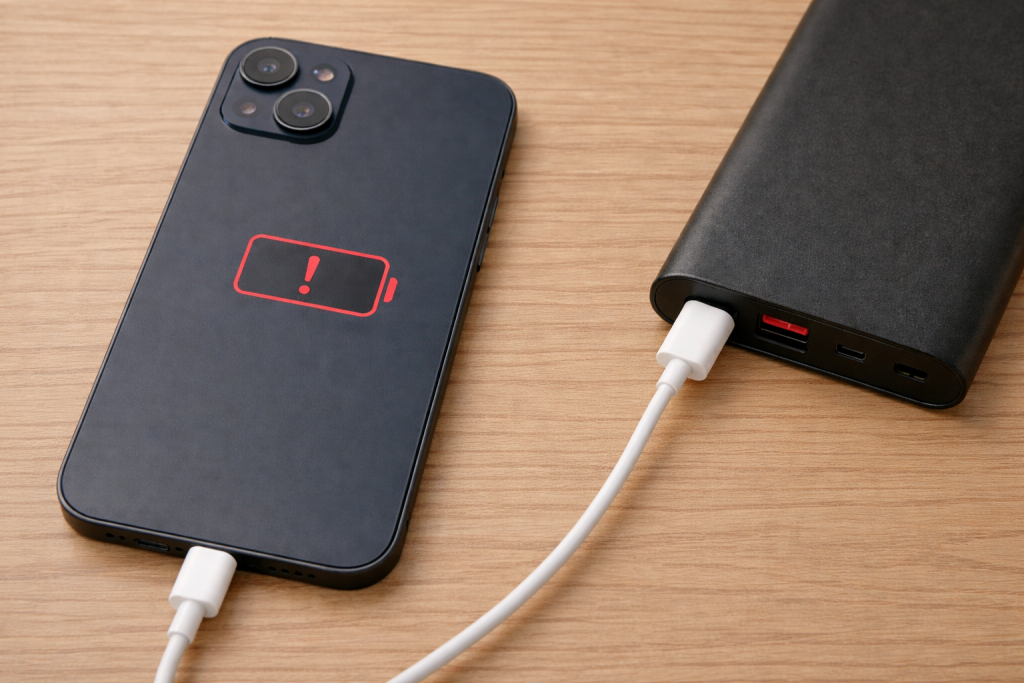
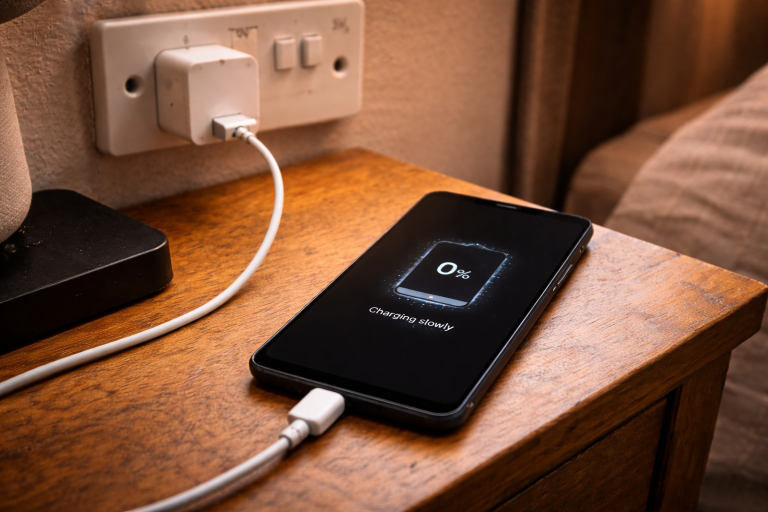
The typical symptom is simple: you plug a USB‑C cable from a power bank into your iPhone, the battery icon flashes briefly (or doesn’t), and then nothing. Sometimes it charges for 10–30 seconds and stops, or it only charges when the screen is off. In other cases the power bank works fine with other devices, which makes it feel like the iPhone is being picky.
With USB‑C iPhones, most “won’t charge” cases come down to negotiation: the phone and the power bank have to agree on a safe voltage/current profile, and the cable has to support that negotiation. I see this most often with older power banks, cheap USB‑C cables, and banks that have multiple ports sharing output.
What’s actually happening: USB‑C, USB Power Delivery, and why some banks refuse
USB‑C charging isn’t just “power on the pins”. Modern devices use USB Power Delivery (USB‑PD) to negotiate how much power can be delivered. The power bank advertises a set of profiles (for example 5V, 9V, 12V), and the iPhone requests what it wants based on battery state, temperature, and what it detects on the cable.
If anything in that chain is wrong, you get the classic behaviour: brief charge then stop, slow charge only, or no charge at all. In practice, the cable is the single biggest variable because many USB‑C cables are charge-only, out of spec, or missing the e‑marker chip needed for higher current modes.

USB‑C cables are not interchangeable
A USB‑C to USB‑C cable can be:
- USB 2.0 charge/data (often fine for basic charging, but quality varies wildly)
- USB‑C 60W (3A) with correct resistors/e‑marker behaviour
- USB‑C 100W/240W (5A) which requires an e‑marker
- “C-to-C” cables bundled with gadgets that sometimes only behave properly with that gadget
If the cable can’t carry the current the phone requests, or it reports the wrong capability, the iPhone may fall back to a low-power mode or stop charging entirely. This is the most common issue I see on devices sold in the UK before 2024, because a lot of households have a drawer full of mixed USB‑C cables from older accessories.
Power banks have port rules and shared limits
Many power banks advertise “20W” or “30W” but only on a specific port, and only when it’s the only port in use. If you have a second device plugged in (even a smartwatch puck), the bank may drop the USB‑PD profile and renegotiate down to 5V, which can look like charging stops.
Also watch for banks that have both USB‑A and USB‑C outputs: some models treat the USB‑C port as input-first, output-second, and they can be fussy about when they switch into output mode.
iPhone charging behaviour changes with heat and battery state
iPhones will reduce charging power when the battery is warm, when the phone is doing heavy work, or when Optimised Battery Charging decides to slow down. When you’re using the phone as a hotspot, navigating, or filming, it’s normal to see “charging” but the percentage barely moves.
What confuses people is that a power bank can be less stable than a wall charger: if the bank’s output sags under load, the iPhone will stop and restart charging repeatedly. I rarely see this issue on newer, higher-capacity banks with solid USB‑PD controllers.
Fast diagnosis: confirm it’s the bank, the cable, or the phone
Before changing settings, do three quick checks. They narrow the problem down in minutes.
- Try a wall USB‑C PD charger with the same cable. If the iPhone charges normally, the cable is probably OK and the bank is the suspect.
- Try the same power bank with a different USB‑C to USB‑C cable. If it suddenly works, you’ve found the culprit.
- Try charging a different USB‑C device from the same bank and port. If that device also fails or cycles, the bank/port is unstable.
If you want Apple’s official baseline for what “normal” looks like, compare your setup against Apple’s iPhone charging and USB-C power adapter guidance.
Fixes that actually work (in the order I’d do them)
1) Swap to a known-good USB‑C to USB‑C cable (and keep it simple)
Use a short, reputable USB‑C to USB‑C cable and avoid adapters for the first test. USB‑C to USB‑A cables plus USB‑A ports on power banks often cap out at 5V and can be less stable with iPhones, especially if the bank’s USB‑A port uses older fast-charge standards.
- Prefer a 60W (3A) or higher USB‑C cable from a known brand.
- Avoid USB‑C extension cables and USB‑C hubs between the bank and the phone.
- If your cable feels loose in the iPhone port, don’t trust it for PD negotiation.
In practice, this step fixes the problem in about half of cases because the cable is where PD handshakes most often go wrong.
2) Use the correct port on the power bank (and unplug everything else)
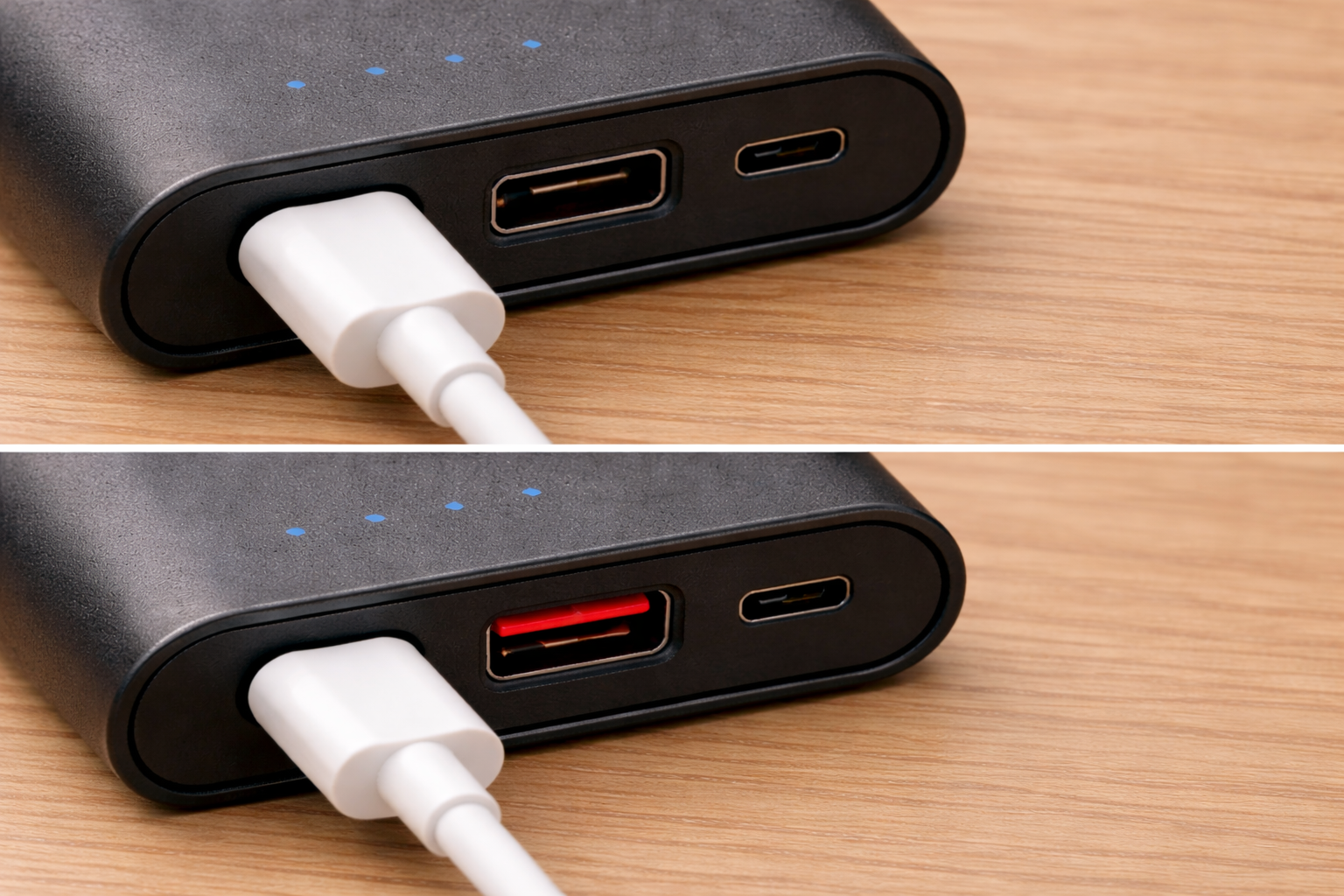
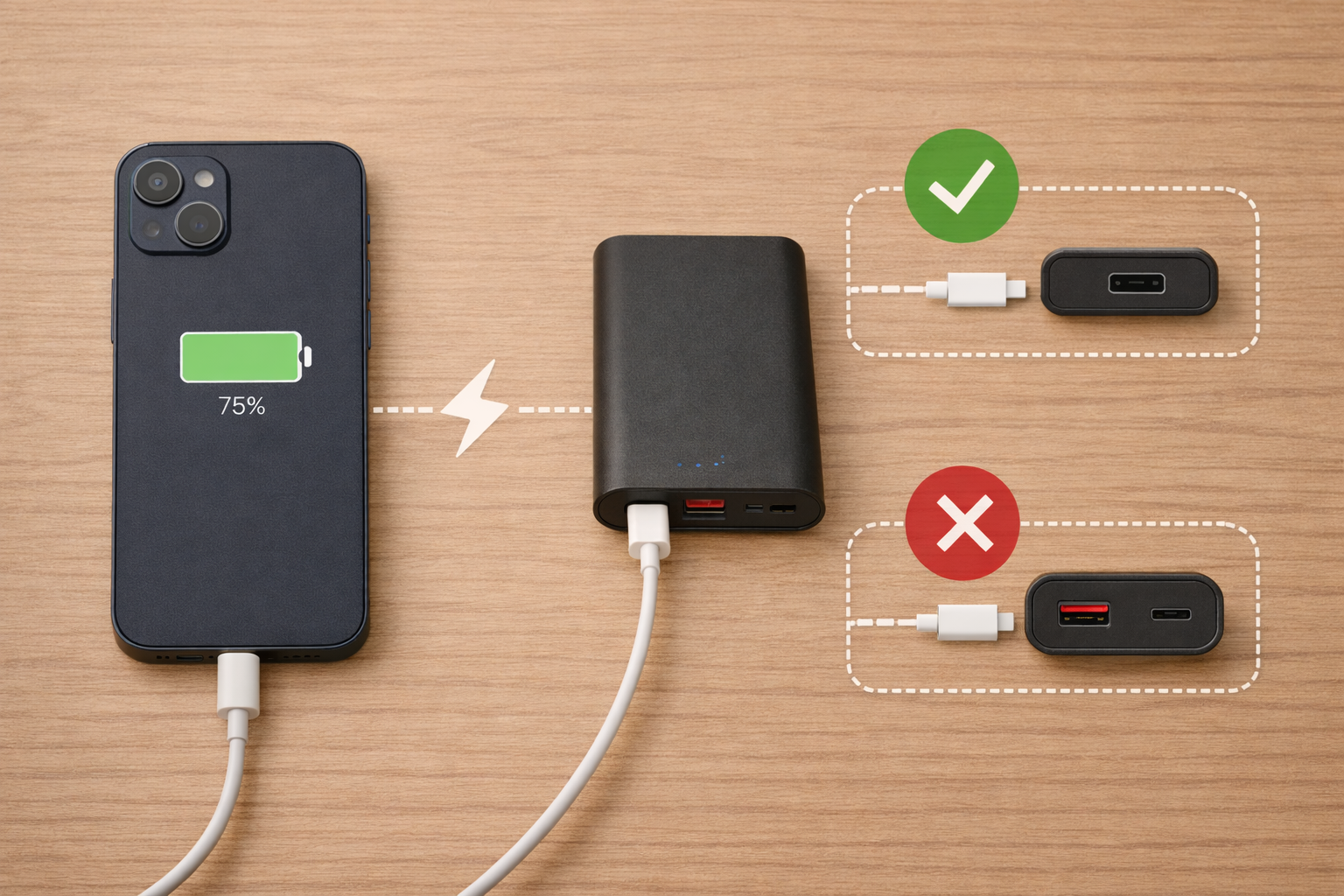
Many banks label one USB‑C port as “PD” or “Output”. Use that one. Then unplug any other devices so the bank can offer its full PD profile without sharing limits.
- If the bank has two USB‑C ports, try both—some are input-only or lower power.
- If the bank has a button, press it once after connecting to force output mode on some models.
- If the bank has a low-current mode (for earbuds), make sure it’s not enabled.
I’ve seen plenty of “it won’t charge” reports that were simply the phone plugged into the bank’s USB‑C input port, especially on compact models with minimal labelling.
3) Force a clean renegotiation: reconnect in the right order
USB‑PD negotiation happens at connection time. If the bank is in a weird state, you want to reset the handshake.
- Disconnect the cable from both the iPhone and the power bank.
- Wait 10 seconds.
- Connect the cable to the power bank first.
- Then connect to the iPhone.
If the bank has a power button, press it after step 3. This sounds trivial, but it’s a reliable way to stop the “connect/disconnect loop” I see with borderline cables and banks that auto-sleep aggressively.
4) Clean the iPhone USB‑C port (carefully) and check for pocket lint
USB‑C ports pack lint tightly, and it can stop the plug seating fully. The connection might still “click”, but the pins won’t make consistent contact and PD negotiation fails.
- Power the iPhone off.
- Use a dry wooden toothpick or a soft anti-static brush.
- Do not use metal tools, liquids, or compressed air held too close.
When I’m troubleshooting in the real world, a surprising number of “charging issues” are just a plug that isn’t fully seated because lint has formed a hard pad at the back of the port.
5) Check for heat throttling and “charging but not gaining %”
If the iPhone is warm, it may limit charging power. With a power bank, that can look like it’s not charging at all because the phone’s load matches the incoming power.
- Remove thick cases temporarily.
- Stop navigation/gaming/video recording for 5–10 minutes.
- Put the phone screen-down and let it cool, then reconnect.
This is especially common when charging in a car on the dash or in direct sun. The bank isn’t “refusing”; the phone is protecting the battery.
6) Verify iOS settings that can confuse the situation
Settings rarely block charging outright, but they can change what you observe.
- Optimised Battery Charging: if you charge at predictable times, iOS may pause at 80% and resume later.
- Clean Energy Charging (where available): can also alter charging timing when you’re on mains; less relevant to power banks, but it affects expectations.
- Battery Health: a degraded battery can heat up faster and throttle sooner.
If you’re seeing “stuck at 80% on a power bank”, it’s usually heat or a weak PD profile rather than a hard software limit.
7) Update iOS and power-cycle the phone
USB‑C iPhones have firmware-level behaviour around accessories and charging. If you’re on an older iOS build, update first, then do a full restart.
- Install the latest iOS update.
- Restart the iPhone (not just screen off/on).
- Test again with the bank and a known-good cable.
I don’t treat this as a magic fix, but I have seen accessory negotiation bugs disappear after an iOS point update.
8) If the bank supports it, switch to a single fixed-output mode
Some power banks have a mode that locks output (or disables auto-sleep). If your bank keeps turning off because the phone is drawing low current (for example at 80–90%), locking output can stop the bank from dropping the connection. Not every model exposes this, and the naming varies. If you have the manual, look for “always-on”, “trickle”, or “low-current” modes and test both on and off.
Why it charges from a wall plug but not from your power bank
A wall charger is usually a stable USB‑PD source with a clean 5V baseline and predictable negotiation. Power banks are more complex: they’re boosting battery voltage up to USB output, managing sleep states, and sometimes sharing power across ports.
- Voltage droop under load: the bank can’t hold 9V when the phone ramps up, so it drops and renegotiates.
- Port priority: one port gets PD, the other is limited.
- Auto-sleep thresholds: the bank turns off when current draw dips.
This is why a “20W” label doesn’t guarantee iPhone-friendly behaviour. The stability of the PD controller matters more than the headline number.
Field-tested scenarios (and what I do in each)
Scenario A: “It starts charging, then stops after a minute”
This pattern is usually a renegotiation failure. The phone requests a higher profile, the bank can’t maintain it, and the session collapses.
- Swap cable first.
- Use the bank’s primary PD port and unplug other devices.
- Try charging with the phone idle and cool.
In practice, the cable swap plus using the correct port resolves this more often than changing any iOS setting.
Scenario B: “It only charges if I use USB-A on the power bank”
This usually means the bank’s USB‑C output negotiation is the problem, not the iPhone. USB‑A is dumb 5V, so it can be more tolerant, just slower.
- Confirm the USB‑C port is actually an output port.
- Test with a different USB‑C to USB‑C cable.
- If it still fails, treat the bank’s USB‑C output as unreliable and use USB‑A as a workaround.
I’ve seen this on compact travel banks where USB‑C is primarily designed for input charging and the output mode is temperamental.
Scenario C: “My iPhone charges, but the power bank shuts off at 80–90%”
Near full charge, the iPhone reduces current draw. Some banks interpret that as “device finished” and power down.
- Enable the bank’s always-on mode if it has one.
- Keep the screen off to reduce fluctuations.
- Try a different bank if you need reliable top-off charging overnight.
This is one of those behaviours that looks like a phone problem but is almost always the bank’s auto-sleep threshold.
Scenario D: “It won’t charge when I’m using Personal Hotspot”
Hotspot can pull enough power that a weak bank effectively breaks even. The phone shows charging, but battery percentage stays flat or drops slowly.
- Use a bank that can sustain a stable USB‑PD profile.
- Use a short cable to reduce voltage drop.
- Reduce radio load (5G to 4G, or move closer to the laptop) if you’re desperate.
If your hotspot setup is also flaky, see Fix iPhone Personal Hotspot Not Showing on Windows because connection retries can keep the phone hot and make charging look worse.
Mistakes that keep people stuck
Assuming “USB-C is USB-C”
USB‑C is a connector, not a guarantee of capability. A cable that charges earbuds fine can still fail with an iPhone negotiating USB‑PD. I keep one known-good cable specifically for troubleshooting, because it removes guesswork.
Using a USB-C hub, SSD, or dongle in the middle
Pass-through charging through hubs can be finicky, and some accessories draw power or interfere with negotiation. If you’re using a hub for storage or peripherals, test direct charging first. For USB‑C accessory weirdness in general, Fix USB-C SSD Not Mounting on Windows 11 & macOS is a useful reference for isolating cable/port issues.
Charging from a nearly empty power bank
Some banks can’t sustain higher PD profiles when their internal battery is low. The bank might advertise 9V initially, then collapse to 5V or shut off under load. If your bank is under 20%, charge the bank first and retest.
Ignoring the “liquid detected” or debris warnings
If iOS warns about liquid or debris, don’t brute-force it. Let the port dry, clean gently, and try again later. Forcing connections when the port is contaminated is how you end up with intermittent charging that never fully goes away.
What to use when you need this to be reliable
Choose a power bank that clearly supports USB-PD output
Look for explicit USB‑PD output support on the USB‑C port, not just “fast charge”. If you regularly charge while using the phone (maps, hotspot, video), you want a bank that can hold a stable PD profile without cycling.
I’ve had the fewest problems with banks that have one dedicated USB‑C PD output and simple port behaviour, rather than multi-port “everything at once” designs.
Keep one known-good cable for troubleshooting
A single dependable USB‑C to USB‑C cable saves time. When charging fails, swapping to the known-good cable tells you immediately whether you’re dealing with a negotiation/cable issue or a bank/phone issue.
If you want a straightforward baseline to test with, a 60W USB-C to USB-C cable is the kind of cable that tends to behave correctly with USB‑PD handshakes.
Use Apple documentation to sanity-check expected behaviour
When you’re unsure whether the phone is limiting charge for safety reasons, Apple’s docs are clearer than most third-party explanations. For battery-related charging limits and temperature behaviour, Apple’s iPhone battery and performance information is the reference I use when a device is acting “normal but annoying”.
Wrap-up: the shortest path to a fix
If your iPhone with USB‑C won’t charge from a power bank, don’t start with settings. Start with the physical chain: a known-good USB‑C to USB‑C cable, the correct PD output port on the bank, and a clean iPhone port. Then remove variables like other connected devices and heat.
Once you’ve done that, most remaining cases are simply a power bank that can’t hold a stable USB‑PD profile with that iPhone. At that point, switching to a more predictable PD bank is usually the end of the problem.
FAQ: awkward edge cases people hit with USB-C iPhones and power banks
Why does my iPhone 15/16 charge from a MacBook USB-C port but not from my power bank?
A MacBook USB‑C port is a very stable USB‑PD source and tends to negotiate cleanly at 5V first, then step up. Many power banks are more aggressive about sleep states and can drop voltage during negotiation. This is the most common issue I see with older multi-port banks where the USB‑C port is shared or input-biased. Swap the cable and test the bank with only one device connected.
My power bank says “PD 20W” but my iPhone keeps connecting/disconnecting — what causes that?
That loop is usually PD renegotiation failing: the phone ramps up, the bank sags, then both sides reset. In real homes, not lab setups, the trigger is often a marginal cable or a bank that can’t sustain 9V under load. Try a shorter, known-good cable and make sure you’re on the bank’s primary PD output port. If it still cycles, the bank’s controller is the limiting factor.
Why does it only charge when the screen is off or when I stop using 5G?
When the phone is active, it draws more power, and a weaker bank can’t get ahead of that load. Dropping from 5G to 4G and turning the screen off reduces consumption enough that charging becomes net-positive. I see this a lot when people use hotspot plus navigation at the same time. The fix is usually a more stable PD bank and a better cable, not an iOS tweak.
My iPhone shows the charging icon but the battery percentage doesn’t increase on a power bank
This is typically “charging at low power while the phone is using the same power”. Heat throttling makes it worse, because the iPhone will limit intake when warm. Remove the case, let it cool, and test with the phone idle for 10 minutes. If it only ever trickle-charges, your bank is likely stuck at 5V/low current or the cable is dropping voltage.
Does Optimised Battery Charging stop charging from a power bank in the UK?
It can pause or slow charging near 80% if iOS thinks you’re on a routine, but it doesn’t usually “block” charging from a power bank. What people interpret as a pause is often the bank going to sleep when current draw drops. If you see it stop at similar percentages, test with a different bank or enable an always-on mode if your bank supports it. I rarely see Optimised Battery Charging as the root cause when the symptom is a hard stop.
Why does my iPhone charge from USB-A on the same power bank but not from the USB-C port?
USB‑A output is simpler (usually fixed 5V), so it can be more tolerant even if it’s slower. If USB‑C output fails, it points to a USB‑PD negotiation issue on that port or a port that isn’t truly output-capable. Try a different USB‑C to USB‑C cable and confirm you’re not using an input-only USB‑C port. If USB‑A is consistently reliable, it’s a valid workaround when you just need steady charging.
Recommended gear on Amazon UK
- In practice, repeated connect/disconnect charging from a power bank often comes down to an unreliable USB‑C cable, and a properly rated 60W USB‑C to USB‑C cable stabilises the USB‑PD handshake. View USB-C to USB-C 60W cable on Amazon UK
- When the iPhone charges from a wall plug but not from a bank, switching to a power bank with clear USB‑PD output support usually avoids the unstable negotiation behaviour seen on older multi-port models. View USB-PD power bank (20W+ output) on Amazon UK
- If the USB‑C plug doesn’t seat firmly or charging is intermittent, a small anti-static brush helps clear compacted pocket lint from the iPhone port without damaging the contacts. View Anti-static soft cleaning brush on Amazon UK
- For stubborn cases where charging starts then stops, a USB‑C PD power meter helps confirm whether the bank is dropping from 9V to 5V during negotiation and points you to the bank or cable as the failure. View USB-C power meter tester on Amazon UK

3 thoughts on “Fix iPhone USB-C Not Charging From Power Banks”