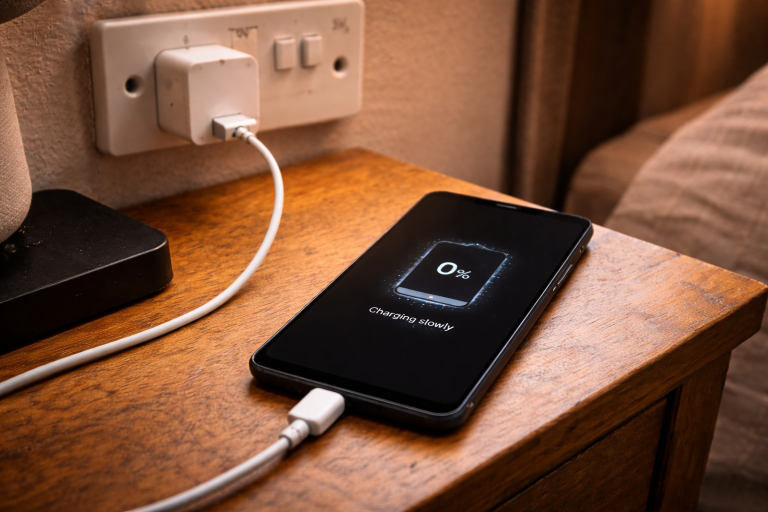
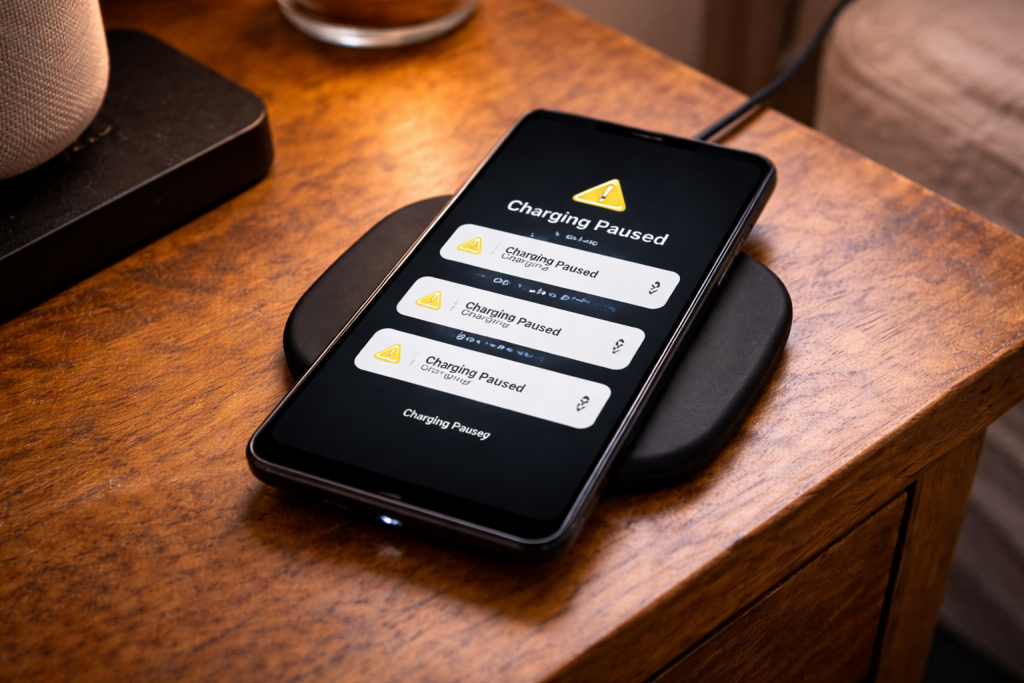
Wireless charging that starts, stops, then starts again is rarely “just a bad charger”. What’s happening is the phone and pad repeatedly failing a handshake, losing coil alignment, or hitting a thermal or power limit and backing off. You’ll see the charging icon flicker, hear the iPhone chime over and over, or watch the percentage crawl up in tiny bursts.
It’s especially common on bedside pads, in cars, and on desks where the phone gets nudged. A few millimetres matters. Add a thick case, a metal ring, a camera bump that lifts one corner, or a pad powered from a weak USB port, and the system can’t hold a stable power transfer.
The good news: you can usually narrow it down in 10–15 minutes by isolating three variables—alignment, heat, and input power—then dealing with the less obvious culprits like magnets, foreign objects, and software charging limits.
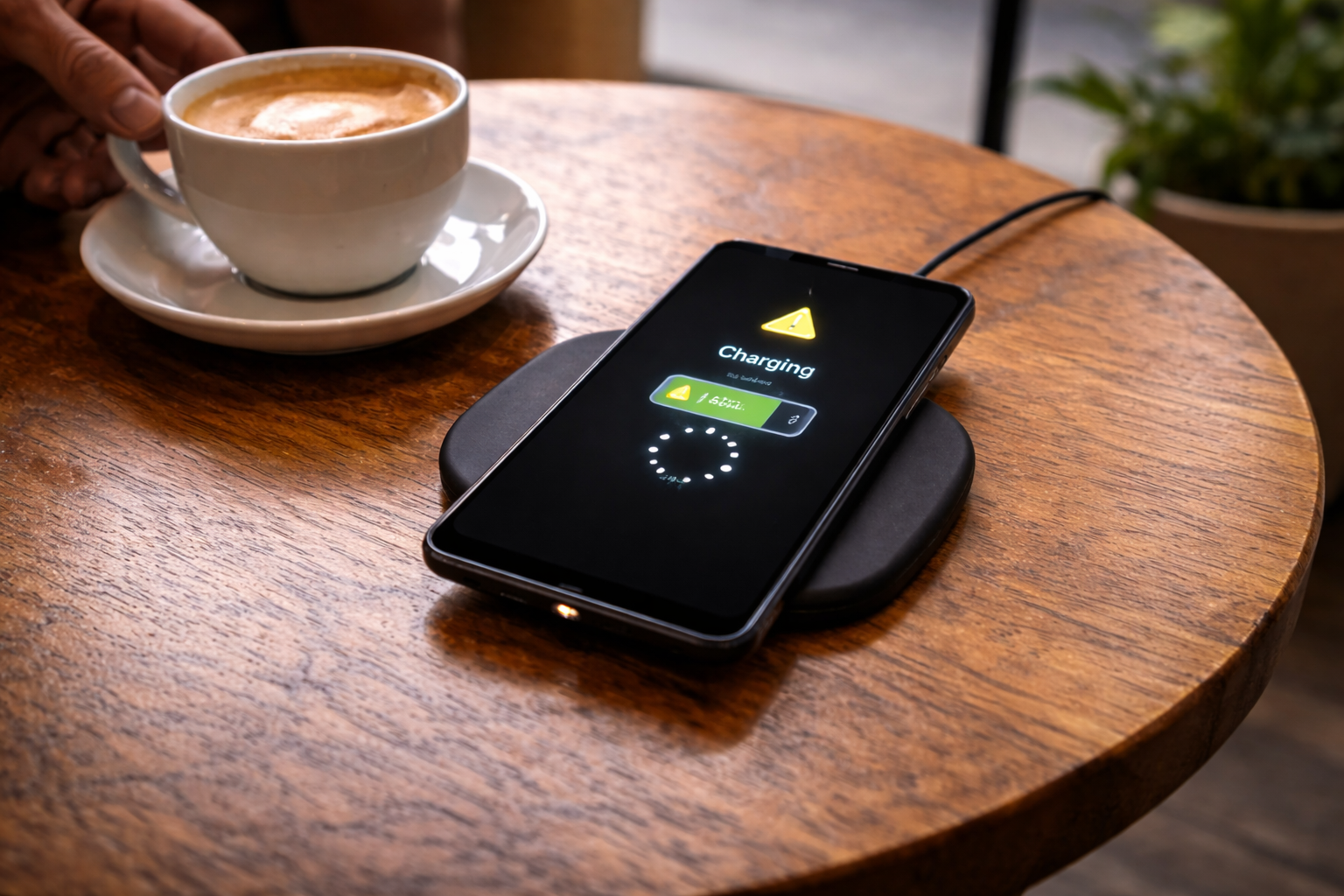
What’s actually failing when wireless charging “cycles”
Most consumer pads use Qi (or Qi2) inductive charging. The pad has a transmit coil; the phone has a receive coil. They negotiate power, then the pad drives an alternating magnetic field. The phone rectifies it into DC and manages battery charging.
When charging keeps cutting out, one of these is happening:
- Coil coupling drops (misalignment, phone lifted by camera bump, case thickness, pad shape). The pad detects poor efficiency and shuts down, then retries.
- Foreign object detection (FOD) triggers. Coins, keys, metal rings in cases, or even some pop-socket plates heat up and look “unsafe” to the charger.
- Thermal throttling. The phone, pad, or both get warm; charging current is reduced or paused. Many phones will repeatedly pause/resume as temperature hovers around a threshold.
- Input power sags. The wall adaptor, USB cable, or car USB port can’t hold voltage under load. The pad resets, which looks like start/stop charging.
- Protocol mismatch or negotiation instability. Some pads advertise higher wattage modes (EPP, proprietary fast charge, MagSafe-style alignment) but fall back poorly with certain phones.
- Software-managed charging limits. iPhone Optimised Battery Charging, Android adaptive charging, or a battery protection mode can look like “stopping”, but it usually doesn’t restart every few seconds—unless heat is involved.
One practical detail I see a lot on UK devices sold before 2024: people reuse an old 5W USB plug from a drawer. The pad lights up, the phone starts charging, then the adaptor droops and the pad reboots. It’s a perfect imitation of a “faulty pad”.
A fault-finding sequence that doesn’t waste time
Don’t change five things at once. You want a controlled test that tells you which layer is failing.
1) Establish a known-good baseline (phone + pad + power)
- Remove the case and anything attached (magnetic wallet, ring grip, pop-socket, metal plate).
- Use a wall socket, not a laptop USB port, monitor USB, or extension lead with a flaky switch.
- Swap in a reputable USB power adaptor that can supply stable power (typically 18–30W USB-C PD for modern pads; check the pad’s label).
- Use a short, decent cable. Long, thin USB-A leads are a common cause of voltage drop.
- Place the phone dead-centre and don’t touch it for two minutes.
If it’s stable in this stripped-down setup, the pad and phone are probably fine. The problem is alignment, case/magnets, heat, or the original power source.
If it still cycles in this baseline test, you’re looking at a pad fault, a phone-side coil/thermal issue, or a compatibility problem between that phone and that pad.
2) Fix alignment problems that look like “random” disconnects
Misalignment doesn’t always fail immediately. Often it charges for 20–60 seconds, warms up slightly, efficiency drops, then the pad cuts power and retries. That’s why it feels intermittent.
- Rotate the phone 180 degrees. Some pads have off-centre coils; some phones have coil placement that doesn’t match the pad’s sweet spot.
- Slide the phone slowly until the pad’s LED (or the phone’s charging animation) looks most stable, then mark that spot mentally.
- Watch for camera bump lift. If the phone rocks on the bump, the coil-to-coil distance changes as it settles. A flat pad plus a raised camera island is a classic recipe for cycling.
- Try portrait vs landscape on stand-style chargers. On some stands, the coil is positioned for smaller phones; larger models sit too high.
In practice, this step fixes the problem in about half of cases I’m shown, especially with third-party pads and larger phones.
3) Eliminate heat as the trigger (phone and pad)
Wireless charging is less efficient than wired. The wasted energy becomes heat, and heat changes coil resistance and battery charging behaviour. Once the phone hits a threshold, it will reduce current or pause charging. Some pads respond by renegotiating power, which looks like repeated reconnects.
- Take the phone out of sunlight and away from radiators. Sounds obvious, but car dashboards and window sills do this constantly.
- Stop heavy background load: navigation, hotspot, gaming, 4K video upload. Heat from the SoC plus charging heat is enough to tip it over.
- Remove insulating cases, especially thick silicone, leather folios, or cases with a soft lining.
- Check the pad surface. Fabric-topped pads can trap heat. If the pad is warm to the touch after a minute, it’s already struggling.
If the cycling stops when the phone is cool and idle, you’ve found the mechanism. The fix is usually lower wattage charging, better airflow, or a different pad design.
If you’re on iPhone, Apple’s charging behaviour and temperature warnings are documented here: Apple support on iPhone charging and temperature.
4) Verify the power source isn’t collapsing
A pad can be “rated” for 10–15W output but still require a stable input profile (USB-C PD, or Quick Charge on older models). If the adaptor can’t supply it, the pad browns out and restarts.
- Check the adaptor spec printed on the plug. Look for USB-C PD profiles (e.g., 9V/2A) or the pad’s required input.
- Avoid TV USB ports and older router USB ports. They’re often limited to 0.5–1A at 5V.
- Swap the cable first. A worn USB-C cable can pass data fine but drop voltage under load.
- Try a different wall socket if you’re using a loose extension block. I’ve seen cheap multiway adaptors cause micro-cuts that only show up under load.
Car wireless chargers are their own category. Many are powered from a USB-A port that can’t hold 9V negotiation, so the charger flips between modes. If it only happens in the car, treat the car power path as suspect before blaming the phone.
5) Check for case magnets, metal rings, and “invisible” accessories
Qi chargers use foreign object detection. A thin metal ring in a case (often added to make it magnetic) can heat up and trigger shutdown. Some magnetic mounts also sit right where the coil needs to be.
- Remove the case and test again. If it becomes stable, the case is the problem even if it’s “wireless charging compatible”.
- Look for metal plates stuck inside the case for car mounts.
- Be cautious with cheap MagSafe-style rings on non-MagSafe cases. Misplaced rings pull the phone off-centre and can cause repeated renegotiation.
- Check wallet attachments. They can shift the phone’s position by a few mm and ruin coupling.
This is the most common issue I see with iPhones on third-party “MagSafe compatible” pads: the magnet is strong enough to hold the phone, but the coil alignment is slightly wrong, so it charges in bursts and runs hot.
6) Rule out software charging limits (without chasing ghosts)
Software features usually cause slow charging or a plateau (like stopping at 80%), not rapid on/off cycling. Still, it’s worth checking if the behaviour is “stops for ages” rather than “disconnects every few seconds”.
- iPhone: Optimised Battery Charging can pause charging near bedtime patterns. If you’re seeing repeated connect/disconnect chimes, that’s more often heat or alignment than optimisation.
- Samsung/Pixel and others: Battery protection or adaptive charging can cap charge level or delay the final top-up.
- After an OS update: background indexing and app updates can increase heat for a day, making wireless charging unstable on marginal setups.
For Android battery and charging behaviour, Google’s general guidance is here: Google support on charging and battery behaviour.
7) Test with a second device (or a second charger) to isolate the fault
Two quick cross-tests save a lot of guessing:
- Same pad, different phone: if another phone charges stably, your phone/case combo is the issue.
- Same phone, different pad: if it’s stable elsewhere, your pad or its power supply is the issue.
If both combinations fail only when using one specific power adaptor or cable, you’ve found the weak link.
Real-world situations that cause repeat disconnects
Bedside charging on a soft surface. Pads on a duvet or thick carpet can’t shed heat. The phone warms, throttles, then the pad renegotiates. I’ve watched this happen with perfectly good chargers that behave fine on a wooden bedside table.
Wireless charging in a car with vibration. Small bumps shift the phone off-centre. If the cradle doesn’t physically locate the phone (or the magnets are weak), you get a cycle every time the coil coupling dips. Some cars also cut USB power briefly when stop/start engages.
Charging while running sat-nav. Screen brightness, GPS, 5G and constant CPU load create heat. Wireless adds more. The phone tries to protect itself, so it pulses charging. You’ll often see it stabilise if you lock the screen and let it cool.
Desk pads shared with earbuds. Multi-device mats can be picky about placement. Put the phone slightly over an earbud coil and the mat keeps hunting for the correct coil, which looks like start/stop charging.
Magnetic accessories that “almost” line up. The phone snaps into a position that feels correct, but the coil is a few mm off. It will charge, but inefficiently, then heat triggers a cut-out. Seen a lot with third-party rings on older iPhones and budget Android cases.
Errors people make that keep the problem alive
- Assuming the pad’s LED means it’s delivering power. Many pads stay lit even when they’ve shut down output due to FOD or overheating.
- Using a high-wattage adaptor with a poor cable. The adaptor is fine; the cable drops voltage and the pad resets.
- Stacking “compatible” accessories. A MagSafe-style case plus a magnetic wallet plus a magnetic stand can shift alignment enough to cause cycling.
- Charging on a metal desk mat or near loose coins. FOD can trigger from nearby metal objects, not just something stuck to the phone.
- Testing for five seconds and calling it fixed. Heat-triggered cycling often takes 2–5 minutes to show up.
If the phone is also getting unusually warm during any kind of charging, deal with that first. The same root causes apply, and the fixes overlap with Fix phone gets hot while charging.
Hardware and software factors that genuinely matter
Qi vs Qi2 vs MagSafe-style charging. Qi2 introduces magnetic alignment as part of the standard, but many products marketed as “magnetic” aren’t Qi2. A strong magnet doesn’t guarantee correct coil alignment or stable negotiation.
Pad design and coil count. Single-coil pads are cheap and fussy. Multi-coil pads are more forgiving but can run warmer and sometimes “hunt” between coils if the phone is near the boundary.
Phone coil position varies by model. Two phones of similar size can have different coil placement. That’s why a pad that works perfectly for one household member can be unreliable for another.
USB-C PD negotiation quirks. Some pads behave badly when fed from certain PD adaptors, especially if the adaptor has aggressive power-saving or multiple ports sharing power. If the pad is stable on a single-port adaptor but not on a multi-port brick, that’s not your imagination.
Battery health and internal resistance. A worn battery can heat more during charging. Wireless charging is already thermally tight, so marginal batteries show up sooner. You won’t always get a clear warning; you just get cycling and slow charge.
Firmware updates on chargers. A few premium stands and car chargers have firmware, but most don’t. If a charger has a companion app and an update option, it’s worth doing—though I’d still treat it as a last step after power/alignment checks.
Conclusion
Wireless charging that keeps starting and stopping is nearly always a stability problem: the phone and charger can’t maintain efficient coupling at a safe temperature with the power available. Strip it back—no case, good adaptor, good cable, hard surface—then add variables back one at a time. When it fails again, you’ve found the trigger.
If you can make it stable only when the phone is perfectly positioned and cool, the long-term fix is usually a better-aligned pad/stand (or Qi2/MagSafe-grade alignment), a thinner case, or simply switching to wired charging for high-load situations like sat-nav.
FAQ
Why does my iPhone wireless charging work for 30 seconds then stop when it’s on my bedside pad overnight?
That pattern usually points to heat build-up and marginal alignment. Overnight, the phone may warm slightly (background tasks, warm room, insulating bedding), efficiency drops, and the pad cuts out then retries. Move the pad to a hard surface, remove the case for a test night, and use a stable wall adaptor rather than a low-power USB port.
Why does wireless charging keep disconnecting in my car but it’s fine on the same charger at home?
In cars it’s commonly power instability (USB port can’t sustain the negotiated mode, or stop/start causes brief dips) plus vibration shifting alignment. Try powering the charger from a quality 12V USB-C PD adaptor, use a shorter cable, and make sure the cradle physically locates the phone so it can’t slide off-centre.
Why does my phone only wireless charge if I take the case off, even though the case says “Qi compatible”?
“Qi compatible” often just means it’s not a solid metal case. Thick materials, built-in magnets, metal rings, or a raised lip can increase coil distance or trigger foreign object detection. If it’s stable without the case, switch to a thinner case or one designed for your exact charging standard (Qi2/MagSafe where applicable).
Why does wireless charging start and stop when I’m using Google Maps with the screen on full brightness?
That’s a thermal limit problem more than a charger fault. Navigation, 5G and high brightness generate heat; wireless charging adds more. The phone reduces or pauses charging to control temperature, and some pads respond by renegotiating power repeatedly. Lower brightness, mount the phone in airflow, or use a wired charger for sat-nav sessions.
Does wireless charging still work properly with a MagSafe wallet or magnetic ring attached, or can it cause cycling?
It can cause cycling if the accessory shifts the phone’s position, increases the coil gap, or introduces metal that triggers foreign object detection. If you see repeated connect/disconnect behaviour, remove the wallet/ring and test. If stability returns, keep accessories off during charging or switch to a properly aligned magnetic system.
Recommended gear on Amazon UK
- A stable PD adaptor prevents the voltage dips that make wireless pads reboot and restart charging every few seconds. Relevant examples
- A better cable reduces voltage drop under load, which is a common cause of start/stop charging on higher-power pads. Comparable items
- Qi2 alignment is more consistent, so the phone stays in the coil sweet spot and avoids the efficiency drop that triggers cut-outs. Relevant examples
- A thinner, non-metal case reduces coil distance and avoids foreign object detection trips caused by magnetic plates or rings. See suitable options