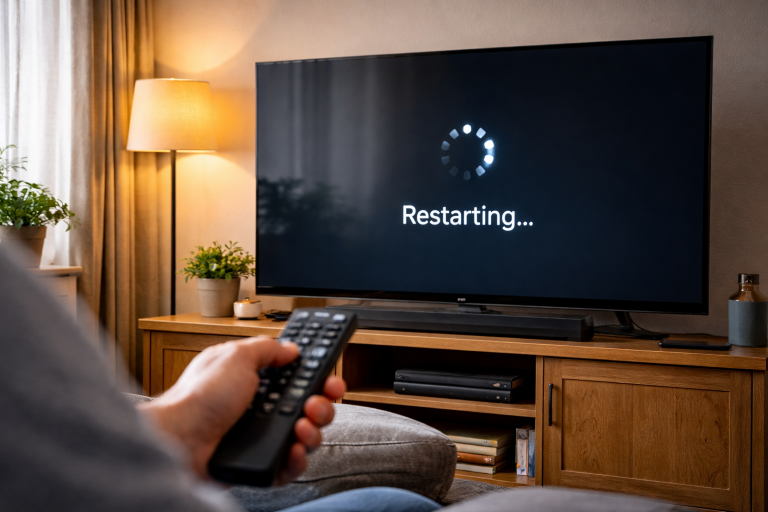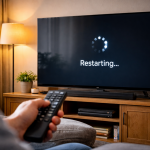
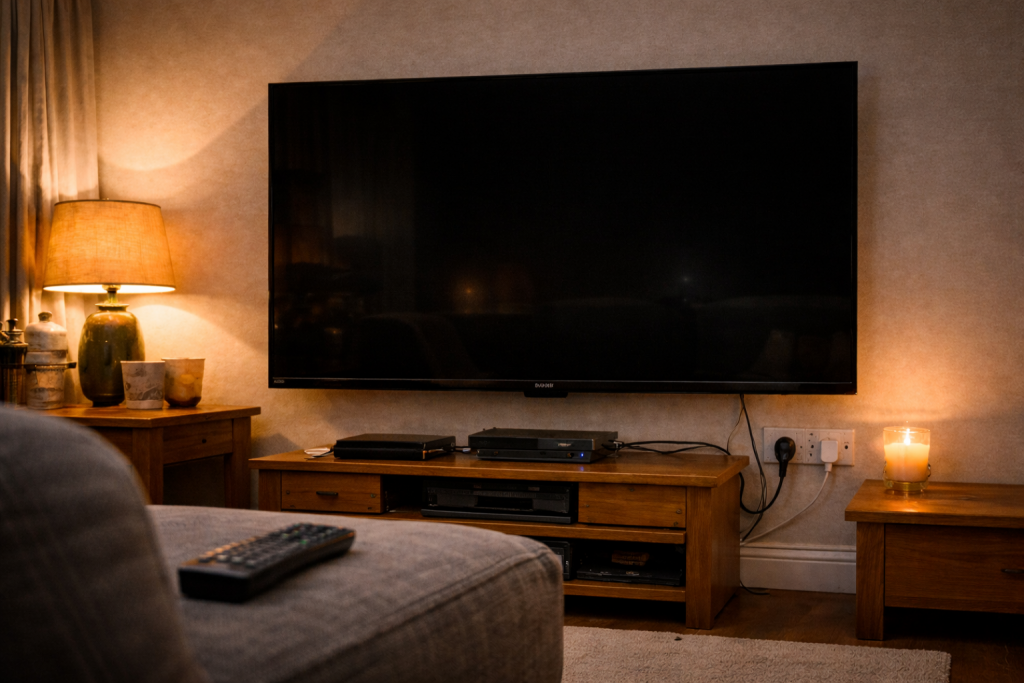
A TV that briefly goes black, then comes back as if nothing happened, is rarely a panel failure. Most of the time it’s the TV renegotiating the signal: HDMI handshake, HDCP copy protection, a refresh-rate switch, or an HDR mode change. The annoying part is that it can look identical whether the cause is a flaky cable or a perfectly “normal” behaviour triggered by a streaming app.
I see this a lot in UK living rooms where a Sky box, a games console and a soundbar are all in the chain. The picture drops for one to five seconds, audio may continue (or cut too), and sometimes a small “HDR” or “Dolby Vision” badge flashes when the image returns. That badge is a clue: the TV is switching video modes, not dying.
Start by treating it like a signal integrity problem, not a display problem. If you can make it happen on one input but not another, or only with one device, you’re already close to the answer.
What’s actually happening when the screen blanks
A modern TV doesn’t just “show HDMI”. It continuously validates the incoming link. When something changes—resolution, colour format, HDR metadata, HDCP state, refresh rate—the TV and source re-handshake. Many sets blank the screen while they re-sync, even if the change is minor.
Common triggers:
- HDMI re-handshake (EDID/CEC/HDCP): The source re-reads what the TV supports (EDID), re-establishes copy protection (HDCP), or reacts to a CEC command. A marginal cable or an AVR/soundbar in the middle makes this worse.
- Refresh-rate switching: Some streamers switch between 50Hz and 60Hz, or 24p for films. UK broadcast is typically 50Hz; US-centric apps often default to 60Hz. Each switch can cause a black flash.
- HDR mode changes: SDR to HDR10, HDR10 to Dolby Vision, or “match dynamic range” behaviour on Apple TV/Fire TV can blank the screen as the TV changes picture pipeline.
- VRR/ALLM transitions: Consoles can toggle Variable Refresh Rate or Auto Low Latency Mode when a game launches or a menu appears. Some TVs handle this cleanly; others blank briefly.
- Power saving and panel protection: Less common for a short black flash, but certain eco settings can dim aggressively, and OLED protection routines can look like a momentary dropout if you’re not watching closely.
- App-level playback resets: A streaming app can restart the video decoder when adverts load, when subtitles toggle, or when the stream bitrate changes sharply.
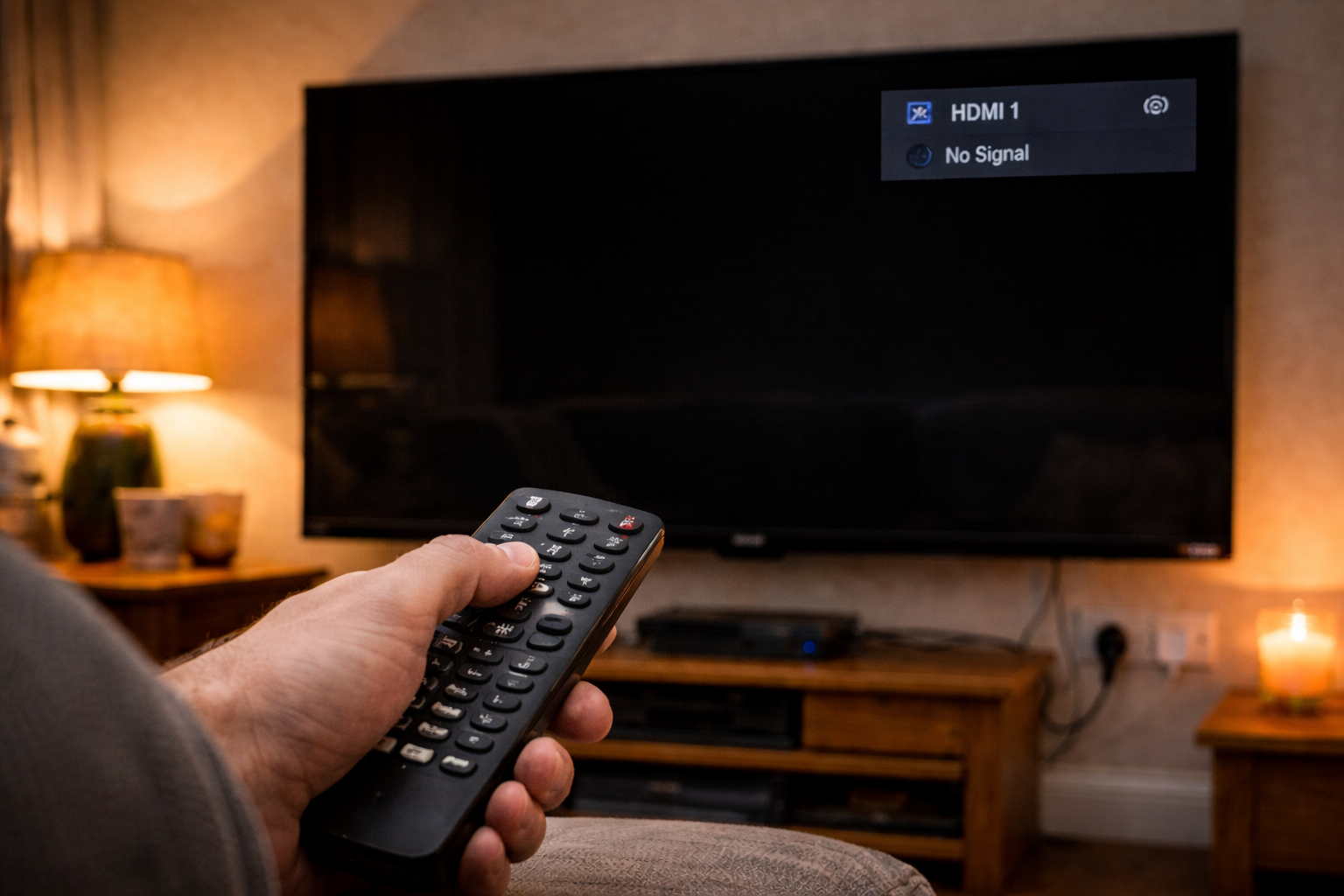
The key diagnostic question is whether the TV is losing the signal entirely (you’ll often see “No signal” or the input label), or whether it’s just reconfiguring the same signal (no message, quick return, sometimes an HDR badge).
A fault-finding order that avoids wasting time
Don’t start by factory-resetting the TV. That’s a last resort and it often masks the real cause for a day or two. Work from the outside in: source, cable, port, intermediate devices, then settings.
Step-by-step checks that isolate the cause
1) Confirm whether it’s one source or the whole TV
- Switch to a different input (for example, built-in Freeview/YouView app, or the TV’s home screen) and leave it for 10 minutes.
- If the blackouts happen even on the TV menu or built-in apps, you’re looking at a TV-side issue (power, firmware, panel electronics).
- If it only happens on HDMI sources, focus on HDMI chain and settings.
In practice, most “few seconds black” reports are HDMI-only.
2) Remove the middle devices (soundbar/AVR/switch) temporarily
If your chain is Source → Soundbar/AVR → TV, bypass it:
- Connect the source directly to the TV with the same HDMI cable.
- Disable eARC/ARC temporarily if you can live without it for testing.
- Test for 15–30 minutes with the content that usually triggers the dropout.
If the problem disappears, the “middle box” is the handshake troublemaker. That doesn’t always mean it’s broken; it can be an eARC/CEC interaction. If you’ve recently had a power cut and ARC behaviour changed, the symptoms can overlap with HDMI ARC not detected after a power cut.
3) Swap the HDMI cable, but do it strategically
People swap the cable and declare victory too early. A cable can behave until a specific bandwidth mode kicks in.
- If you’re using 4K HDR at 60Hz (or 120Hz on a console), use an Ultra High Speed HDMI cable.
- Keep it short for testing: 1–2 metres is ideal.
- Avoid wall plates, couplers, and “HDMI extenders” while diagnosing.
This is the most common issue I see on UK devices sold before 2024: perfectly fine 4K SDR, then random blackouts the moment HDR or 60Hz content appears.
4) Change the TV’s HDMI port mode (Enhanced/Deep Colour/4K mode)
Many TVs have per-port settings such as “HDMI Enhanced”, “HDMI Deep Colour”, “Input Signal Plus”, or “4K 120”. If the port is set to a high-bandwidth mode, a marginal cable or source can fall over and re-sync.
- Find the HDMI signal format setting for the specific port.
- Try toggling from Enhanced to Standard (names vary).
- If the blackouts stop in Standard mode, you’ve confirmed a bandwidth/format stability problem.
Yes, you may lose 4K HDR or 120Hz in Standard mode. That’s fine for diagnosis. Once stable, you can work back towards the features you actually need.
5) Disable “Match frame rate” / “Match dynamic range” on streamers
Apple TV, Fire TV and some Android TV boxes can switch output modes to match content. That’s great for accuracy, but it causes mode changes that look like faults.
- Turn off frame-rate matching first, test, then turn it back on and turn off dynamic-range matching (or vice versa).
- Set a fixed output temporarily: 4K 50Hz SDR is a sensible UK test mode.
If you use Apple TV, Apple documents the behaviour and settings clearly: Apple TV video and display settings.
6) Check console-specific features (VRR, ALLM, 120Hz)
On PS5/Xbox Series, black flashes often happen when a game switches to 120Hz or VRR.
- Disable 120Hz output temporarily.
- Disable VRR temporarily.
- Disable ALLM (auto game mode) temporarily.
If the dropouts stop, re-enable one feature at a time. I’ve had sets where VRR was stable only on one HDMI port, even though the TV claimed “VRR on all ports”.
7) Turn off HDMI-CEC for a controlled test
CEC (Simplink, Bravia Sync, Anynet+, VIERA Link) can trigger input switching and re-handshakes when devices wake or sleep.
- Disable CEC on the TV and the source.
- Power-cycle both devices (unplug for 60 seconds).
- Test again.
If your TV also switches inputs unexpectedly, that’s often the same family of problems: TV switching inputs by itself.
8) Update firmware, but don’t assume it’s the fix
Firmware updates can improve HDMI stability, especially around eARC and VRR. They can also introduce new handshake quirks. If the issue started “overnight”, check whether the TV updated itself.
- Update the TV firmware and the source device firmware.
- After updating, do a full power cycle (mains off for a minute).
For Sony sets, their support pages are usually the quickest way to confirm current firmware and known HDMI issues: Sony TV support and firmware downloads.
9) Test a different resolution/colour format from the source
When a link is borderline, reducing bandwidth stabilises it.
- Drop from 4K to 1080p for a test.
- Switch colour format from RGB to YCbCr (or the other way around).
- Reduce chroma from 4:4:4 to 4:2:2 or 4:2:0 if the device allows it.
If 1080p is rock solid but 4K HDR isn’t, the TV is probably fine. The chain can’t hold the higher data rate reliably.
10) If it’s built-in apps: focus on picture processing and power settings
When the blackout happens inside Netflix/Prime/Disney+ on the TV itself, HDMI isn’t involved. Look for:
- Dynamic contrast / auto brightness: can look like a “blackout” in dark scenes.
- Energy saving / eco mode: aggressive dimming can be mistaken for signal loss.
- Motion smoothing glitches: some sets briefly blank when changing motion modes per content type.
Try a different picture preset (Cinema to Standard, or vice versa) just for testing. I’ve seen one LG OLED where a specific preset plus “AI Brightness” caused momentary black dips only on HDR streams.
Real-world patterns that point to the culprit
Black screen when an advert starts or ends
This is usually a mode switch. Many ad segments are delivered in SDR even when the main programme is HDR, or they use a different frame rate. The TV blanks while it flips pipeline modes. Fix it by forcing a fixed output on the streamer, or by disabling dynamic range matching.
Black screen only when you open a game, not during gameplay
That’s often ALLM or a 60Hz-to-120Hz switch. Menus may run at 60Hz; the game flips to 120Hz. If the cable is marginal, the switch triggers a re-sync. Disabling 120Hz for a test usually makes the behaviour disappear immediately.
Black screen after you pause, fast-forward, or skip episodes
Skipping can trigger a new stream profile (different bitrate, HDR flag, audio format). Some TVs blank briefly when the audio format changes too, especially if eARC is negotiating Dolby Digital Plus or Atmos at the same time. If you also notice audio hiccups, look at the eARC chain and soundbar firmware.
Black screen only on one HDMI port
Ports aren’t always equal. One port may be the 4K120/eARC port with different hardware. I’ve had Samsung sets where HDMI 4 (the “gaming” port) was stable at 4K120, while HDMI 1 would black out at the same settings. Swap ports before you blame the source.
Black screen during storms or when the central heating kicks in
That sounds odd until you’ve seen it. Mains noise or a borderline power supply can cause brief resets in HDMI devices. If the TV and source are on different sockets or a cheap extension, you can get tiny brownouts that don’t trip anything but do reset HDMI.
Common mistakes that keep the problem alive
- Assuming “8K HDMI cable” branding means anything: the spec that matters is Ultra High Speed certification, not marketing text.
- Testing with random content: use the exact app/game/channel that triggers it. HDR and 120Hz content is where weak links show up.
- Leaving CEC enabled while changing the chain: CEC can keep sending commands and muddy the results. Disable it for clean testing, then reintroduce it.
- Factory reset too early: it wipes settings but doesn’t fix a failing cable, a flaky port, or a soundbar that mishandles eARC.
- Ignoring the soundbar/AVR as a suspect: pass-through devices can be the entire problem even when audio “seems fine”.
- Mixing HDMI 2.0 and 2.1 expectations: 4K120, VRR and full-bandwidth Dolby Vision are less forgiving. A chain that’s fine for Sky Q at 4K50 can fall apart with a console at 4K120.
Hardware and software factors that decide whether it’s fixable
TV model limitations and port capabilities
Some TVs only support full bandwidth on specific ports, or only support VRR at certain resolutions. If you force a source into an unsupported mode, the TV may repeatedly attempt to lock the signal, fail, then try again—resulting in periodic blackouts.
Check the TV’s per-port labels and settings. If one port is eARC, it may share bandwidth constraints or different chipset behaviour. Don’t assume “HDMI 2.1 TV” means every port behaves the same.
HDCP version mismatches
Streaming boxes and UHD Blu-ray players rely on HDCP 2.2/2.3 for protected 4K content. If an intermediate device (older AVR, HDMI splitter, capture device) can’t maintain the HDCP session, you’ll see blackouts or sudden drops to lower resolution.
If you’re using any splitter or switch, remove it. If the problem vanishes, that device is not HDCP-stable for your content.
eARC and audio format negotiation
eARC is great when it works, but it adds another negotiation layer. A TV can briefly blank video while it renegotiates audio capabilities, especially when switching between PCM, Dolby Digital Plus, and Atmos. If you suspect this, set the TV’s digital audio output to a fixed format (for example, Dolby Digital) for testing, then move back to Auto once stable.
If you’re also fighting silence or dropouts on the soundbar, it’s often the same root cause. Soundbar no audio via HDMI eARC is the companion problem I end up fixing right after the black-screen complaint.
When it’s the TV hardware
It’s rarer, but it happens. If the TV blacks out on its own menus, on built-in apps, and across multiple HDMI sources with known-good cables, suspect:
- Power supply instability (brief brownouts inside the set)
- Main board HDMI receiver faults
- Overheating (less common, but I’ve seen wall-mounted sets with no airflow do strange things after an hour)
A tell is increasing frequency over time, or blackouts that start after the TV warms up. At that point, you’re into warranty/repair territory rather than settings.
Conclusion
A TV that goes black for a few seconds is usually doing something “logical”: re-handshaking HDMI, switching refresh rate, or changing HDR mode. The fix comes from forcing stability—simplify the chain, prove the cable and port, then decide which features (VRR, 120Hz, dynamic range matching, eARC) you can re-enable without reintroducing the dropout.
If you can reproduce it with one device and not another, treat the TV as innocent until proven guilty. If it happens on built-in apps and menus, stop chasing HDMI settings and start thinking firmware, power, or hardware.
FAQ
Why does my TV go black for a few seconds when Netflix switches from the menu into a show in HDR?
That’s typically an SDR-to-HDR mode change. The TV reconfigures its picture pipeline (and sometimes HDCP state) and blanks while it locks the new signal. If it’s via an external streamer, disabling “match dynamic range” or forcing a fixed output (such as 4K 50Hz SDR) reduces or removes the black flash.
Why does my PS5 make the TV screen go black for 2 seconds when I start a game but not while I’m playing?
Many games switch output modes at launch: enabling ALLM (game mode), switching to 120Hz, or engaging VRR. Any of those can trigger a re-sync. Test by disabling 120Hz and VRR in the console settings; if the blackouts stop, re-enable features one at a time to find the trigger.
Why does my Sky box picture cut to black for a moment only on one HDMI port on my TV?
Different HDMI ports can run different signal modes (Enhanced vs Standard) or use different hardware paths (especially the eARC/gaming port). Move the Sky box to another port and match the HDMI signal format setting for that port. If one port remains unstable with multiple sources, that port’s configuration—or the port itself—is the problem.
Does a TV still go black briefly if I use eARC to a soundbar and the audio format changes to Dolby Atmos?
It can. Some TVs renegotiate audio capabilities over eARC when content switches between PCM, Dolby Digital Plus and Atmos, and that negotiation can coincide with a video re-sync. For diagnosis, set the TV’s digital audio output to a fixed format and bypass the soundbar (source direct to TV) to see if the blackouts stop.
Why does my TV go black for a few seconds after a firmware update even though the same HDMI cable worked before?
Updates can change HDMI timing, HDCP behaviour, or default port modes (for example, enabling Enhanced format). A cable that was “just about fine” can start failing once bandwidth or handshake behaviour changes. Re-check the HDMI port mode, power-cycle everything, and test with a certified Ultra High Speed HDMI cable.
Recommended gear on Amazon UK
- A certified Ultra High Speed cable reduces re-handshakes and black flashes caused by marginal bandwidth when 4K HDR, 120Hz or VRR is enabled. Comparable items
- A proper HDMI 2.1 switch avoids the HDCP and EDID instability that cheap splitters introduce, which often shows up as brief black screens. See suitable options
- Filtering and surge protection can prevent brief power noise events that reset HDMI devices and trigger momentary signal loss during mode changes. Comparable items
- Replacing wall plates and couplers with a single direct run removes weak connection points that commonly cause intermittent blackouts. See suitable options