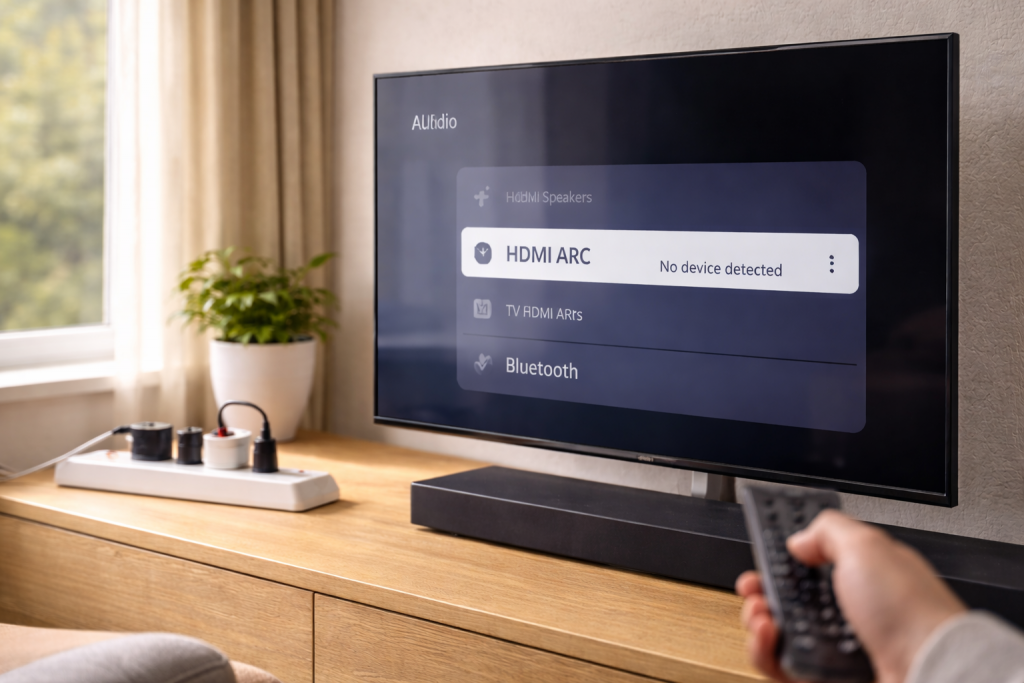
A power cut has a knack for breaking the one part of a TV setup that normally “just works”: HDMI ARC. The TV still shows picture from your boxes, but the soundbar vanishes from the audio output list, volume control stops responding, or the TV insists it’s using internal speakers.
What’s actually happened is rarely “the ARC port died”. More often the HDMI handshake state gets stuck after an abrupt loss of power, and the TV and soundbar never renegotiate ARC/CEC properly. I’ve seen this most often on UK sets sold before 2024 where CEC is enabled but the devices boot in the wrong order after the mains returns.
The fix is usually boring: a proper power reset, the right port, and forcing a fresh CEC/ARC negotiation. The trick is doing it in an order that clears the stale state instead of reinforcing it.
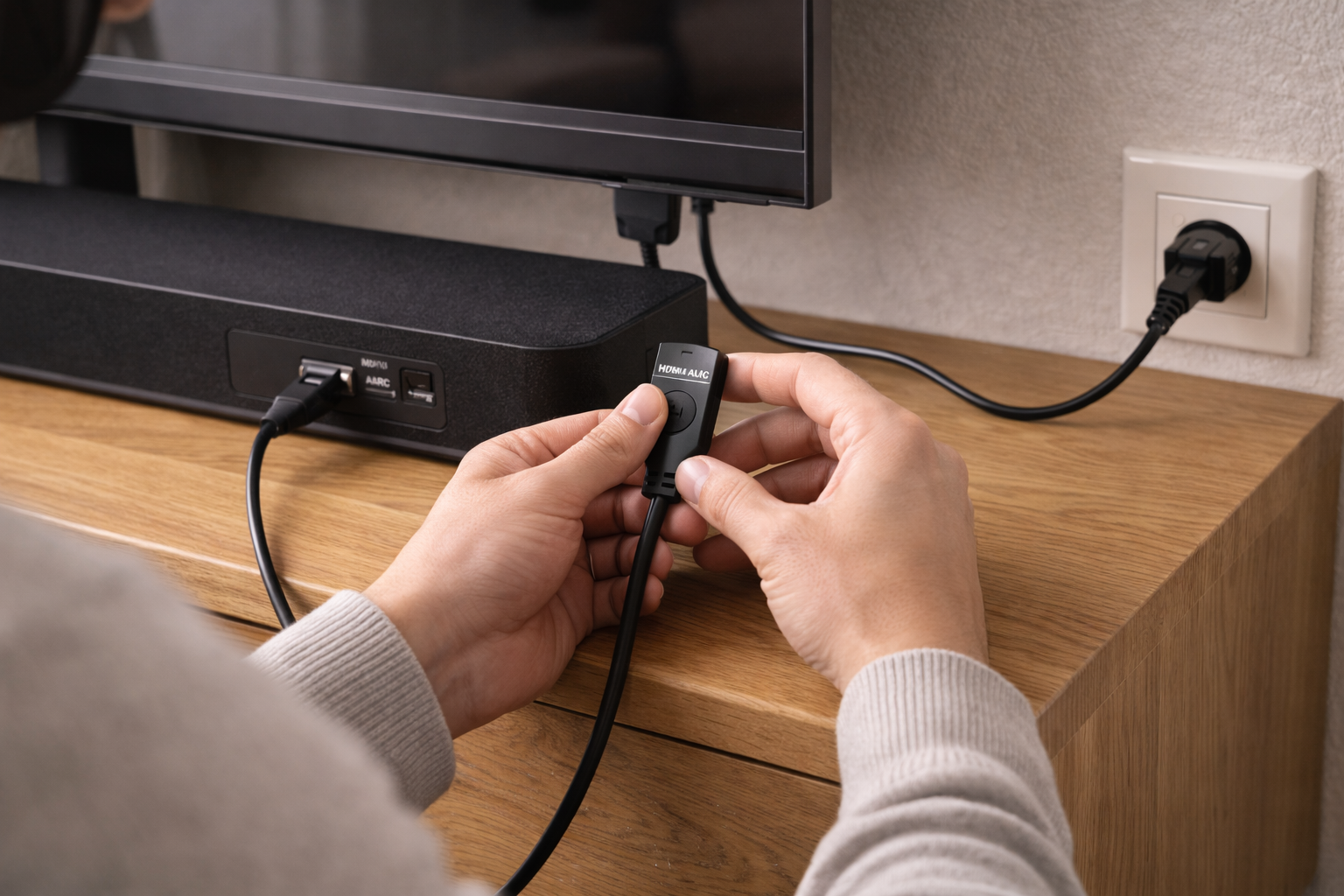
What a power cut breaks: ARC, CEC, EDID and the “stuck handshake”
ARC (Audio Return Channel) is not a separate cable or a separate connection. It’s a mode negotiated over HDMI, and it relies heavily on CEC (Consumer Electronics Control) to set up and maintain the relationship between the TV and the audio device.
After a power cut, three things commonly go wrong:
- CEC state desynchronises: the TV thinks an audio system is connected, but the soundbar doesn’t, or vice versa. Volume commands and device discovery fail.
- EDID/ARC capability caching goes stale: the TV caches what the soundbar “supports” (PCM, Dolby Digital, Atmos, etc.). After an abrupt shutdown, that cache can be wrong and the TV won’t re-query.
- HDMI port mode flips: some TVs silently revert audio output to internal speakers, or toggle eARC/ARC settings after a firmware recovery routine on boot.
eARC complicates this slightly. eARC uses a dedicated data channel and is less dependent on CEC for basic audio transport, but many TVs still use CEC for discovery and control. If your TV has eARC and your soundbar is ARC-only, a power cut can leave the TV expecting eARC and refusing to fall back cleanly.
If you’re also seeing intermittent “No Signal” behaviour on other HDMI inputs after the same outage, that’s a broader handshake issue rather than ARC alone. The same reset logic applies, and it’s worth cross-checking with Fix No Signal on HDMI After TV Power On.
A recovery sequence that actually forces ARC to renegotiate
Most people try random toggles in menus. That sometimes works, but it can also lock the devices into the same broken state. The goal is to remove power, drain residual charge, then bring devices up in a controlled order so CEC and ARC reinitialise cleanly.
1) Confirm you’re on the correct HDMI port (and don’t trust the label)
Before resets, make sure the cable is in the TV’s ARC/eARC port. It’s usually labelled HDMI (ARC) or HDMI (eARC/ARC), but I still find setups where the cable is in HDMI 1 because “it worked before”. After a power cut, the TV may stop mirroring ARC across ports and only negotiate on the designated one.
- On many LG sets, ARC is often HDMI 2.
- On many Samsung sets, it’s often HDMI 3.
- On Sony, it’s frequently HDMI 3 (eARC/ARC) on newer models.
If you’re using an AV receiver, ARC must run between the TV’s ARC/eARC port and the receiver’s ARC/eARC port. Plugging into a normal HDMI input on the receiver won’t do ARC, even if video works.
2) Do a “cold” power reset (mains out, not standby)
Standby isn’t off. After a power cut, devices can sit in a half-initialised state even after you turn them “off” with the remote.
- Turn off the TV and soundbar/receiver with their remotes.
- Unplug both from the wall (or switch the extension lead off).
- Wait 60 seconds.
- While unplugged, press and hold the TV power button (on the TV itself) for 10–15 seconds. Do the same for the soundbar if it has a physical power button.
- Leave everything unplugged for another 2 minutes.
This drains the HDMI chipset and clears a surprising amount of stuck CEC state. In practice, this step fixes the problem in about half of cases when ARC died immediately after a power cut.
3) Reconnect in a strict order (TV first, audio second)
Boot order matters because the TV is the ARC “controller” in most consumer setups.
- Plug the TV back into mains. Leave the soundbar/receiver unplugged.
- Power on the TV and wait until it’s fully booted (home screen visible, not just a logo).
- Now plug in the soundbar/receiver and power it on.
- Only after both are on, connect the HDMI cable between ARC ports (or disconnect and reconnect it if it was already in place).
I know it feels backwards to connect HDMI last, but it forces a fresh hot-plug detect event. That’s often what the TV needs to re-run ARC discovery.
4) Toggle CEC and ARC/eARC settings the right way
ARC rarely works with CEC disabled. After a power cut, CEC can be on but misbehaving, so you want to force a re-register.
- On the TV, turn CEC off (brand names vary), wait 10 seconds, then turn it on again.
- Turn ARC/eARC off, wait 10 seconds, then turn it on again.
- If you have an eARC toggle and your soundbar is older, set eARC to off temporarily and test plain ARC first.
Brand naming is messy:
- Samsung: Anynet+ (HDMI-CEC), Receiver (HDMI), eARC Mode
- LG: SIMPLINK (HDMI-CEC), Sound Out, eARC Support
- Sony: BRAVIA Sync, Audio System, eARC Mode
If you need the manufacturer’s exact menu path for your model, use the official support pages rather than forum guesses: Samsung TV HDMI-CEC and eARC support and Sony BRAVIA Sync and ARC/eARC troubleshooting.
5) Force the TV to pick the audio system (don’t leave it on “Auto”)
After an outage, “Auto” output selection can get stuck. Manually select the audio device.
- Set TV audio output to HDMI ARC, Audio System, or Receiver (wording varies).
- Disable TV Speakers + Soundbar modes while testing. Those hybrid modes can break negotiation on some sets.
- Set Digital Sound Output to PCM temporarily. Once ARC is stable, switch back to Auto or Bitstream depending on your setup.
PCM is a diagnostic tool here. If PCM works but Dolby Digital doesn’t, ARC is up but the format negotiation is failing.
6) Swap the HDMI cable (yes, even if it “worked yesterday”)
ARC is sensitive to marginal cables because it relies on stable signalling and correct pin connectivity. A power cut can coincide with a surge or a brief brownout that doesn’t kill the cable but pushes a borderline connection over the edge.
- Use a High Speed HDMI cable at minimum.
- For eARC, use an Ultra High Speed cable if possible.
- Avoid very thin, very long, or tightly bent cables behind wall-mounted TVs.
This is the most common issue I see when the soundbar is wall-mounted and the HDMI lead is pinched hard against the bracket.
7) Reset the soundbar/receiver’s HDMI control settings
Soundbars and receivers often have their own CEC/ARC toggles. After a power cut, they can boot with HDMI control disabled, or stuck in the wrong input mode.
- Enable HDMI Control / CEC on the soundbar/receiver.
- Enable ARC/eARC on the soundbar/receiver if it has the option.
- Set the soundbar input to TV ARC (or equivalent), not just “HDMI”.
If the soundbar has a full factory reset option, hold it for later. It can fix corrupted state, but it also wipes EQ, Wi‑Fi pairing, and sometimes rear speaker pairing.
8) Update firmware (but only after you stabilise the link)
Firmware updates can improve HDMI interoperability, but updating while ARC is unstable can make diagnosis harder because you change multiple variables at once.
- Get ARC working on PCM first.
- Then update the TV firmware.
- Then update the soundbar/receiver firmware.
If the soundbar update requires an app and the soundbar is currently “invisible” to the TV, update it via the app anyway. I’ve had Samsung and LG bars recover ARC behaviour after an update that quietly fixed CEC wake behaviour.
When the usual fixes fail: scenarios I see in real living rooms
ARC problems after a power cut aren’t all the same. The symptom tells you where the handshake is breaking.
The TV sees the soundbar, but there’s no audio
This usually means CEC discovery is working but audio format negotiation isn’t. Switch the TV’s digital audio output to PCM. If PCM works, change one thing at a time:
- Enable Dolby Digital (not Plus) first.
- Disable eARC if the soundbar is ARC-only.
- Turn off “Pass Through” modes temporarily.
If you’re chasing lip-sync or delay once audio returns, don’t assume ARC is still broken. That’s a separate timing problem. The fixes are different and covered well in Fix Audio Delay Between TV and Soundbar.
The TV refuses to show HDMI ARC as an output at all
This points to port detection or CEC being blocked.
- Re-seat the HDMI cable at both ends while both devices are powered on.
- Try a different HDMI cable.
- Disable CEC on all connected HDMI devices (set-top boxes, consoles), then re-enable only TV + soundbar first.
I’ve watched a Sky Q box keep a TV’s CEC bus busy enough that the soundbar never registers. Unplugging the box for five minutes was the whole fix.
ARC works until you turn the TV off, then it disappears again
This is a wake/sleep CEC issue. After a power cut, some devices revert to energy-saving modes that change HDMI behaviour.
- Disable “Quick Start”, “Fast Boot”, or “Instant On” on the TV for testing.
- Disable “Auto Power Sync” on the soundbar temporarily.
- Try turning eARC off (even if you want it on later).
Fast boot can preserve a broken HDMI state across reboots. A full cold boot is sometimes the only way to clear it.
Soundbar volume changes, but audio still comes from TV speakers
This is a classic split-brain CEC state: control is routed to the soundbar, audio isn’t.
- Manually set TV audio output to HDMI ARC/Receiver again.
- Turn off “TV Speakers” explicitly (don’t rely on Auto).
- Power cycle using the strict order again.
If your TV has a “Device List” or “HDMI Device Manager”, remove the audio device entry and let it rediscover.
Common missteps that keep ARC broken
- Leaving everything plugged in and just rebooting with the remote. That often preserves the bad CEC state.
- Using the wrong HDMI port. If it’s not the ARC/eARC-labelled port, ARC won’t negotiate reliably.
- Assuming eARC is always better. If the soundbar is ARC-only, eARC can cause a silent failure until you force ARC mode.
- Testing with Dolby/Atmos first. Start with PCM to prove the transport, then add formats.
- Running ARC through an HDMI switch or splitter. Most cheap switches don’t pass ARC correctly, and some actively block CEC.
- Ignoring other HDMI devices. Consoles and set-top boxes can interfere with CEC after a power event.
Hardware and software details that matter more than people think
ARC failures after a power cut can be a symptom of a deeper compatibility edge case. These are the checks I do when the basic reset doesn’t stick.
ARC vs eARC capability mismatch
If the TV is eARC-capable and the soundbar is ARC-only, set eARC to off and confirm ARC works. Once stable, you can try eARC on again, but don’t be surprised if it breaks. Some combinations negotiate eARC, fail, then don’t fall back cleanly.
If both devices support eARC, use an Ultra High Speed cable and keep the run short. eARC is less forgiving of poor shielding, especially near mains leads and extension blocks.
CEC naming and “helpful” automation
CEC is not one standard behaviour. Each brand implements its own logic on top of it. After a power cut, automation features can fight each other:
- TV tries to switch to “TV Speakers” because it thinks the audio system is asleep.
- Soundbar tries to switch input away from ARC because it doesn’t see audio immediately.
- A console wakes and claims active source, disrupting the bus.
For diagnosis, simplify: TV + soundbar only. Unplug other HDMI devices for ten minutes. It’s crude, but it isolates the CEC bus.
Surge damage and “half-working” HDMI ports
Most power cuts aren’t clean. The power returning can be the damaging part. If you’ve done the resets and cable swaps and ARC still never appears, test the TV’s ARC port for basic HDMI input with another device (a streaming stick, console, anything). If video is flaky on that port too, you may be looking at port damage.
I’ve also seen the opposite: video works fine, but ARC never negotiates again. That can happen if the ARC/CEC-related circuitry on the port is damaged while the main TMDS video lanes survive. At that point, optical output becomes the pragmatic workaround.
Workarounds when ARC won’t come back
- Optical (TOSLINK): reliable, but you’ll lose Dolby Atmos via TrueHD and some TV remote volume integration depending on the soundbar.
- Bluetooth: fine for casual viewing, but latency can be noticeable.
- External streamer direct to soundbar/receiver: plug Apple TV/Fire TV/console into the soundbar/receiver, then HDMI out to the TV. This bypasses ARC for those sources, but you’ll still need a path for TV apps.
If you’re specifically dealing with eARC audio dropouts or total silence (rather than “not detected”), the failure mode overlaps with Fix Soundbar No Audio via HDMI eARC.
Conclusion
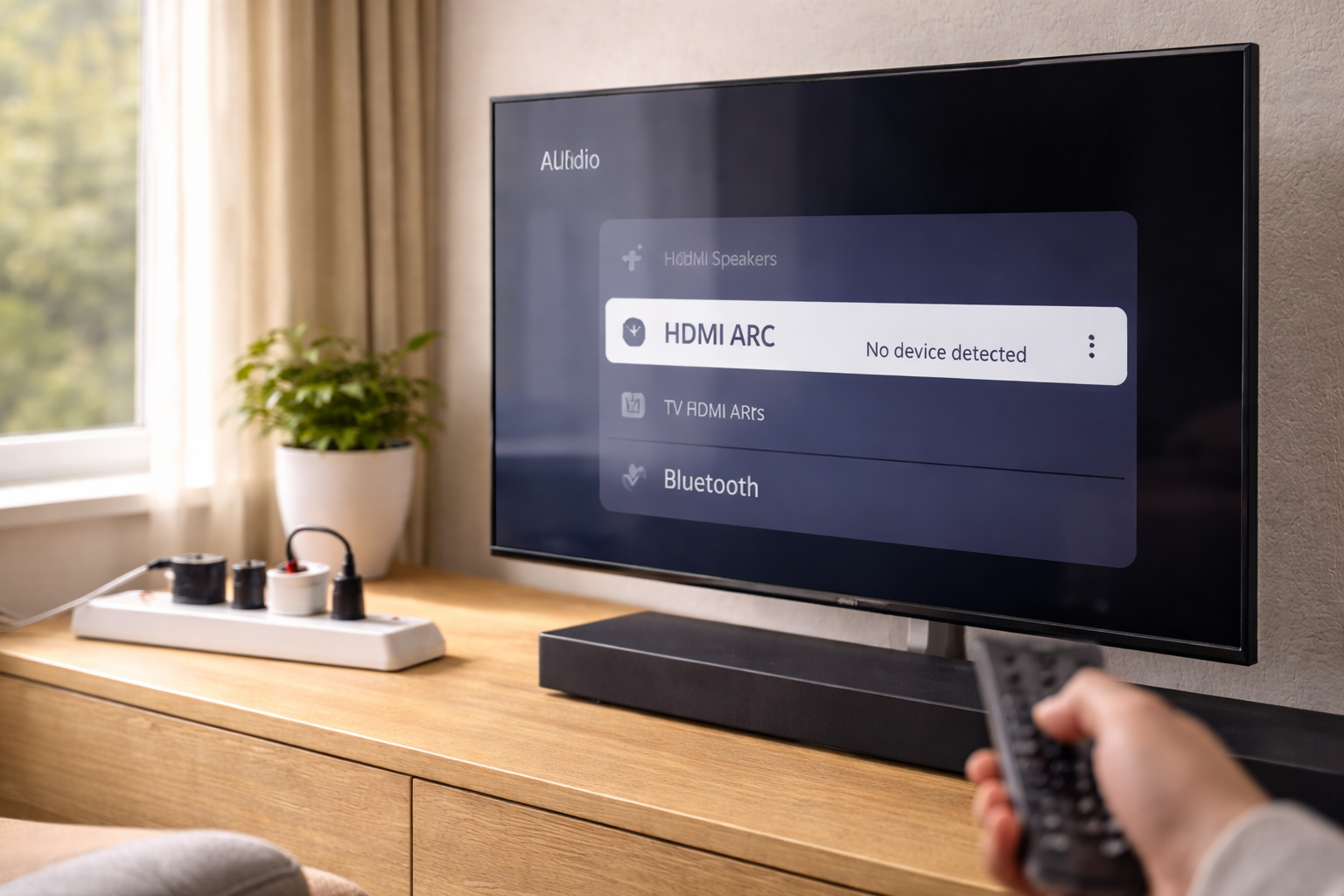
After a power cut, HDMI ARC usually fails because the TV and soundbar never rebuild their CEC/ARC relationship. The fastest route back is a true cold power reset, then bringing devices up in a controlled order and forcing CEC/ARC to renegotiate. If PCM works, the link is alive and you can move on to format settings. If ARC never appears at all, isolate other HDMI devices and treat the cable and port as suspects, not the soundbar.
When it still won’t stick, don’t waste hours in menu loops. Either the HDMI control layer is being disrupted by another device, or the ARC-capable circuitry has taken a hit. At that point, optical or a different routing topology is the sensible way to get sound back while you decide whether hardware repair is worth it.
FAQ
Why did HDMI ARC stop being detected after a power cut even though the soundbar still turns on?
ARC detection depends on a fresh HDMI/CEC negotiation, not just power. After a sudden outage, the TV and soundbar can boot with mismatched CEC state, so the soundbar powers up normally but never registers as an ARC audio system. A cold power reset (mains unplugged, then TV booted fully before the soundbar) usually forces renegotiation.
HDMI eARC worked before, but after the power came back my TV only shows “TV speakers” and no ARC option
This often happens when the TV boots expecting eARC and fails to fall back to ARC cleanly. Turn eARC off in the TV audio settings, toggle CEC off/on, then reconnect the HDMI cable while both devices are powered on. Once ARC appears again, you can try re-enabling eARC.
Why does ARC work for a few minutes after a power cut, then disappears when I turn the TV off overnight?
That pattern points to CEC wake/sleep behaviour and fast-boot features preserving a bad state. Disable the TV’s Quick Start/Fast Boot mode for testing and turn off the soundbar’s auto power sync temporarily. Then do a cold power reset so both devices rebuild the HDMI control state from scratch.
My TV remote changes the soundbar volume after the outage, but audio still comes from the TV speakers — why?
CEC control and ARC audio transport can fail independently. The TV may still send volume commands to the soundbar while routing audio to internal speakers due to an output setting flip after the power event. Manually set the TV audio output to HDMI ARC/Receiver and temporarily set digital audio to PCM to confirm the ARC path is active.
Does HDMI ARC still work if I’m using a console and Sky box on other HDMI ports after a power cut?
It can, but other devices can disrupt CEC after an outage by claiming “active source” or spamming the CEC bus. For diagnosis, unplug other HDMI devices for ten minutes and get ARC stable with only TV + soundbar connected. Once stable, reconnect devices one at a time.
Recommended gear on Amazon UK
- A certified Ultra High Speed cable reduces eARC/ARC handshake failures caused by marginal shielding or pin contact, which often show up after a power cut. Relevant examples
- A short, well-made High Speed cable is a quick way to rule out ARC detection issues caused by long or tightly bent leads behind wall-mounted TVs. Relevant examples
- Surge protection helps prevent the ‘half-working HDMI port’ problem that can occur when power returns after an outage and stresses HDMI/CEC circuitry. Relevant examples
- Optical is a reliable fallback when ARC won’t renegotiate after a power cut, restoring TV-to-soundbar audio while you troubleshoot HDMI control. Relevant examples