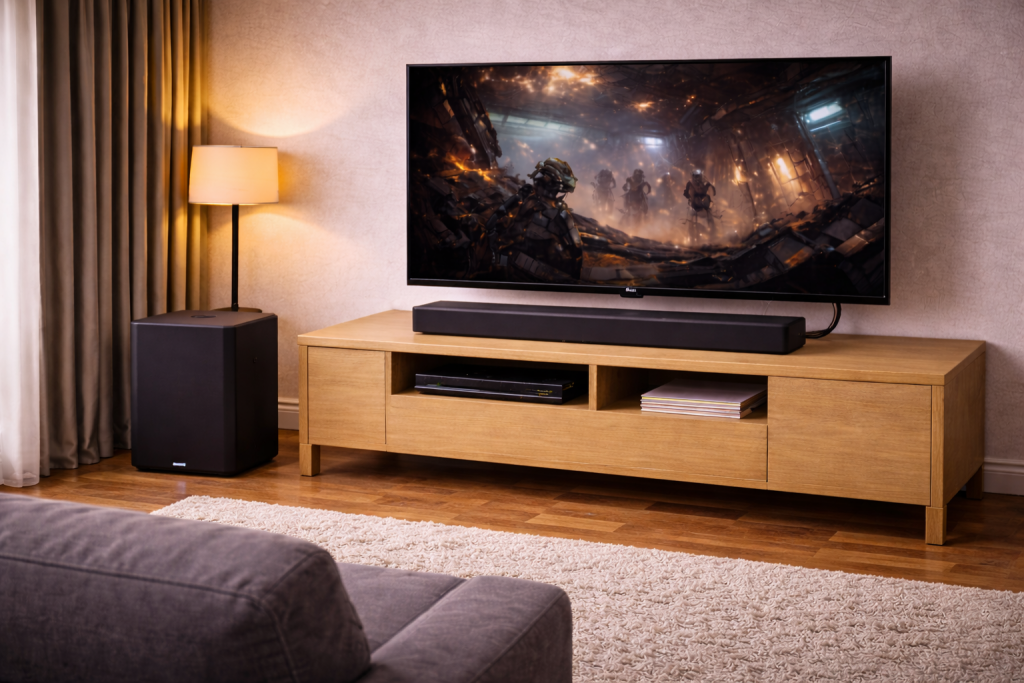
A subwoofer that won’t pair with a soundbar is usually a wireless link problem, not an audio format problem. The symptoms are consistent: the sub’s LED keeps blinking, the soundbar shows “NOT CONNECTED”, or bass drops out after a few minutes. In UK living rooms I most often see this after a power cut, a router change, or when the sub has been moved behind a cabinet.
This article walks through what’s actually happening on the radio link, then a practical set of fixes that work across Samsung, LG, Sony, Bose-style setups, and generic “wireless sub” bundles. You don’t need special tools, but you do need to be methodical.
What pairing really means on a soundbar + wireless sub
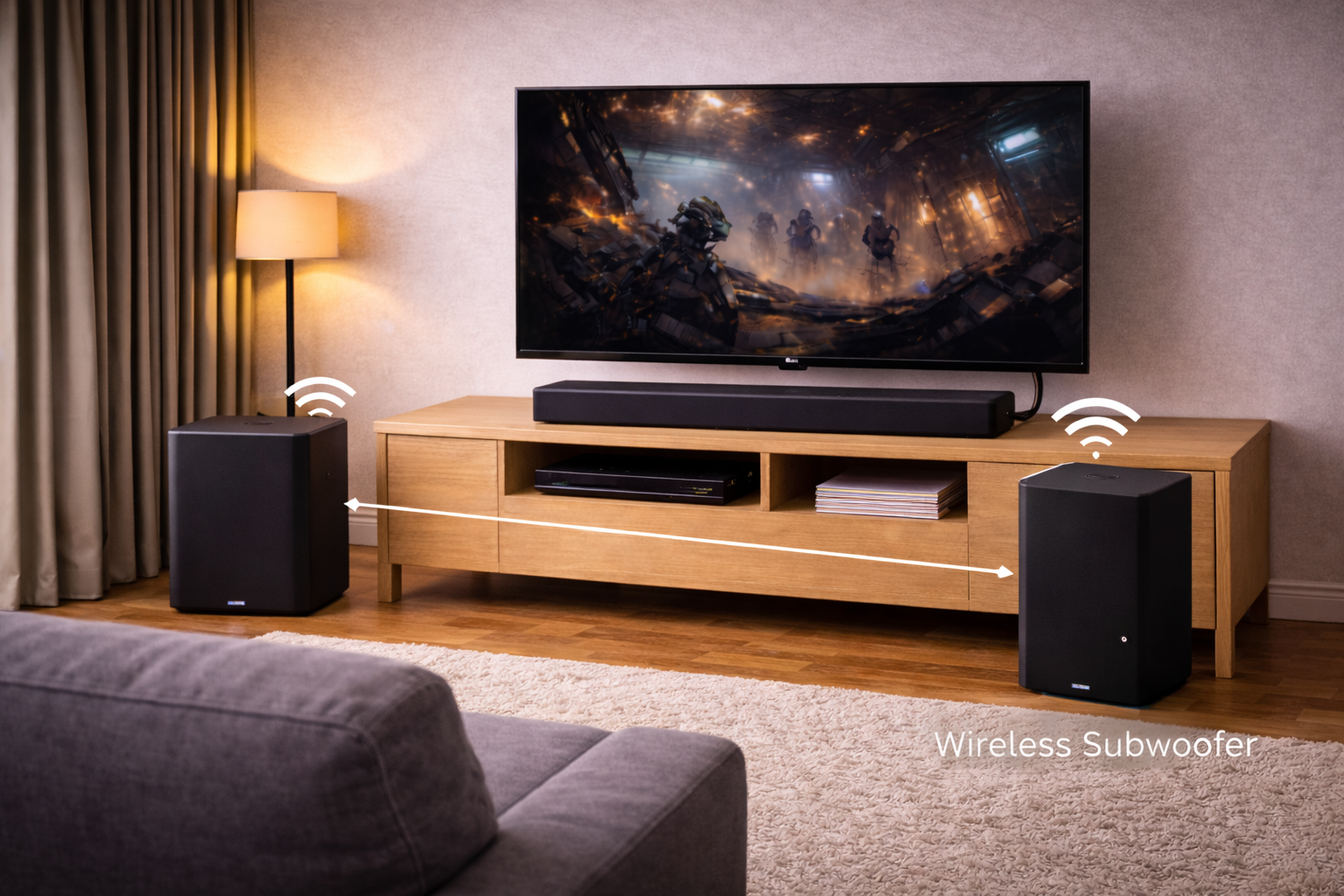
Most “wireless subwoofers” that ship with soundbars do not use standard Bluetooth pairing. They typically use a private 2.4GHz (sometimes 5GHz) link between the bar and the sub, with a pre-shared ID stored in memory. That’s why your phone can’t see the sub, and why Bluetooth settings on the TV rarely matter.
Pairing fails when one of three things happens:
- State mismatch: the soundbar and sub have different stored IDs after a reset, firmware update, or power event.
- RF interference: the link is being drowned out by Wi‑Fi, mesh nodes, baby monitors, wireless HDMI, or even a USB 3.0 hub near the soundbar.
- Handshake timing: the sub boots slower or faster than the bar and misses the initial link window, especially on older models.
This is the most common issue I see on devices sold in the UK before 2024: the sub is fine, but it’s stuck in a “searching” state after a brief mains interruption.
Read the LED on the subwoofer first (it tells you the failure mode)
Manufacturers vary, but the LED behaviour is usually consistent:
- Solid green/blue: linked and receiving audio data.
- Blinking green/blue: searching for the soundbar (not paired or can’t see it).
- Red or amber: protection mode, standby fault, or internal error (often power-related).
- No light: no power, dead PSU, or a blown fuse (less common, but it happens).
If your sub LED is solid but you still have no bass, skip ahead to the “paired but no bass” section because that’s a different problem.
Fast checks before you start resetting things
Do these quick checks first; they prevent you from chasing a pairing issue that’s actually power or placement.
- Confirm the sub is on the same mains circuit as the soundbar if possible (same extension block is fine). I’ve seen odd ground noise and flaky wake behaviour when the sub is on a switched wall socket behind furniture.
- Move the sub within 1–2 metres of the soundbar temporarily, with clear line-of-sight. This is just for pairing; you can move it back later.
- Power cycle properly: unplug both soundbar and sub from the wall for 60 seconds (not just standby), then plug the soundbar in first, sub second.
- Remove nearby 2.4GHz sources: turn off a nearby mesh node, baby monitor, or wireless rear speaker transmitter for the test.
In practice, the “close together + clean power cycle” step fixes the problem in about half of cases, especially on Samsung and LG bundles.
Step-by-step: the pairing reset that works on most systems
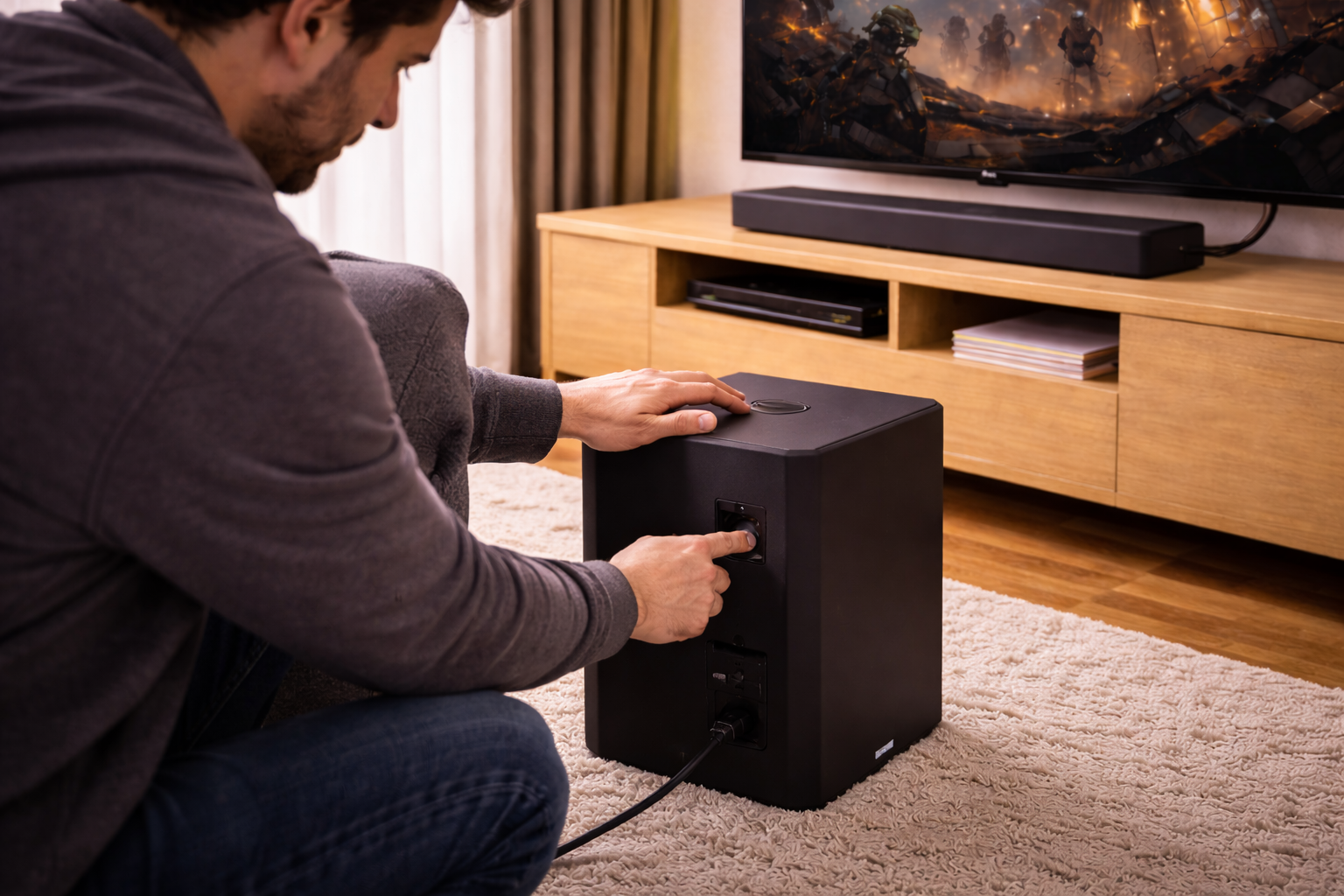
If the sub is blinking and won’t lock, do a controlled reset and re-link. The exact buttons differ by brand, but the sequence below maps to most models.
- Unplug both units from the wall for 60 seconds.
- Place the sub near the soundbar (1–2 metres) and keep it away from the router for now.
- Plug in the soundbar and wait until it fully boots (display stable, not cycling inputs).
- Plug in the subwoofer and wait 30–60 seconds.
- Force pairing mode on the sub: look for a PAIRING button on the back/bottom, or a pinhole reset. Hold 5–10 seconds until the LED changes pattern.
- Force pairing mode on the soundbar if supported: some bars use a remote combo (commonly “Mute” held for 5 seconds, or “Up” + “Down”).
- Wait 2 minutes without pressing anything. Many systems only attempt the handshake every 20–30 seconds.
If it pairs briefly then drops, that’s usually interference or placement, not a bad sub. When I test this in real homes, moving the router or mesh node even a metre away can be the difference between “solid” and “blinking forever”.
Samsung soundbar subwoofer not pairing (common pattern)
Samsung subs often show a blinking blue light when unlinked. The pairing button is usually on the back of the sub, and the soundbar may show “ID SET” during the process. If you see “ID SET” but it never completes, treat it as interference first, then try a full factory reset of the soundbar.
Samsung’s own steps vary by series, so use Samsung support: soundbar subwoofer connection and pairing to match the button sequence to your model.
LG soundbar subwoofer not pairing (what usually blocks it)
LG bundles are sensitive to boot order. If you plug the sub in first, it can sit searching while the bar comes up, then never re-attempt cleanly. Do the “soundbar first, sub second” order, then trigger pairing mode on the sub if it keeps blinking.
If you’re also fighting HDMI audio dropouts or no sound at all, fix that first because it can mask what the sub is doing. See Fix Soundbar No Audio via HDMI eARC.
When it says “paired” but you still get no bass
A solid LED doesn’t guarantee you’re hearing the sub. I regularly see “paired but silent” caused by settings, content, or crossover behaviour.
- Sound mode / night mode: some bars reduce LFE output in Night, Clear Voice, or late-night compression modes.
- Sub level set to minimum: check the soundbar remote/app for Subwoofer Level and reset it to 0, then adjust up.
- Source isn’t sending bass: stereo TV broadcasts and some YouTube streams won’t drive LFE the way films do.
- Wrong input path: if you’re using Bluetooth to the soundbar, some models reduce sub output or change the crossover.
A quick real-world test: play a film scene you know has sustained low-end (engine rumble, thunder), not a single bass “hit”. Short hits can be missed if the sub is waking from standby.
Interference: the hidden reason pairing keeps failing in UK homes
Because the sub link often sits in 2.4GHz, it competes with the busiest band in most homes. The worst offenders I see are mesh Wi‑Fi nodes placed next to the TV unit, and smart home hubs tucked behind the soundbar.
Try these changes one at a time:
- Move the router/mesh node at least 1–2 metres away from the soundbar and sub (even temporarily).
- Disable 2.4GHz temporarily on the mesh system for a test (or pause the node nearest the TV).
- Unplug USB 3.0 devices near the soundbar (USB 3.0 noise can pollute 2.4GHz in messy setups).
- Avoid stacking devices: don’t sit the soundbar on top of a set-top box or console if you can help it.
This is where I see the biggest improvement on busy flats and terraces: the sub pairs instantly once the nearest mesh node is moved off the TV cabinet.
Placement and materials that block the wireless link
Wireless subs don’t need line-of-sight, but they do hate certain placements. If the sub is inside a cabinet, behind a metal TV stand, or wedged between a radiator and a wall, the signal can be marginal.
- Don’t hide the sub in a closed unit. A wooden cabinet can be survivable; metal-backed units often aren’t.
- Keep it off thick carpet if the rear panel is close to the floor and the antenna is low.
- Rotate the sub so the rear panel isn’t facing a dense wall of cables and power bricks.
I rarely see pairing issues once the sub is out in the open during setup; the problems return when it’s pushed back into a tight corner next to extension leads and HDMI bundles.
Firmware, apps, and why updates sometimes break pairing
Some soundbars store wireless IDs and calibration data that can get out of sync after a firmware update. If your pairing broke right after an update (or after you installed the brand’s control app), do this:
- Update the soundbar firmware fully, then reboot it (unplug for 60 seconds).
- Remove and re-add the soundbar in the app if the app manages wireless speakers.
- Factory reset the soundbar only if pairing still fails after the clean reboot.
Factory resets fix a surprising number of “stuck searching” cases, but they also wipe EQ and input settings, so I treat them as a last step.
Real setups where pairing fails (and what actually fixed it)
Scenario 1: New mesh Wi‑Fi installed, subwoofer starts blinking
I’ve seen this repeatedly: the mesh node gets placed beside the TV for “better signal”, and the sub starts dropping or won’t pair at all. The fix is usually moving the node away from the soundbar and forcing a re-link with the sub close by. If you can’t move it, switching the mesh backhaul to 5GHz-only (where supported) often reduces the 2.4GHz noise floor enough to stabilise the link.
Scenario 2: After a power cut, the soundbar works but the sub won’t reconnect
This tends to be a state mismatch. Unplugging both for a full minute and powering the bar first resolves it more often than not. If it still fails, a forced pairing mode on the sub (button/pinhole) is the next step.
Scenario 3: Sub pairs in the morning, drops every evening
This is classic interference from “evening load”: neighbours’ Wi‑Fi, smart plugs, and streaming devices all active at once. The practical fix is relocation: keep the sub away from the router and avoid placing it behind the TV where all the RF and cabling is concentrated. If you want a deeper interference checklist, Fix Multiple Bluetooth Devices Causing Interference maps well to soundbar/sub setups too.
Mistakes that waste time (and how to avoid them)
- Trying to pair the sub in your phone’s Bluetooth menu: most bundled subs don’t use Bluetooth pairing at all.
- Resetting the TV: the TV rarely controls the sub link; it only feeds audio to the soundbar.
- Assuming the sub is dead because there’s no bass: a solid LED with low sub level or Night Mode can sound like “dead sub”.
- Pairing with the sub in its final location: do the initial link with the sub close to the bar, then move it back.
- Using a switched extension lead: if the sub loses mains overnight, it can wake in a different state than the bar.
In practice, the biggest time-sink is skipping the LED check and going straight to factory resets. The LED pattern usually tells you whether you’re dealing with pairing, power, or audio settings.
Hardware and setup tweaks that prevent repeat failures
You can’t change the radio inside the soundbar, but you can make the environment easier for it.
- Use a cleaner power setup: keep the soundbar and sub on the same surge-protected strip if possible, and avoid loose wall adapters.
- Reduce RF congestion near the TV unit: don’t park a mesh node, smart hub, and games console all within 20cm of the soundbar.
- Keep the sub’s rear panel accessible: you’ll need the pairing button again if the home network layout changes.
- For persistent dropouts: a simple ferrite clamp on the sub’s power lead can reduce noise in messy cable bundles. clip-on ferrite cores are a straightforward fix when interference is being injected via cabling rather than over the air.
When a setup is borderline, small physical changes beat endless resets. I’ve had systems go from daily dropouts to stable just by moving the sub 30cm away from a power brick cluster.
Wrap-up: the shortest path to a stable sub link
If your subwoofer isn’t pairing with your soundbar, start with what the LED is telling you. Then do a proper unplug reset, pair with the sub close to the soundbar, and only then chase interference and placement. Most failures are environmental: mesh Wi‑Fi placement, crowded 2.4GHz airspace, or awkward cabinet installs.
If you’ve done the steps and the sub still won’t lock (always blinking, never solid), you’re likely looking at a hardware fault in the sub’s wireless board or the soundbar’s transmitter. At that point, model-specific support steps are worth following before assuming it’s dead.
FAQ: pairing edge cases people actually hit
Why does my subwoofer pair for 10 seconds then disconnect every time?
That pattern is almost always interference rather than a bad sub. Move the sub within 1–2 metres of the soundbar and power cycle both; if it stays connected up close but drops in its normal spot, the location is the problem. In real homes, not lab setups, mesh nodes on the TV unit are the most common trigger.
My Samsung subwoofer is blinking blue but the soundbar shows “ID SET” and never finishes—what now?
First treat it as RF congestion: move the router/mesh away and retry pairing with the sub close to the bar. If it still stalls, factory reset the soundbar and repeat the pairing sequence. Use Samsung support: soundbar subwoofer connection and pairing to match the exact button combo to your series, because Samsung changes it often.
Why does the subwoofer work on HDMI eARC but not when I use Bluetooth to the soundbar?
Some soundbars change processing and bass management depending on input. Bluetooth modes can apply night compression, reduce LFE, or use a different sound profile that makes the sub seem quiet. I’ve fixed this by switching sound mode back to Standard/Movie and raising Sub Level, rather than re-pairing.
My LG subwoofer won’t pair unless it’s right next to the soundbar—does that mean it’s faulty?
Not necessarily. It usually means the final placement is blocking the signal (cabinet, metal stand, radiator) or there’s a strong 2.4GHz source nearby. Pair it close, then move it back in 30cm steps until it fails; that distance test is more revealing than repeated resets.
After a UK power cut, the soundbar turns on but the subwoofer stays flashing—how do I stop it happening again?
Do a full unplug reset (both units off the wall for 60 seconds) and re-link with the soundbar powered first. To reduce repeats, keep both on the same surge-protected strip and avoid switched sockets that cut power to only one device overnight. This is the most common issue I see on older bundles where the sub’s standby state is fragile.
Can I pair a different wireless subwoofer to my soundbar?
Usually no. Most bundled wireless subs use a proprietary link and won’t accept third-party pairing, even if the connector and size look similar. The exceptions are ecosystems designed for expansion (for example, some multi-room platforms), but standard “soundbar + sub” kits are typically locked to their matching hardware.
Recommended gear on Amazon UK
- When pairing keeps breaking after power cuts or overnight, putting the soundbar and subwoofer on the same surge-protected extension lead stabilises boot timing and power state. View Surge-protected extension lead on Amazon UK
- If the subwoofer drops out only when it’s placed near dense cable bundles, clip-on ferrite cores can reduce noise carried on power leads that destabilises the wireless link. View Clip-on ferrite cores on Amazon UK
- When the subwoofer only pairs close to the soundbar, a short mains extension helps you test alternative placements away from routers and mesh nodes without committing to a full room rewire. View Mains extension for repositioning on Amazon UK
- In setups where the subwoofer sits behind the TV with lots of power bricks, cable management sleeves help separate power and signal runs that often contribute to flaky reconnection. View Cable management sleeves on Amazon UK