When a power bank works for everything except your iPhone
If your power bank happily charges earbuds, Android phones, or a tablet but refuses to charge your iPhone, you’re usually looking at a negotiation problem rather than a “dead” power bank. iPhones are picky about the combination of port type, cable type, and charging protocol (USB Power Delivery vs older USB-A behaviour). The annoying part is that the power bank can look fine because it works on other devices.
I see this most often when people switch cables (especially USB-C to Lightning) or start using a new power bank with multiple ports and “smart” modes. The fix is nearly always one of: the wrong cable, the wrong port, a low-current mode, or the iPhone blocking charging due to debris/overheat/optimised charging behaviour.
What’s actually happening: iPhone charging handshakes in plain English
Charging isn’t just “5V goes in”. Modern power banks and iPhones negotiate what to do. If that negotiation fails, the bank may output almost nothing, or it may briefly start then stop.
USB-A vs USB-C: different rules
- USB-A ports often rely on legacy signalling (Apple 2.4A, BC 1.2, or the bank’s “smart” detection). Many banks will still output 5V regardless, so lots of devices charge even with mediocre cables.
- USB-C ports are supposed to follow USB-C rules. Many banks require a proper USB-C cable and a successful USB-PD or default USB-C current negotiation before they’ll deliver stable power.
In practice, the “charges my headphones but not my iPhone” pattern happens because the headphones accept almost anything at 5V, while the iPhone/cable/port combination is failing the handshake.
Lightning iPhones vs USB-C iPhones (iPhone 15 and newer)
- Lightning iPhones depend heavily on the cable quality and the Lightning port condition. A worn Lightning port can still sync occasionally but fail under charging load.
- USB-C iPhones are more standards-based, but they’re also more sensitive to USB-C cable type (some USB-C cables are charge-only, some are e-marked for higher power, some are simply out of spec).
If you’re on iPhone 15/16 and the issue is specifically with power banks, also see Fix iPhone USB-C not charging from power banks for the USB-C-specific edge cases.
Why it can charge other devices but not iPhone
- Low-power “trickle” mode is on (some banks enable this for wearables, and it can confuse iPhones).
- The port you’re using is outputting less than you think (shared power, auto-switching, or a “USB-A 5V only” port next to a PD port).
- The cable is the real failure (especially cheap USB-C to Lightning cables that work intermittently).
- The iPhone is rejecting charging due to liquid detection, debris, temperature, or accessory restrictions.
- The power bank is doing pass-through or priority routing (charging itself or another device first).
Diagnostics first: confirm the symptom properly
Before changing settings, make sure you’re not chasing a misleading indicator.
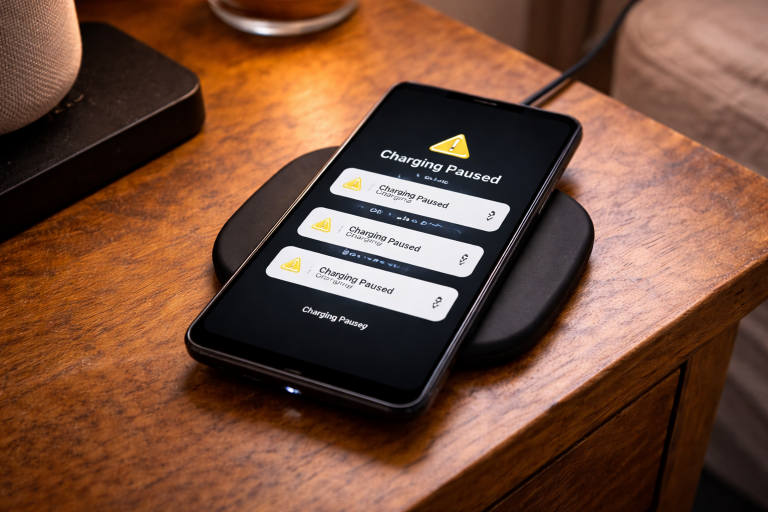
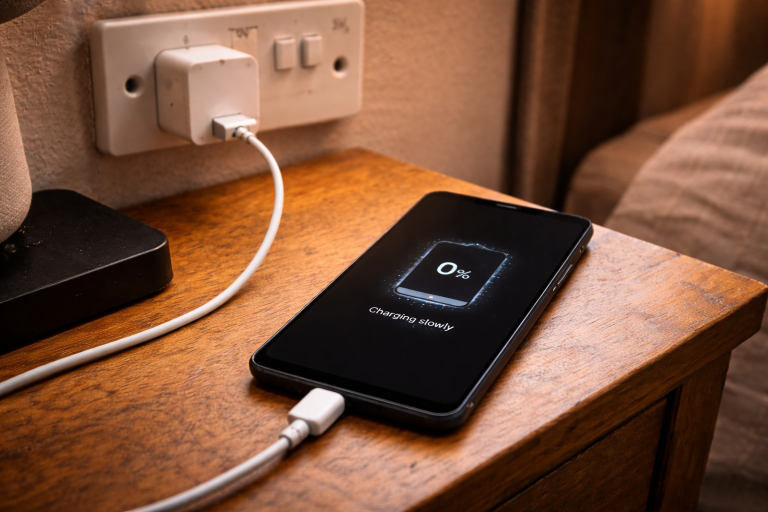
- Watch the iPhone screen: do you see the charging icon flash on then off, or nothing at all?
- Try with the iPhone unlocked for 30 seconds. Some banks take a moment to wake and negotiate.
- Check the power bank LEDs: many banks show a different pattern when they detect a device vs when they’re actually outputting current.
- Remove any USB hubs/adapters and connect directly bank → cable → iPhone.
This is the most common issue I see on devices sold in the UK before 2024: a “working” cable that only fails when the phone asks for stable current.
Step-by-step fixes (in the order that saves the most time)
1) Swap the cable, but swap it intelligently
Don’t just try “another random cable”. Match the cable to the port and iPhone type.
- Lightning iPhone + USB-C power bank port: use a known-good USB-C to Lightning cable (MFi-certified is still the least hassle). If you only have USB-A ports, use USB-A to Lightning.
- USB-C iPhone + USB-C power bank port: use a USB-C to USB-C cable that you trust for charging a laptop/tablet, not a thin freebie cable.
- Avoid adapters (USB-C to USB-A dongles, multi-tips) while testing; they’re frequent handshake-breakers.
In practice, this step fixes the problem in about half of cases because the bank and phone are fine, but the cable isn’t.
2) Use the “right” port on the power bank (PD vs non-PD)
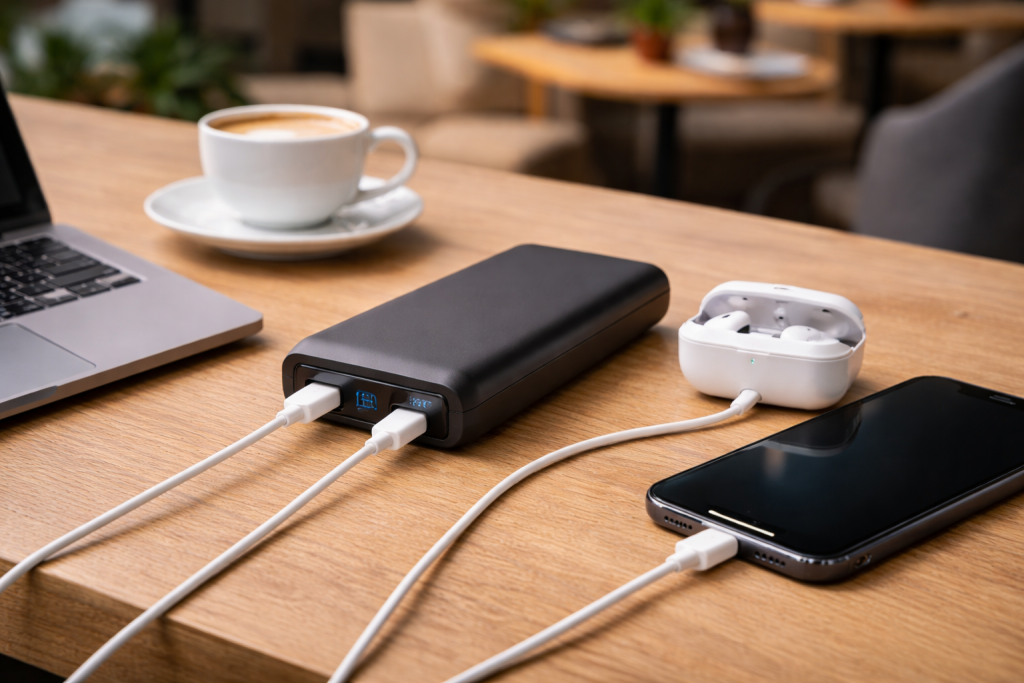
Many power banks have a mix like: USB-C (PD in/out), USB-A (QC/5V), and sometimes a second USB-C that is output-only or lower power.
- For fastest and most reliable iPhone charging, prefer the USB-C PD port (often labelled “PD”, “USB-C”, or “IN/OUT”).
- If the iPhone won’t charge on USB-C, try USB-A as a compatibility test. If USB-A works but USB-C doesn’t, you’re likely dealing with a USB-C negotiation/cable issue rather than an iPhone fault.
- Unplug other devices while testing. Some banks downshift or disable a port when multiple outputs are active.
3) Disable low-current / trickle-charge mode on the power bank
Lots of UK-sold power banks have a mode for smartwatches/earbuds. It’s often triggered by a long-press on the button, and it can keep output at a level that never “locks in” for an iPhone.
- Look for a small icon (often a “leaf” or a tiny device symbol) on the bank’s display/LED pattern.
- Press the power button once to cycle modes, or long-press again to exit low-current mode (varies by brand).
- After changing mode, disconnect and reconnect the cable to force a new negotiation.
I’ve lost count of how many “dead iPhone charging” reports were just trickle mode left on after charging AirPods overnight.
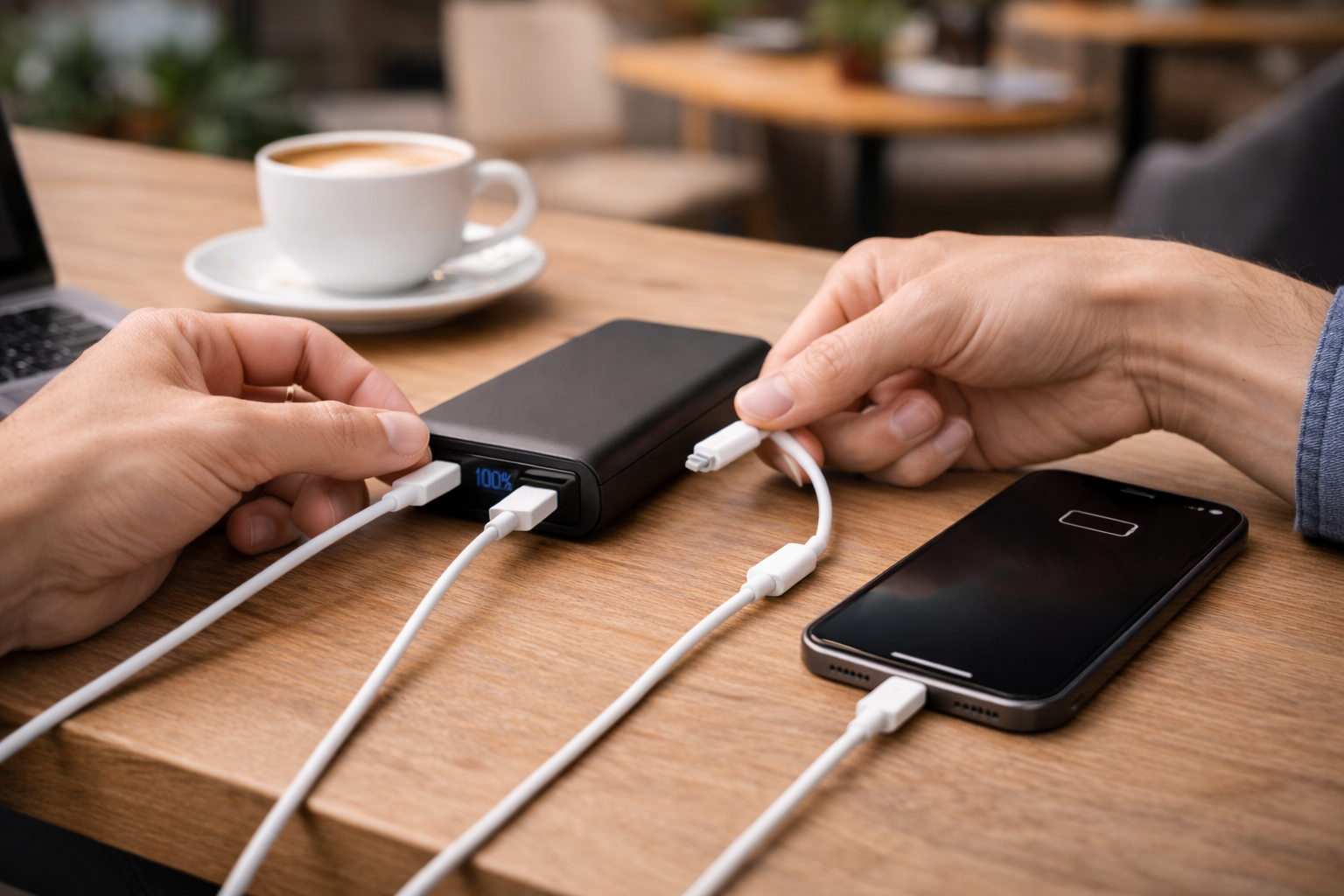
4) Clean the iPhone port properly (Lightning or USB-C)
If the cable doesn’t seat fully, the phone may detect power briefly and then drop. Pocket lint is enough to do this, especially on Lightning.
- Power the iPhone off.
- Use a wooden toothpick or a soft plastic pick to gently lift lint out (no metal tools).
- Blow out loosened debris (compressed air is fine if used lightly).
- Inspect the cable tip too; grime on the contacts causes intermittent charging.
Real-world note: Lightning ports that “look clean” often still have a compacted felt-like layer at the back that stops full insertion.
5) Check iOS charging blockers: temperature, liquid detection, and accessory restrictions
- Overheat/cold: if the iPhone is hot (car dash, direct sun) it may pause charging. Let it cool and try again.
- Liquid detected: Lightning iPhones can block charging if moisture is detected. Dry the port and wait; don’t override unless you’re sure it’s dry.
- Accessory restrictions: if you use USB accessories, iOS can sometimes behave oddly after a failed accessory handshake. A reboot clears it.
Apple’s documentation on charging and temperature behaviour is worth a quick read: If your iPhone or iPad gets too hot or too cold.
6) Force a fresh power negotiation (the “reset the handshake” routine)
This sounds basic, but it fixes the “starts charging then stops” loop with certain banks.
- Disconnect the iPhone from the power bank.
- Turn the power bank off (or hold the button until outputs stop, if it supports that).
- Wait 10 seconds.
- Connect the cable to the power bank first, then to the iPhone.
- If the bank has multiple ports, try the PD port first, then USB-A as a control test.
I rarely see this issue on newer platforms with simple single-port PD banks, but multi-port models trigger it a lot.
7) Ifyour power bank has USB-C “in/out”, make sure it’s not trying to charge itself
Some banks auto-detect direction on USB-C. With certain cables or devices, they can get confused and sit in input mode.
- If the bank supports it, use a different USB-C port (some have one dedicated output).
- Try flipping the USB-C connector orientation (yes, USB-C is reversible, but some marginal cables behave differently).
- Charge the power bank to above 30% and retry; some banks limit output when very low.
8) Rule out the iPhone battery/charging system with a wall charger test
If the iPhone won’t charge from the power bank, confirm it charges reliably from mains.
- Use a known-good wall charger and cable.
- Charge for 10 minutes and confirm the battery percentage increases.
- If mains charging is also flaky, the issue is likely the iPhone port/cable rather than the power bank.
If you’re troubleshooting multiple USB-C charging oddities across devices, the same logic applies to laptops too; Fix laptop not charging via USB-C dock covers the common PD negotiation failures.
Situations I see a lot (and the specific fix that usually works)
Scenario A: “It charges my partner’s Android, but my iPhone shows nothing”
- Most likely cause: cable or port mismatch (USB-C PD vs legacy USB-A behaviour).
- Fix: use the USB-C PD port with a known-good cable; if Lightning, use a proper USB-C to Lightning cable. If it still fails, test USB-A to Lightning as a compatibility baseline.
In practice, Android phones are more tolerant of odd USB-A signalling, so they mask a marginal power bank port that an iPhone refuses.
Scenario B: “It starts charging then stops after 5–20 seconds”
- Most likely cause: the bank is dropping output due to unstable negotiation, a damaged cable, or a low-current mode.
- Fix: exit trickle mode, swap cable, then do the handshake reset routine. Also try with no other devices connected.
Scenario C: “It charges fine at home, but not when travelling”
- Most likely cause: pocket lint in the port, temperature, or a travel cable that’s charge-only/cheap.
- Fix: clean the port, let the phone cool, and use a single known-good cable you don’t bend tightly in a bag.
This is the most common issue I see after flights and train commutes: the cable has been kinked near the connector and becomes intermittent under load.
Scenario D: “My power bank charges my iPhone wirelessly, but not by cable”
- Most likely cause: the iPhone port or the cable is the failure point, not the bank.
- Fix: clean the port and test with a different cable. If it’s a Lightning iPhone, check for liquid detection warnings and wait them out.
Mistakes that waste time (and how to avoid them)
- Assuming the power bank is fine because it charges “something”: low-power devices will charge from a weak 5V output that an iPhone won’t accept reliably.
- Testing with multiple adapters at once: USB-C dongles, multi-tip cables, and car adapters stack failure points. Test direct first.
- Ignoring the port label: “USB-C” doesn’t always mean PD output; some are input-only or shared in/out with quirks.
- Cleaning the port with metal: it’s easy to damage pins, especially on USB-C. Use wood/plastic only.
- Charging while the phone is overheating: iOS will throttle or pause charging and it looks like a power bank fault.
What to use when you want this to stop happening
Choose a simple PD setup for iPhone
If you want consistent behaviour, the most stable combo is: a power bank with a clear USB-C PD output and a cable that’s known-good for PD charging. Multi-port banks with lots of auto-modes are convenient, but they’re also where I see the weirdest edge cases.
- For Lightning iPhones: a reliable USB-C to Lightning cable removes most “it works sometimes” problems.
- For USB-C iPhones: a USB-C to USB-C cable that’s rated for charging (not a thin data-only freebie) avoids negotiation dropouts.
If you want a low-effort fallback when ports/cables are being temperamental, a Qi2-compatible magnetic wireless power bank can keep you going while you sort the wired issue.
Keep iOS up to date (it matters more than people think)
Some charging quirks are firmware-level. I’ve seen iOS updates improve compatibility with certain USB-C PD controllers, especially on newer iPhones.
If you suspect software weirdness after an update or accessory issue, Apple’s general troubleshooting steps are here: If your iPhone or iPad won’t charge.
Wrap-up: the shortest path to a fix
When a power bank charges other devices but not your iPhone, treat it as a compatibility chain problem: port → protocol → cable → iPhone port condition → iOS blockers. Start by swapping to a known-good cable and the correct port (USB-C PD if available), then exit trickle mode and clean the iPhone port. If it still fails, do a handshake reset and confirm the iPhone charges from mains to isolate whether the phone is the culprit.
FAQ: awkward edge cases people actually hit
Why does my power bank charge my iPad but not my iPhone (same cable)?
This usually comes down to the iPhone port being less tolerant of a loose fit or debris, especially on Lightning. iPads also tend to have more stable charging behaviour with some PD profiles, while iPhones can drop out if the negotiation is marginal. Clean the iPhone port and try a different cable before blaming the bank. In real homes, this is more common than a “broken” power bank.
My iPhone 15 (USB-C) charges from a wall charger but not from a USB-C power bank — why?
This is often a USB-C PD negotiation mismatch or a cable that isn’t properly spec’d for charging. Some banks also have USB-C ports that are input-first and get direction wrong with certain cables. Try a different USB-C to USB-C cable and a different USB-C port on the bank, then do the handshake reset routine. I see this more with multi-port banks than with single-port PD models.
Why does the power bank show “fast charge” for my Android but my iPhone won’t charge at all?
Many Android phones will accept Qualcomm Quick Charge or other legacy fast-charge methods over USB-A, while iPhones prefer USB-C PD for fast charging and can be picky about USB-A signalling. If you’re using USB-A, the iPhone may not like the bank’s detection mode or the cable. Use the USB-C PD port with a proper cable, or test USB-A with a different Lightning cable. This is the most common “works on Android, not iPhone” pattern I see.
My iPhone says it’s charging from the power bank, but the battery percentage doesn’t go up
This happens when the phone is drawing very little due to temperature, background load, or Optimised Battery Charging behaviour, or when the bank is in a low-current mode. Check if the phone is hot and let it cool, and make sure the bank isn’t in trickle mode. Also try Airplane Mode for five minutes as a quick load-reduction test. If it climbs in Airplane Mode, the bank is probably fine and you’re just not net-charging.
In the UK, does a USB-C to Lightning cable need to be “MFi” for power bank charging?
It doesn’t have to be, but in practice MFi-certified cables cause fewer weird dropouts and “connect/disconnect” loops with power banks. Non-certified cables can work for months and then become intermittent, especially after being bent in a bag. If you’re troubleshooting, swapping to a known-good MFi cable is a clean way to remove the cable as a variable. I rarely see persistent issues once the cable is ruled out.
Why does my iPhone only charge from the power bank when the screen is on?
This is usually a marginal connection or a bank that’s aggressively auto-sleeping when it thinks the load is too low. A slightly loose connector can make the current dip and the bank shuts the port off. Swap the cable, clean the port, and avoid low-current mode. If the bank has an “always on” setting, enable it for testing.
Recommended gear on Amazon UK
- In practice, when a power bank charges other devices but not a Lightning iPhone, swapping to a reliable USB-C to Lightning cable is the quickest way to eliminate handshake and intermittent-connector failures. View USB-C to Lightning (MFi) cable on Amazon UK
- For iPhone 15/16 models that refuse to charge from a USB-C power bank, an e-marked USB-C to USB-C charging cable usually stops the PD negotiation dropouts seen with thin or charge-only leads. View USB-C to USB-C PD charging cable on Amazon UK
- When multi-port banks keep switching modes or sleeping the output, a simple single USB-C PD power bank avoids the port-sharing behaviour that commonly causes iPhone charging to start then stop. View USB-C PD power bank (single USB-C output) on Amazon UK
- If wired charging is failing due to a dirty or worn phone port, a Qi2 magnetic wireless power bank provides a dependable fallback while you clean the port or replace the cable. View Qi2 magnetic wireless power bank on Amazon UK